
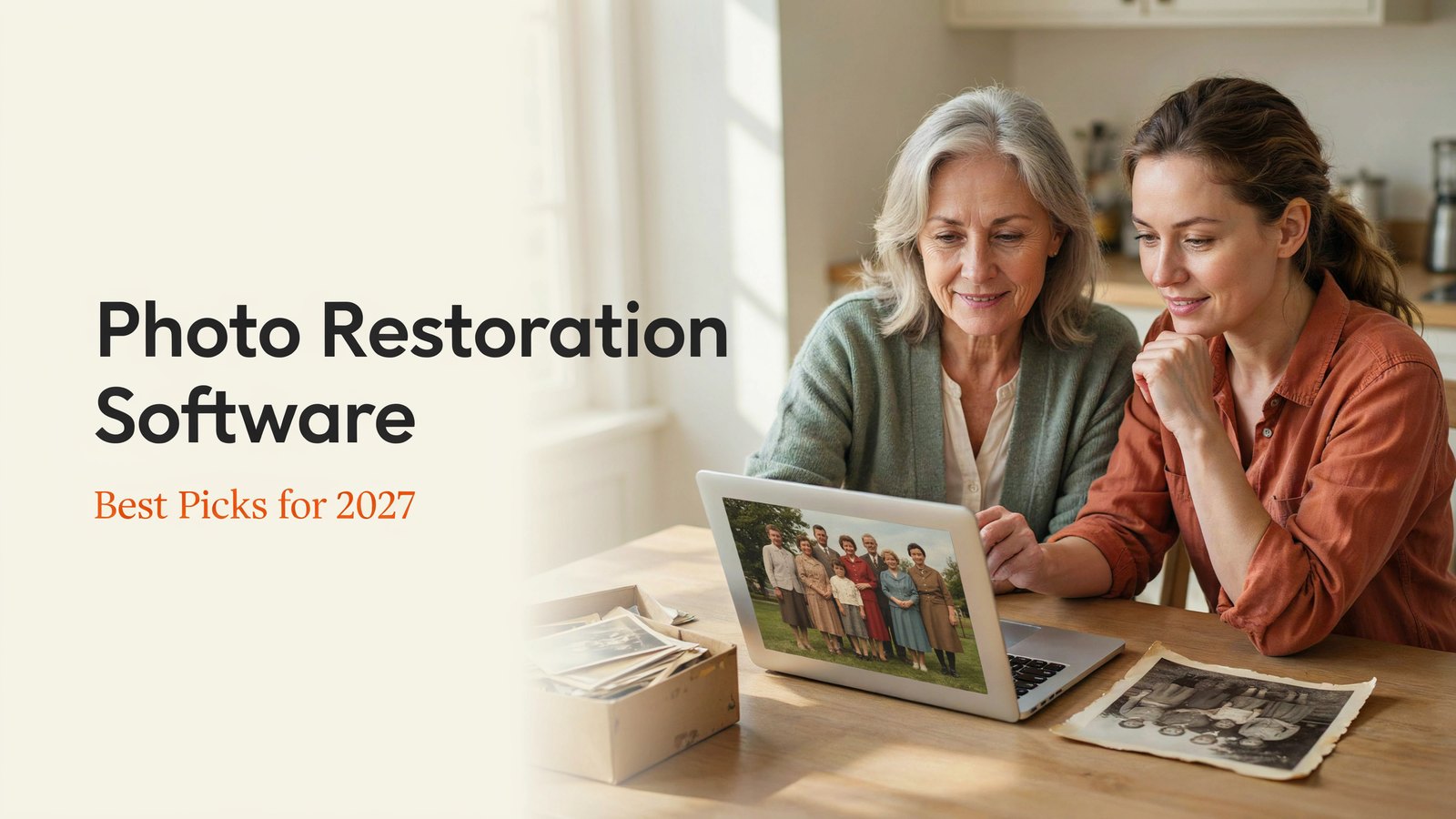
Most families have a shoebox somewhere. Inside are photos nobody has looked at in years, curling at the corners, going yellow, with a crease right through someone's face.
Five years ago, fixing those meant paying a retoucher or learning Photoshop properly. Now a decent AI tool can clean up most of that damage in under a minute.
But the tools are not all equal. Some are great at faces and bad at backgrounds. Some charge by the week. Some quietly invent details that were never in the photo. I tested the main options and put together this list of the best photo restoration software for 2027, with real prices and a before and after so you can see what's possible.
What Good Restoration Looks Like
Here's a damaged print we made for this test. It has the usual problems. A torn corner, cracks across the middle, a big water stain and that yellow fade old prints get.
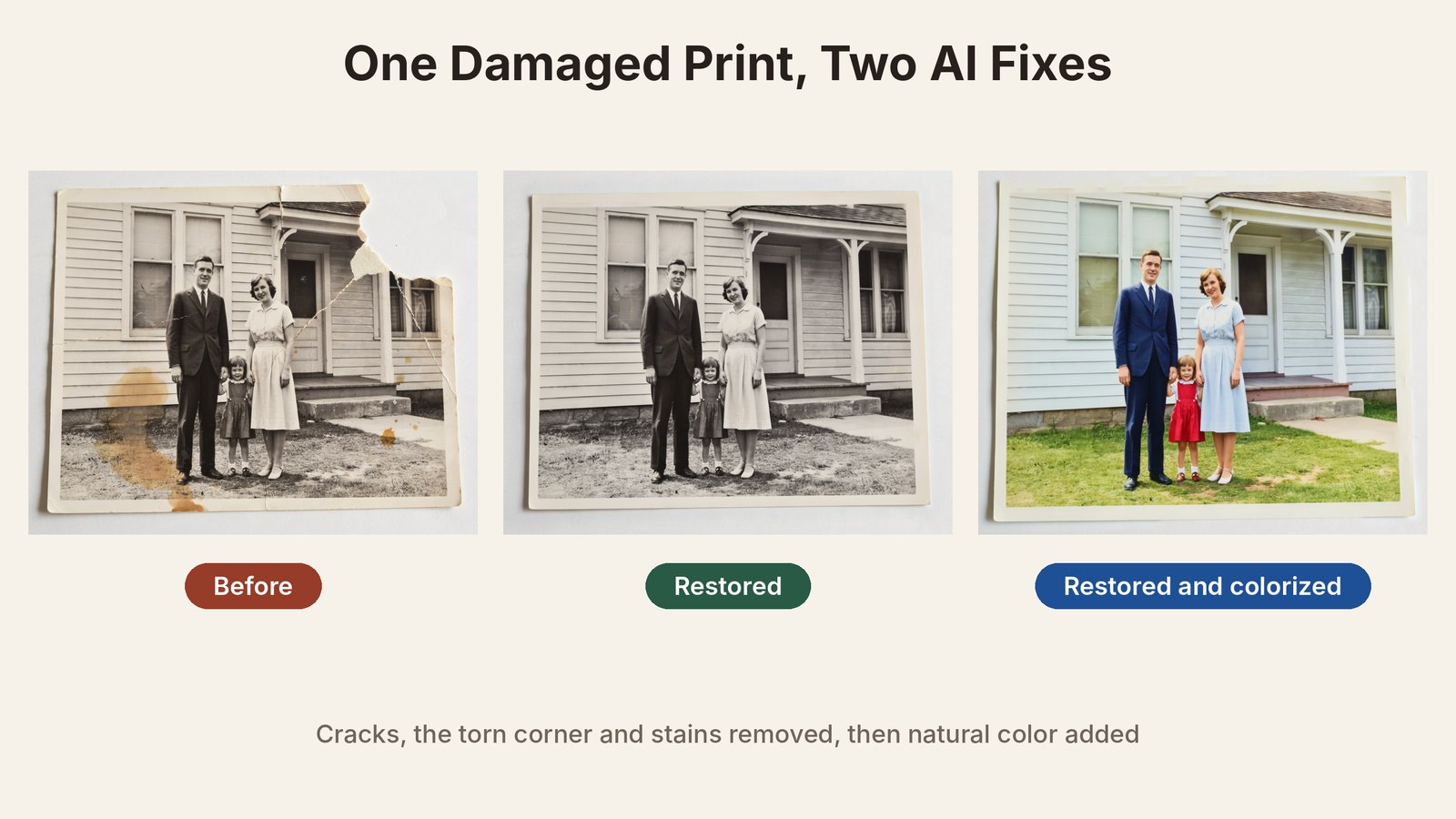
We ran it through an AI restoration model twice. Once to repair it, and once to repair and colorize it. The cracks and stain are gone, the missing corner is rebuilt, and the faces still look like the same people.
That last part matters most. A restore that makes grandma look like a stranger is a failed restore, however sharp it is.
What AI Can Fix, and What It Can't
AI is very good at the common stuff.
- Scratches, dust spots and fine cracks
- Faded or yellowed prints
- Soft, slightly blurry faces
- Small tears and missing corners
- Low resolution scans that need to be printed bigger
- Black and white photos you want in color
It struggles when there's nothing left to work with. If half a face is missing, the AI has to guess, and its guess may not match the real person. Heavy mold, photos stuck to glass and big missing chunks still need a patient human, or at least a lot of careful manual work.
Colorizing is also a guess. The AI doesn't know your grandfather's suit was brown. It picks colors that look believable. If you know the real colors, use a tool that lets you change them.
Quick Comparison
| Tool | Best for | Free option | Price |
|---|---|---|---|
| Pixci | Restoring plus other image work in one plan | 30 day refund | $5.58 a month, paid yearly, or $6.99 month to month |
| Adobe Photoshop | Full manual control for pros | 7 day trial | $19.99 a month, Photography plan, yearly |
| MyHeritage | Family history, colorizing and repair | Limited free use | $299 a year, Complete plan |
| Remini | Quick face fixes on your phone | Free with limits | $9.99 a week, Pro |
| VanceAI | Browser restoring on credits | 10 free credits | $180 a year for 260 credits a month |
| Luminar Neo | Pay once desktop editing | Money back guarantee | One time license, about $99 on sale |
| Topaz Photo | Sharpening and upscaling for print | Free trial | $199 a year |
| Fotor | Cheapest all round online editor | Free plan | $47.99 a year, Pro |
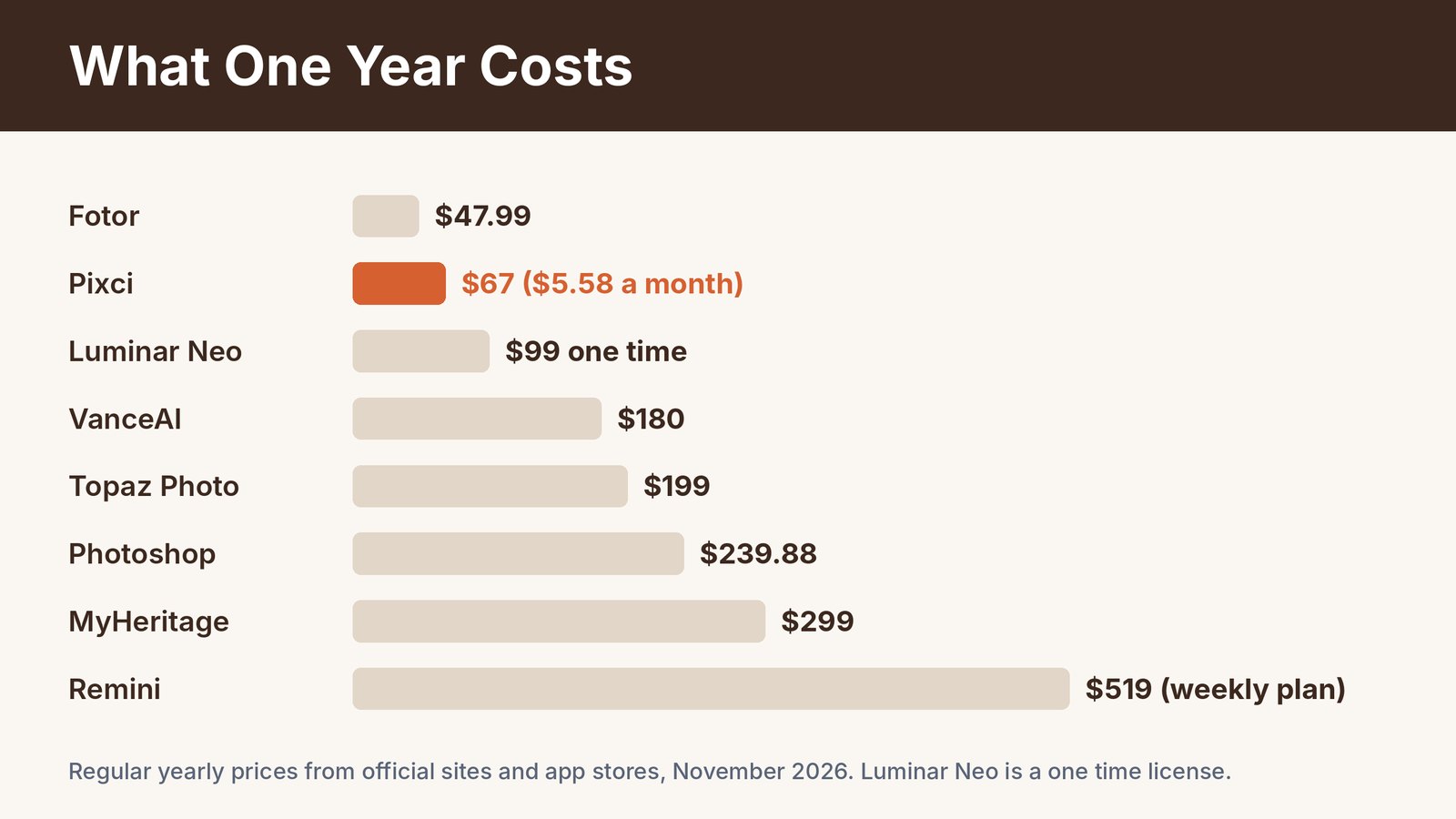
The yearly cost tells the real story. Weekly pricing on phone apps looks small and adds up fast.
1. Pixci

Pixci isn't only a restoration app, and that's the point. It puts 41 image AI models in one place, with one click tools for the jobs people actually need. Restore an old print, upscale a small photo, remove a background, extend the frame or fill a gap with something you describe.
For restoration, you upload a JPG or PNG, pick the restore tool and let it work. If the result is soft, run it through the upscaler. If you want a clean background for a framed print, remove it in the same app.
Most people who restore one family photo end up wanting to do something else with it. A card for a birthday, a slideshow, a cleaned up profile picture. Paying for one tool that covers all of that beats stacking three subscriptions.
Price. $5.58 a month, paid yearly ($67 a year), or $6.99 month to month, with a 30 day refund.
Good to know. It's built for fast results, not pixel by pixel retouching. For a museum grade job you'd still finish in Photoshop.
2. Adobe Photoshop
Photoshop is still the tool professional retouchers use, and for good reason. Its Neural Filters include a Photo Restoration filter and a Colorize filter, and Generative Fill can rebuild missing areas. When the AI gets something wrong, you have the healing brush, clone stamp, layers and masks to fix it by hand.
That control is the whole reason to pick it. No other tool on this list lets you go this deep.
Price. The Photography plan is $19.99 a month on a yearly plan and includes Lightroom. Photoshop alone is $22.99 a month.
Good to know. It takes real time to learn. If you only have a few family photos to fix, it's more tool than you need.
3. MyHeritage
MyHeritage comes at restoration from the family history side. Its Photo Enhancer sharpens faces, In Color colorizes black and white photos, Photo Repair fixes scratches and creases, and Deep Nostalgia animates faces in still photos.
If you're already building a family tree, it's a natural fit. Your restored photos sit right next to the people in your tree.
Price. Unlimited photo tools come with the Complete plan, listed at $299 a year, with big first year discounts common. There's also a separate photo plan.
Good to know. The animated faces are fun once. Some people find them a bit eerie. And the full price only makes sense if you'll use the genealogy side too.
4. Remini
Remini is the app people find first on their phone, and it's very good at faces. Snap a photo of an old print, tap enhance, and blurry faces come back sharp in seconds.
Price. The free version has limits and ads. Pro is $9.99 a week in the US App Store, which is over $500 a year if you keep it running.
Good to know. It sometimes makes faces too smooth, almost plastic, and it can change features slightly. Always compare with the original. And cancel the weekly plan when you're done.
5. VanceAI
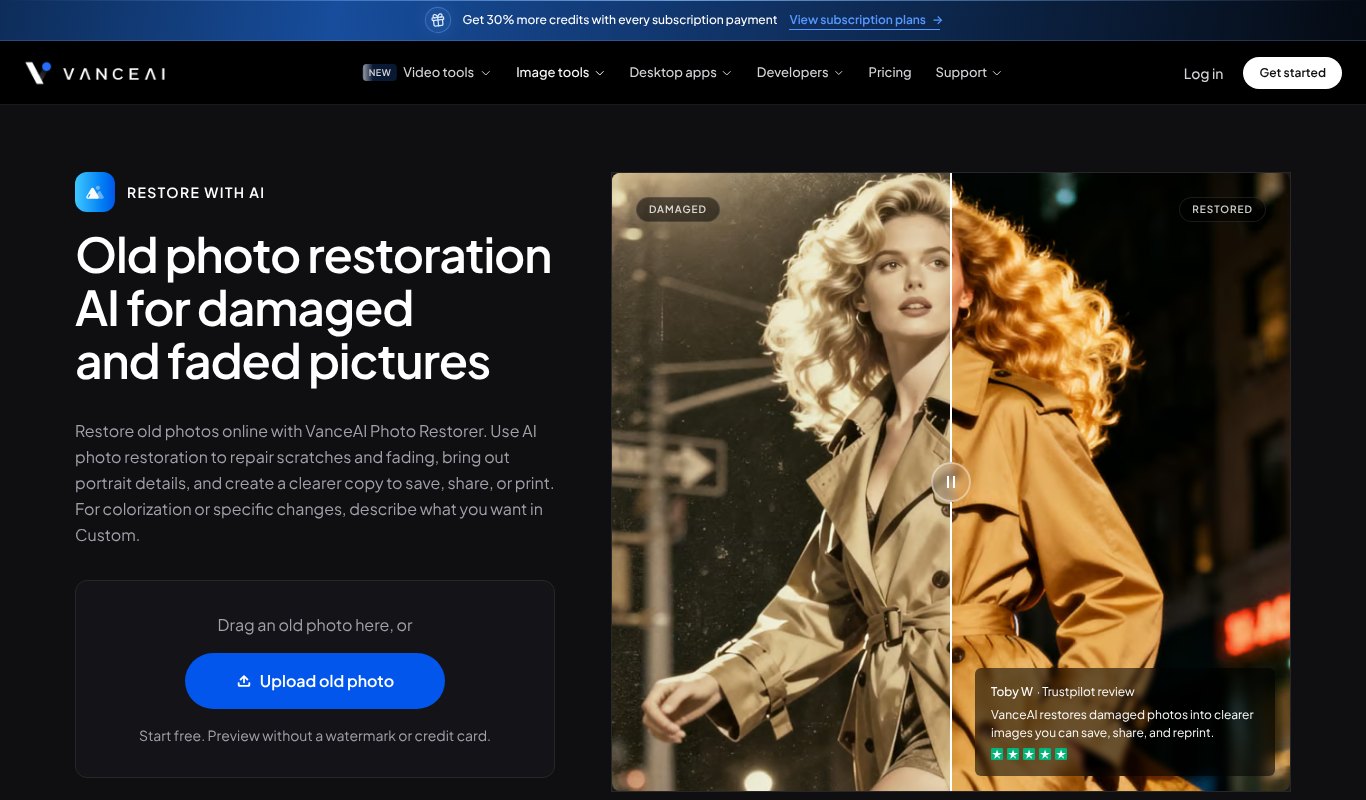
VanceAI has a dedicated old photo restoration page in the browser. Drop in a photo, preview the result for free, then spend credits to download it. It also has colorizing, upscaling and denoising tools.
Price. You get 10 free credits to try it. The Starter plan is $180 a year for 260 credits a month. There's also a Windows desktop app at $99.90 a year or $129.90 one time.
Good to know. Credits make sense for a one off batch, less so if you edit photos every week.
6. Luminar Neo
Luminar Neo is a desktop photo editor from Skylum, sold as a one time license rather than a subscription. Its AI tools for enhancing, sharpening, removing noise and fixing faces work well on faded prints.
Price. Licenses are one time payments. The desktop license was $99 on sale when I checked, with yearly updates sold separately.
Good to know. It's a general editor first. It brightens and sharpens old photos nicely, but it won't rebuild a torn corner as well as a dedicated restorer.
7. Topaz Photo
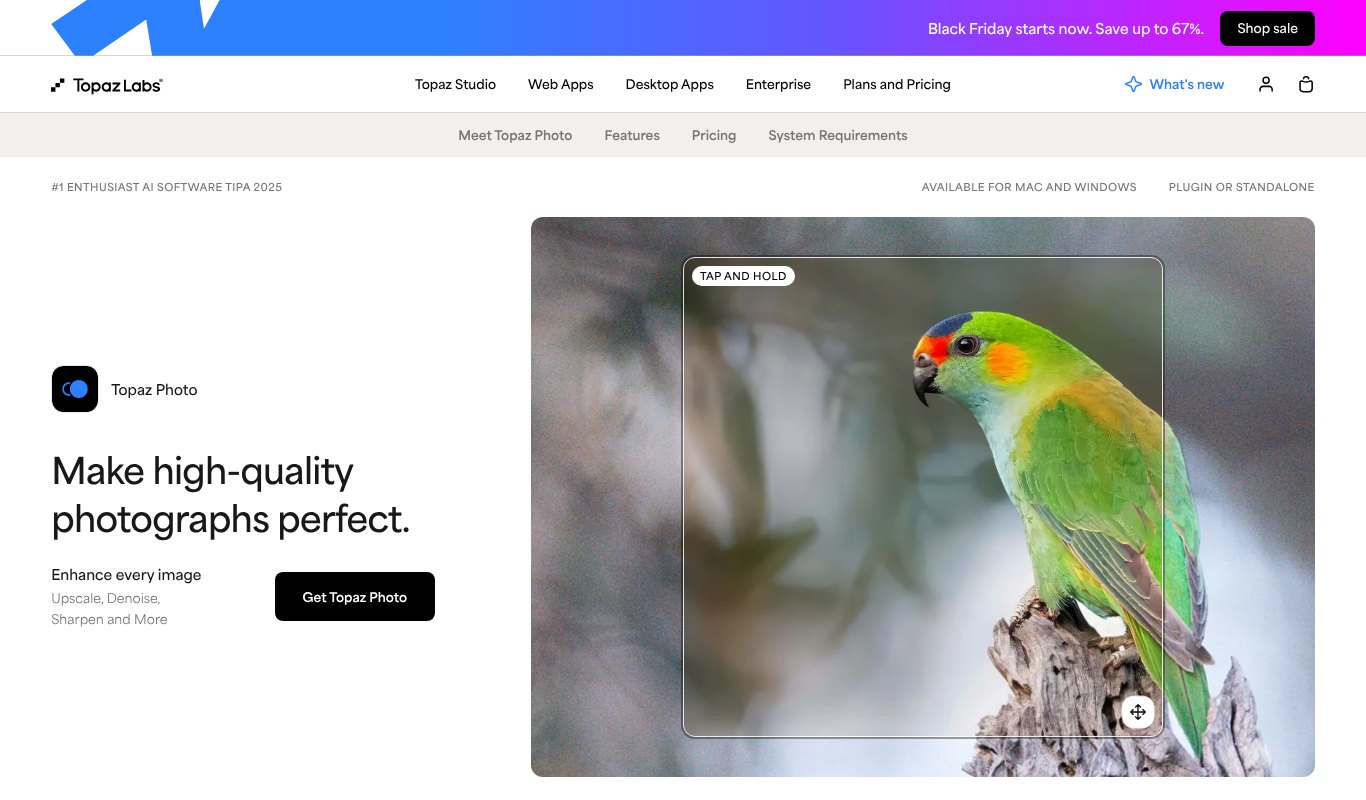
Topaz is the name photographers trust for sharpening, denoising and upscaling. Topaz Photo can rescue a tiny, soft scan and make it sharp enough for a large print, and its face recovery works well on small faces in group shots.
Price. Topaz Photo is $199 a year for Mac and PC. Topaz Studio, with all their apps, is $499 a year.
Good to know. It's about detail, not damage. It won't remove a water stain. Pair it with a restorer if your photo is torn or stained.
8. Fotor
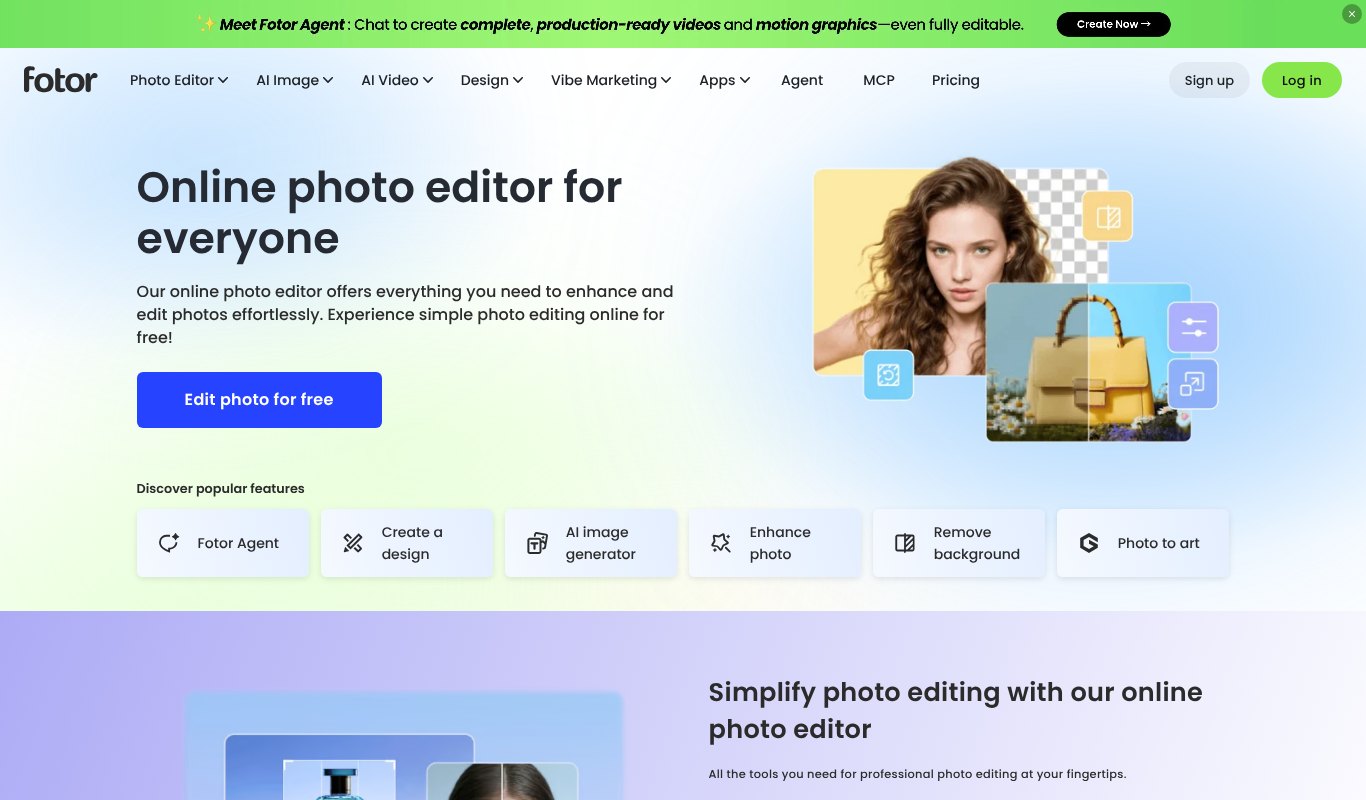
Fotor is a cheap, friendly online editor with an old photo restoration feature, plus colorizing, background removal and the usual edits.
Price. There's a free plan. Pro is $47.99 a year with 100 credits a month.
Good to know. Results are fine for social media and small prints. For a big framed print, you'll want something stronger.
How to Choose
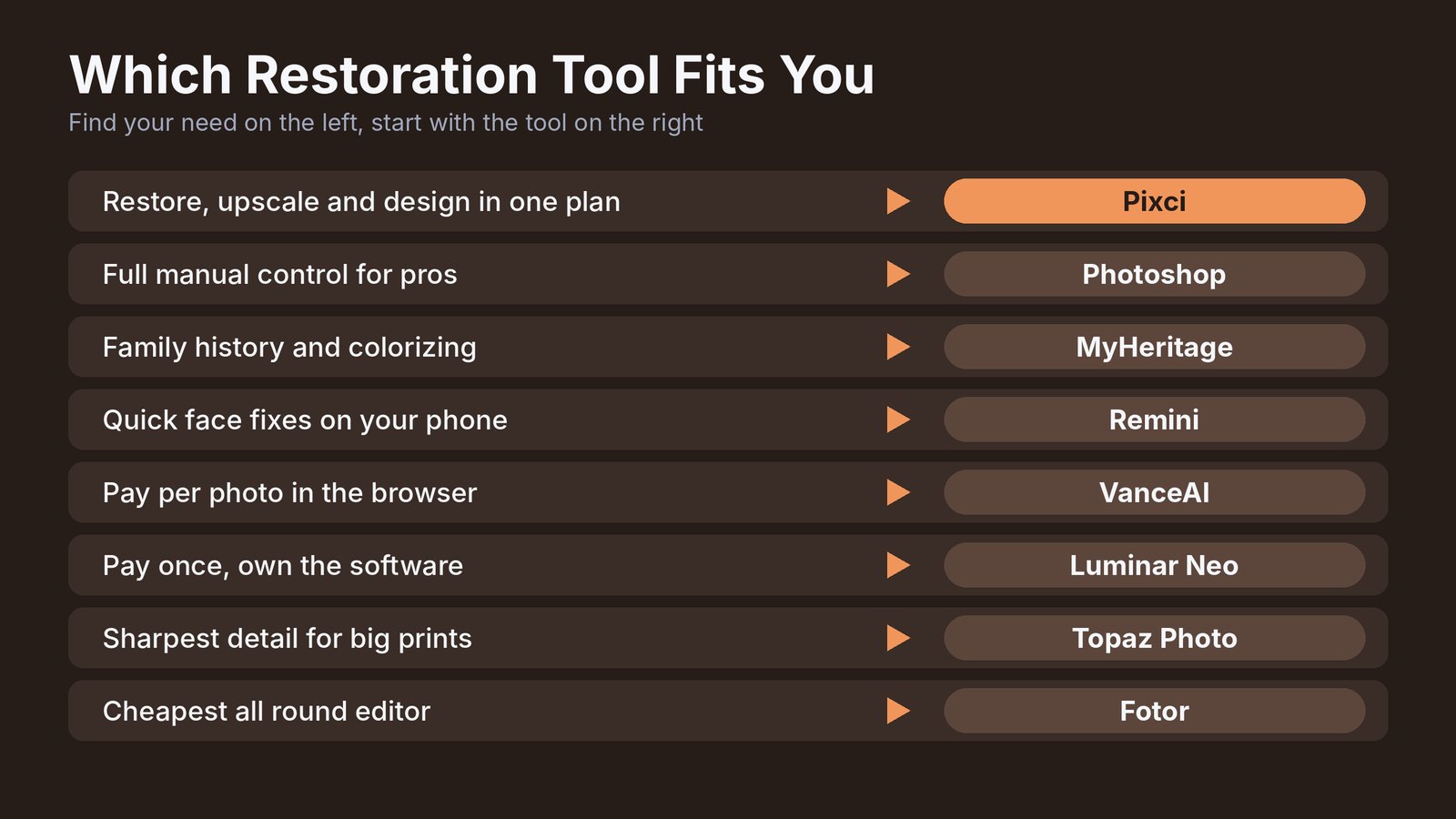
Ask yourself two things. How many photos do you have, and what will you do with them?
A handful of family photos for a birthday slideshow? Pixci or Fotor will do it cheaply. Building a family archive? MyHeritage. Restoring photos for paying clients? Photoshop, with Topaz for the final print.
If You Restore Photos for Clients
Photo restoration is a nice little side business, and AI has made it far quicker. A job that took a retoucher two hours can now take twenty minutes. That changes how you should work.
- Let AI do the first pass. Run the scan through a fast restorer to clear scratches, stains and fading.
- Fix the misses by hand. Check faces, hands and edges. This is where your skill earns the fee.
- Upscale for the print size. A client who wants an 11 by 14 frame needs far more pixels than a phone screen.
- Show a before and after. Clients love seeing the change, and it's the best ad you'll ever get for referrals.
- Deliver both versions. Give a restored black and white file and, if they asked, a colorized one.
Be honest with clients about what the AI added. If you rebuilt a missing ear or guessed the color of a dress, tell them. People care a lot about these photos, and trust is the whole business.
Price by damage, not by photo. A dusty print and one torn in half are very different jobs.
How to Get Better Results
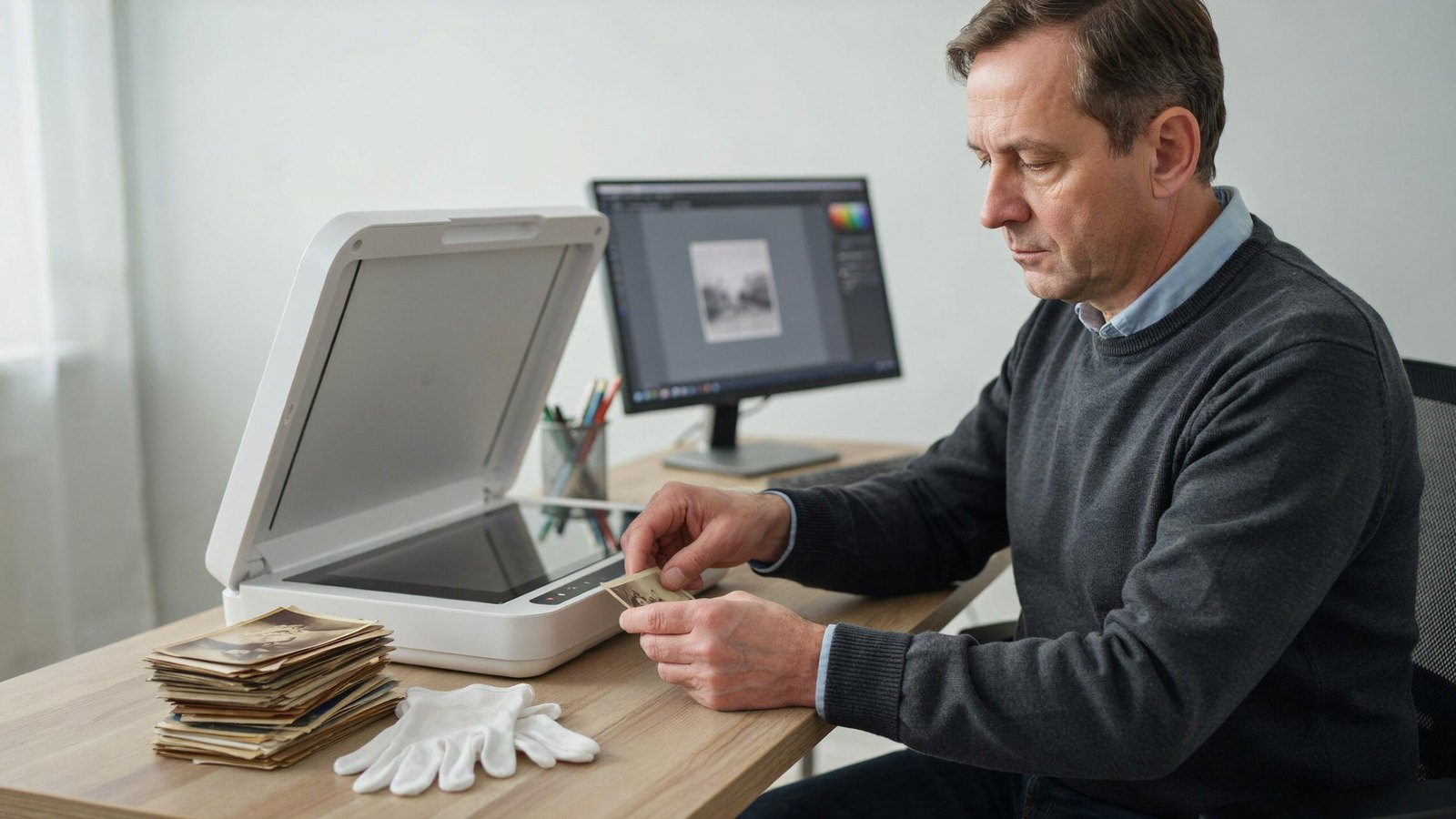
Scan, don't snap
A phone photo of a print picks up glare and warps the image. A flatbed scanner at 600 dpi or higher gives the AI far more to work with. For small prints, go to 1200 dpi.
Clean the print first
Blow off dust and wipe the scanner glass. Every speck you leave becomes something the AI has to guess about.
Keep the original scan
Save the untouched scan in a safe folder. AI tools improve every year, and you may want to redo a photo later with a better one.
Restore before you colorize
Fix the damage first, then add color. Colorizing a cracked photo tends to color the cracks too.
Check every face
Zoom in on eyes, teeth and hairlines. If someone doesn't look like themselves, lower the strength or try another tool. Ask a relative who knew them if you're not sure.
Frequently Asked Questions
What is the best photo restoration software?
For most people, a one click AI tool like Pixci is enough and costs the least. Professionals who need full control still use Photoshop.
Can I restore old photos for free?
Yes, with limits. Fotor has a free plan, VanceAI gives 10 free credits and Remini has a free version. Expect watermarks, ads or small downloads.
Does AI restoration change the people in the photo?
It can. When detail is missing, AI fills it in, and that fill is a guess. Compare the result with the original and use a lower strength if faces look off.
What resolution should I scan old photos at?
600 dpi for standard prints and 1200 dpi for small ones. Save as TIFF or high quality PNG, not a compressed JPG.
Can AI colorize black and white photos accurately?
It makes believable colors, not guaranteed ones. If you know the real colors of a dress or a car, fix them by hand afterwards.
Final Thoughts
Restoring old photos is one of the nicest things AI does. It turns a cracked print nobody wanted to handle into something you'd frame.
Start with a good scan and a tool that matches how many photos you have. And if you want restoring, upscaling and the rest of your image work in one cheap plan, give Pixci a try.
If you're using AI images for your business too, our guides to AI product photography tools and AI image generators that need no prompts are worth a look.