
Great product photos sell. Bad ones quietly kill your sales.
For years, good photos meant a studio, lights, a photographer and a big bill. Now you can snap your product on the kitchen table and let AI turn it into a clean studio shot, a lifestyle scene or a scroll-stopping ad.
So which tool should you use? We tested the top options and picked the 11 best AI product photography tools for 2026. Each one comes with its real price, a demo and honest pros and cons.
The Quick Version
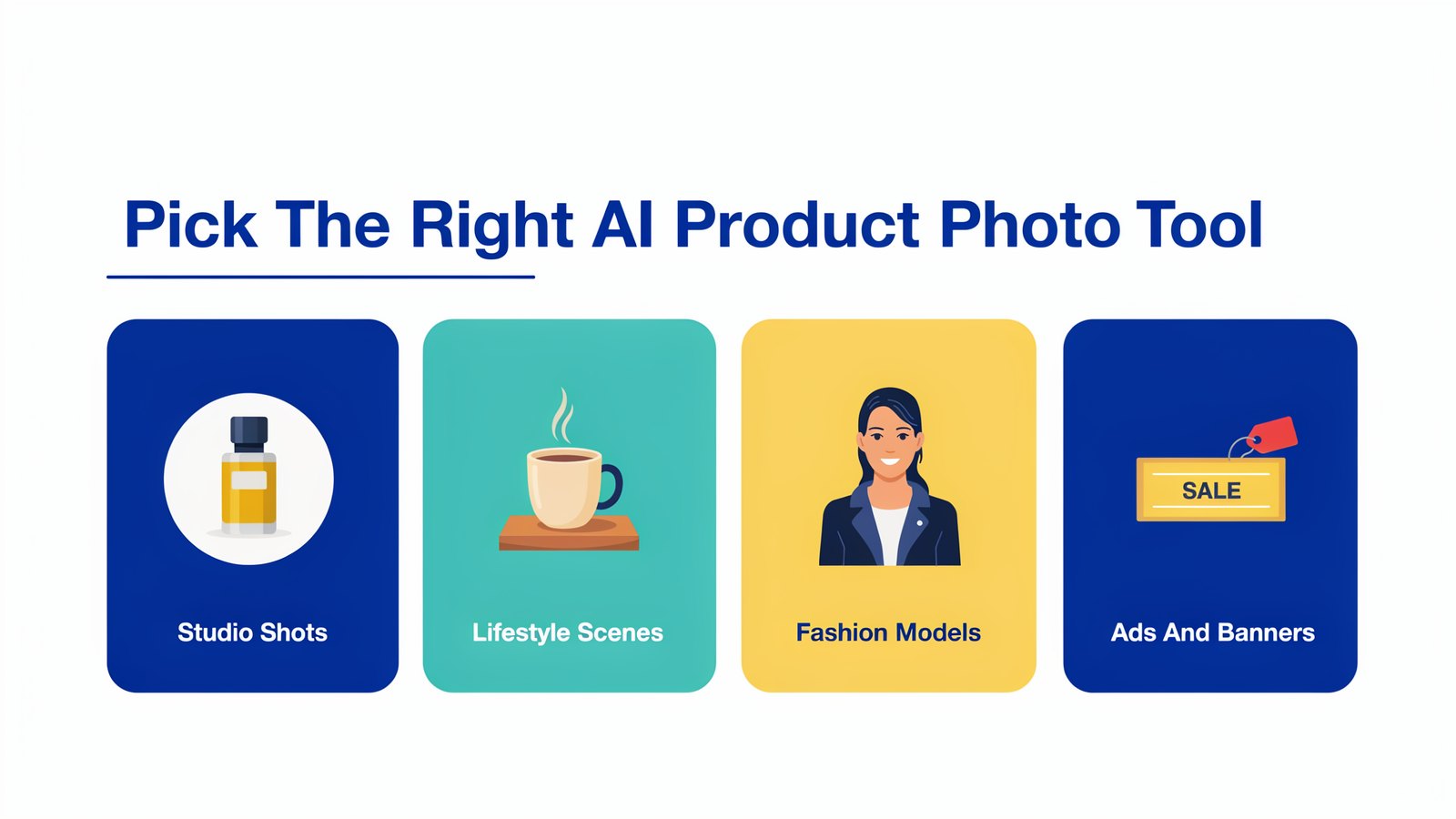
In a hurry? Here's the whole list side by side. Prices are the lowest paid monthly plan, checked on each official site in October 2026.
| # | Tool | Starts at | Free plan | Best for |
|---|---|---|---|---|
| 1 | Pixci | $6.99/mo or $67/yr | No, 30-day refund | Every kind of product image, from 25+ AIs |
| 2 | Photoroom | $12.99/mo | Free trial | Fast, clean listing photos |
| 3 | Flair.ai | $8/mo | Yes, 5 images | Branded scenes and on-model shots |
| 4 | Claid.ai | $9/mo | Yes, 50 credits | Big catalogs and automation |
| 5 | Pebblely | $9/mo | Free to try | Simple themed backgrounds |
| 6 | Pixelcut | $10/mo | Yes, limited | Quick edits on your phone |
| 7 | Nano Banana 2.1 | Free, or $4.99/mo | Yes | Editing photos by just asking |
| 8 | Adobe Firefly | $9.99/mo | Yes, daily | Teams that use Photoshop |
| 9 | Picsart | $15/mo | Yes, limited | Product photos plus social posts |
| 10 | Dreamina | $15/mo | Yes, daily credits | Ad posters and product videos |
| 11 | Botika | $55/mo | Free to start | Fashion photos on AI models |
Now let's look at each one.
What Is AI Product Photography?
It's simple. You give the AI a plain photo of your product, and it gives you back a professional one.
The AI cuts your product out, places it in a new scene, and adds realistic light, shadows and reflections. Want your perfume on a beach at sunset? Your mug on a cozy wooden table? Your T-shirt on a smiling model? Just ask.
The best tools also clean up dust, fix colors, sharpen blurry shots and resize images for every marketplace.
One photo in. Dozens of ready-to-use images out.
What's New in 2026
This year, AI product photos got really good.
- Photos that look real. New models like Google's Nano Banana 2.1 keep labels, logos and tiny details sharp.
- AI fashion models. Put clothes on lifelike models of any age, size or style, without a photo shoot.
- Edit by chatting. Type "make the background marble" and it's done.
- Photos to video. Many tools now turn a product photo into a short video ad.
- Many AIs in one app. The smartest tools let you pick the best AI for each job instead of locking you into one.
The big winner? Small sellers. They can now get the same polished look as the big brands.
How to Choose the Right Tool
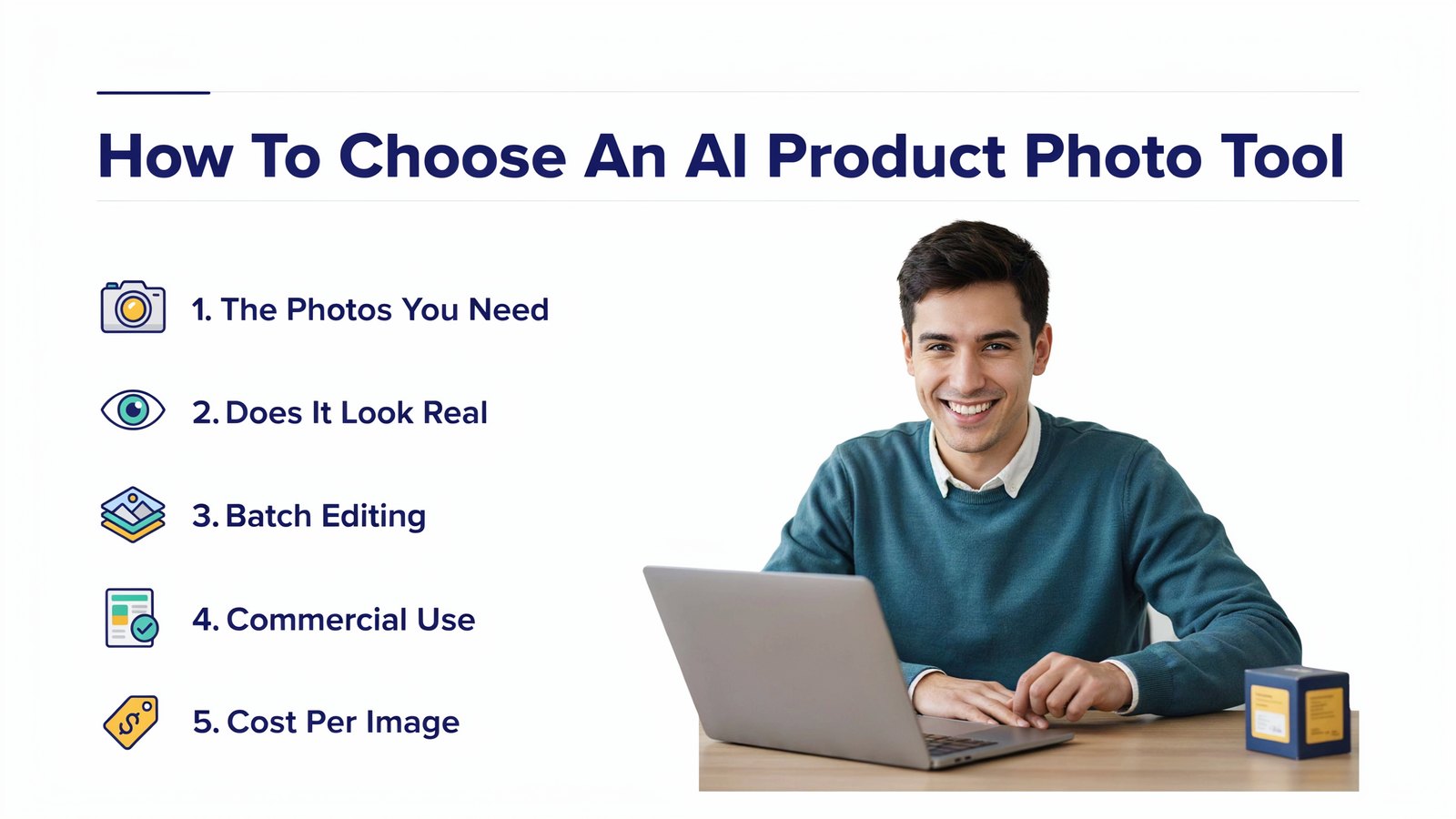
Ask yourself five quick questions before you pick.
- What photos do you need? White-background listings, lifestyle scenes, model shots or ads.
- Does your product still look right? The label, logo and shape must stay true to the real thing.
- How many products do you have? Big catalogs need batch editing.
- Can you use the photos commercially? Check this on free plans.
- What does each image really cost? Look at credits, not just the monthly price.
Got your answers? Let's dive in.
1. Pixci
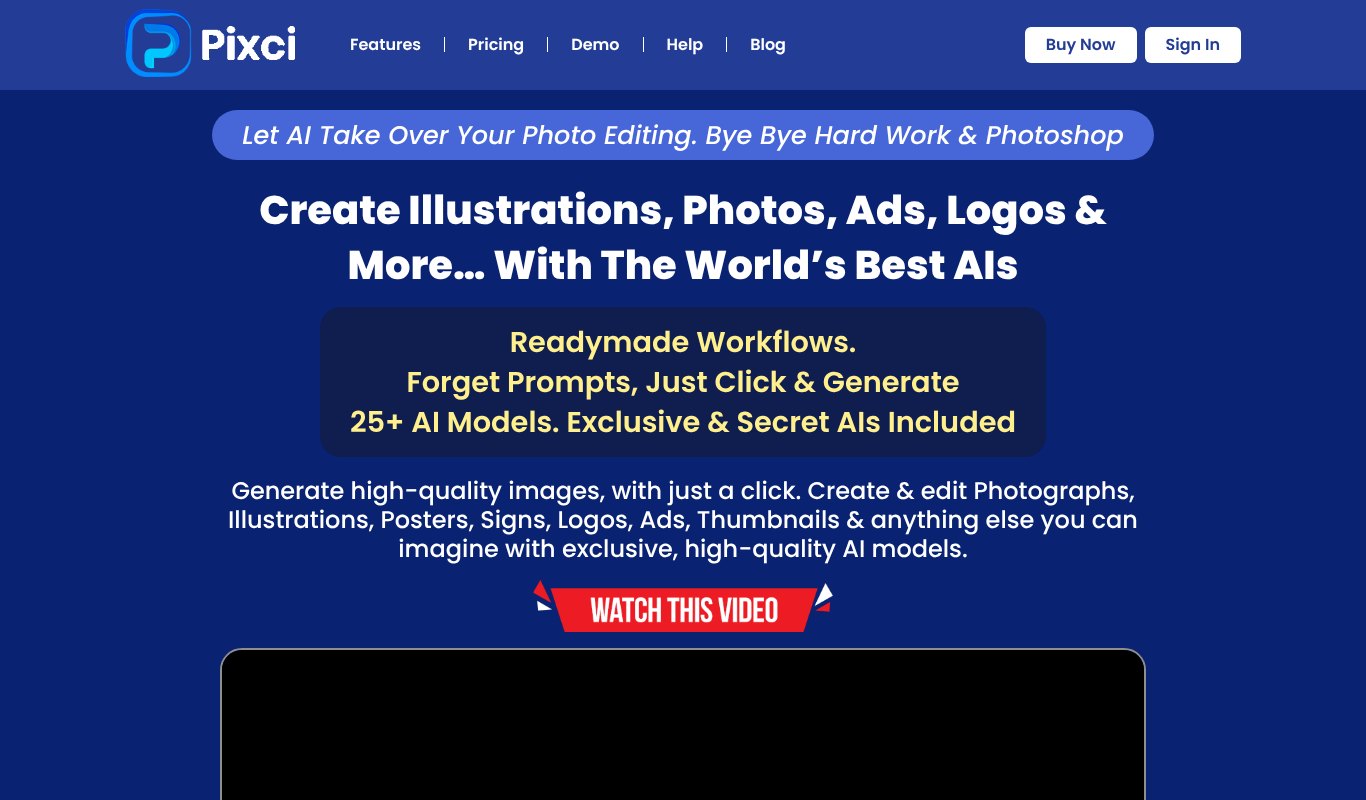
Pixci is our own AI image app, and it's built to make great images without the hard work.
Most tools on this list give you one AI. Pixci gives you 25+ of the best image AIs in one place, including exclusive models you won't find elsewhere. You can try the same product shot with several AIs and keep the one you like best.
And you don't need to be a prompt expert. Pixci has a big library of ready-made workflows. Just click one, upload your photo and get the result.
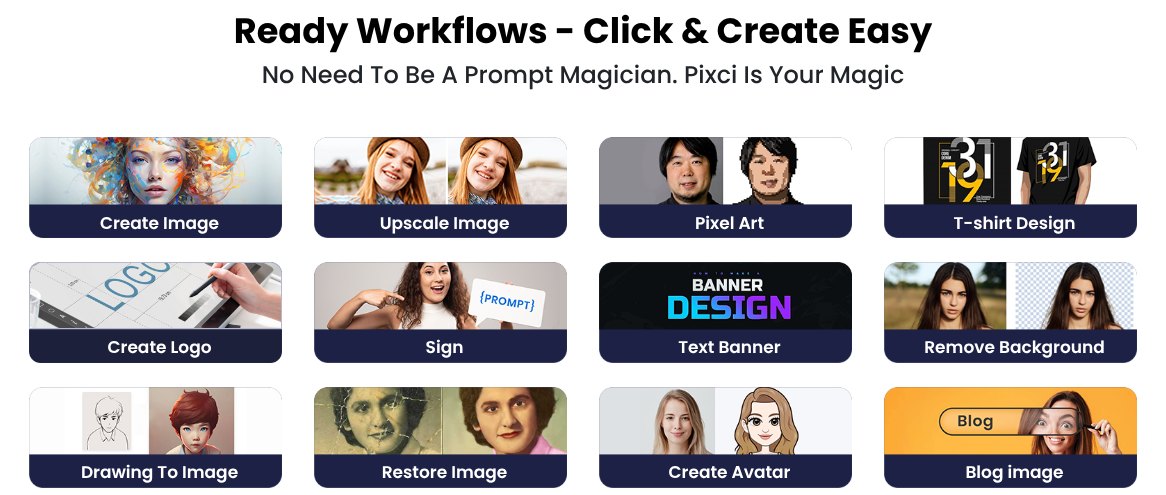
Here's what it can do for your products.
- Product photos and scenes. Place your product in any setting, from a clean studio to a busy café.
- Remove backgrounds in seconds, while keeping every edge sharp.
- Extend images in any direction, perfect for banners and ads.
- Fill in a blank area with anything you like, such as props, plants or people.
- Upscale and restore low-quality photos into crisp, high-resolution ones.
- Ads, logos, banners and thumbnails, so all your marketing images come from one app.
- Magic Prompt Enhancer that turns a few words into a detailed prompt for you.
- A searchable library of everything you create, so you can reuse images any time.
Pricing
$6.99 a month, or $67 for a whole year, with a 30-day refund guarantee. That's 25+ AIs for less than most tools charge for one.
Pros
- 25+ top image AIs in one app
- One-click workflows, so no prompt skills needed
- Creates and edits product photos, ads, logos and more
- The lowest price on this list for what you get
Cons
- So many options that it takes a few minutes to explore
- No free plan, though the refund guarantee lets you try it safely
2. Photoroom
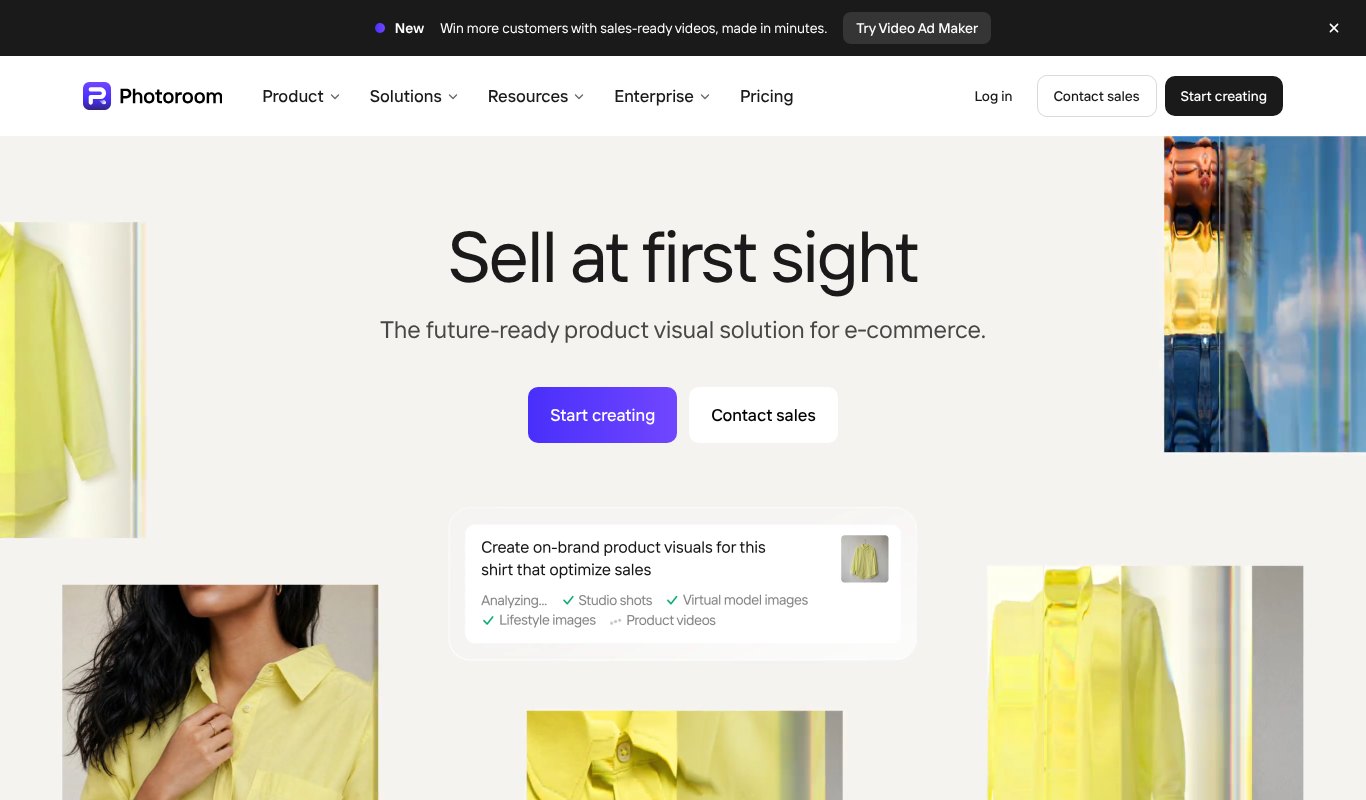
Photoroom is a favorite of online sellers, and for good reason.
It removes backgrounds perfectly, adds natural shadows, and drops your product into AI scenes. You can also put clothes on AI fashion models, fix wrinkles with Product Fixer, and edit hundreds of photos at once in batch mode. The phone app is great for sellers on the go.
Pricing
Free trial. Pro is $12.99 a month, or $7.50 paid yearly, with 8,000 AI credits. Max is $34.99 and adds video and Shopify.
Pros
- Excellent background removal
- Great mobile app
- Batch editing for big catalogs
Cons
- Video and 4K need pricier plans
- Scenes can look a little alike
3. Flair.ai
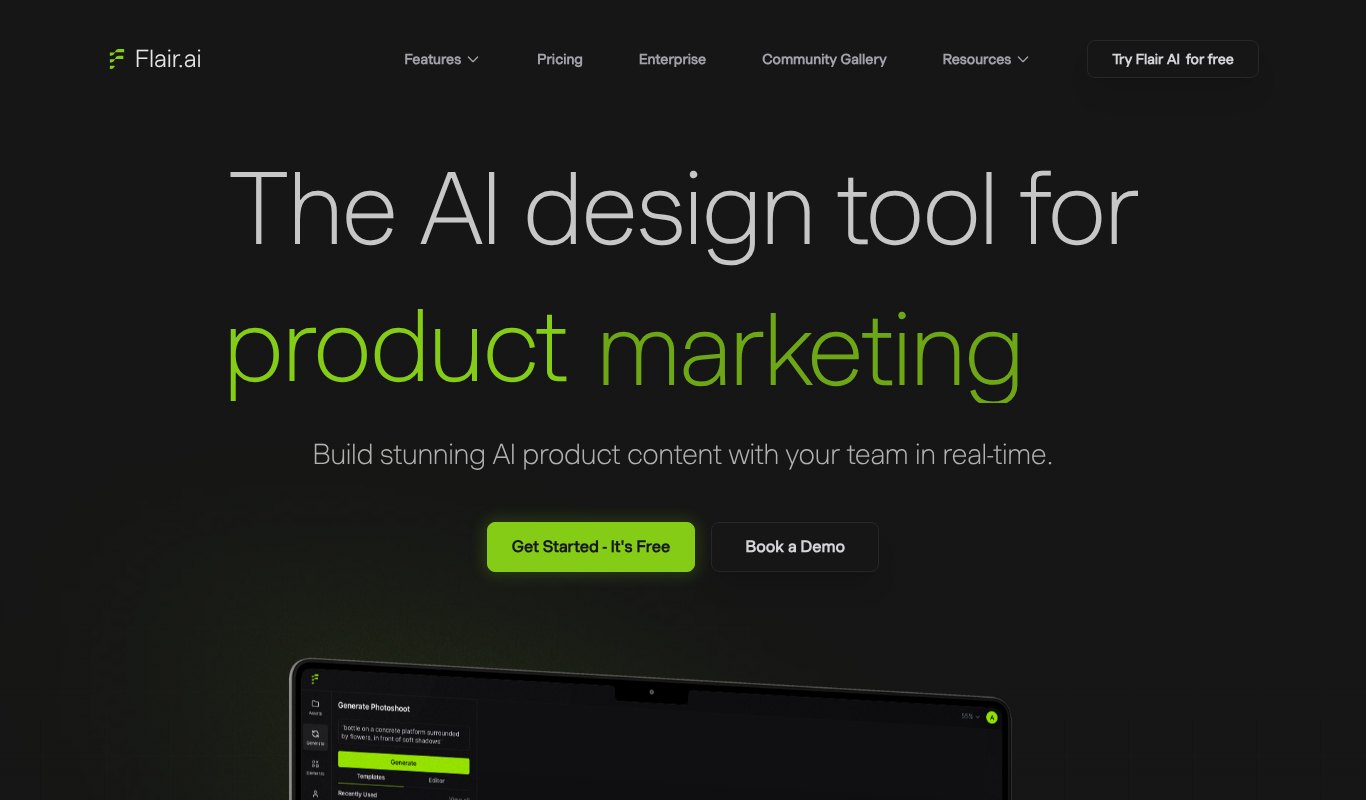
Flair is like a design canvas for product photos.
You drag your product onto the canvas, add props, and arrange the scene the way you want. Flair then turns it into a polished photo. You can even train a custom model on your product, so it looks right every time. It also does on-model fashion shots and short product videos.
Pricing
Free plan with 5 images. Pro is $8 a month. Pro+ is $26 and Scale is $38.
Pros
- Full creative control over each scene
- Custom models keep your product accurate
- Great for branded campaigns
Cons
- Takes a little time to learn
- Low image limits on cheaper plans
4. Claid.ai
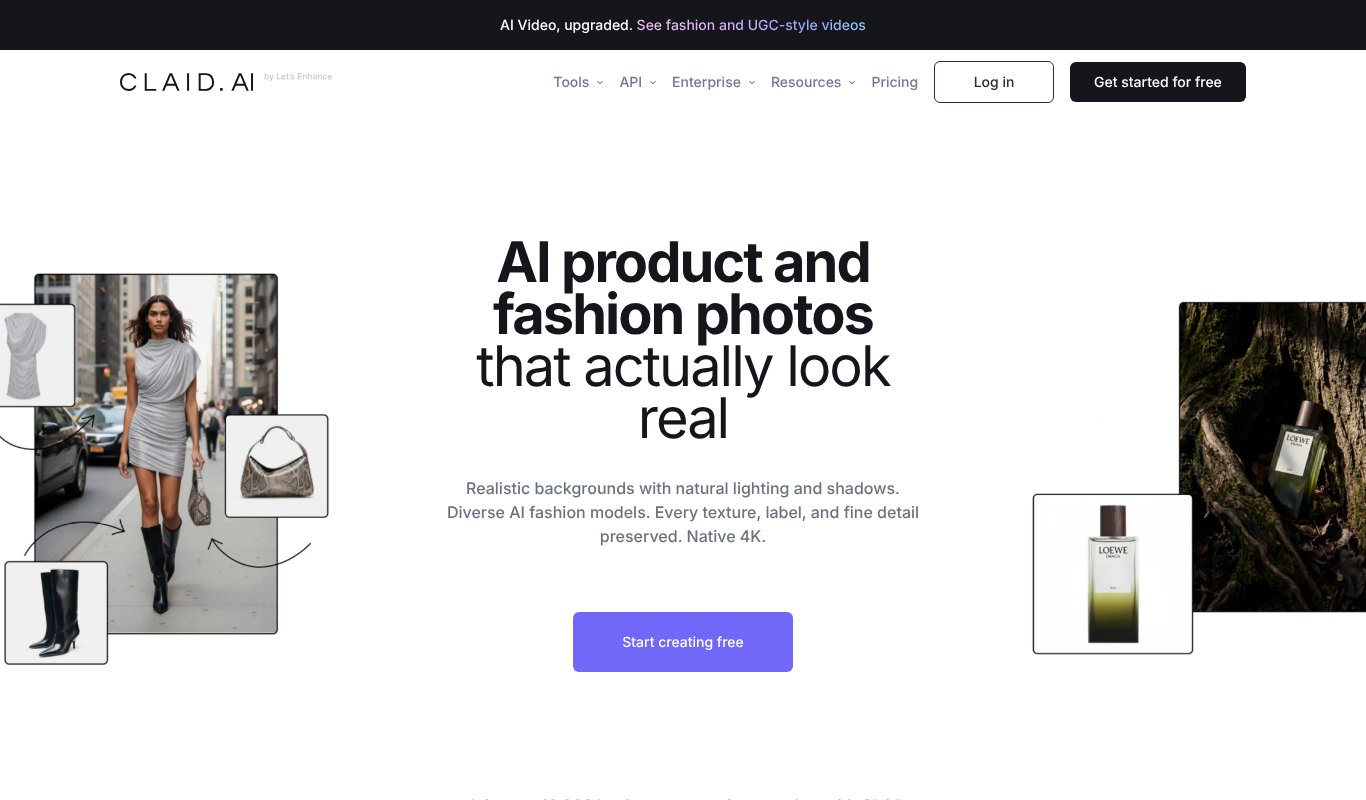
Claid is made for sellers with lots of products.
It creates realistic backgrounds with natural light, puts clothes on AI fashion models, and keeps fine details like texture and labels. Images come out in native 4K. Its API lets bigger stores automate everything, so thousands of photos can be fixed without anyone touching them.
Pricing
Free with 50 credits. Paid plans start at $9 a month for 500 credits, and $35 gets you 2,000.
Pros
- Very realistic results
- Native 4K images
- Strong API for automation
Cons
- Credits go fast on video
- More than a small shop may need
5. Pebblely
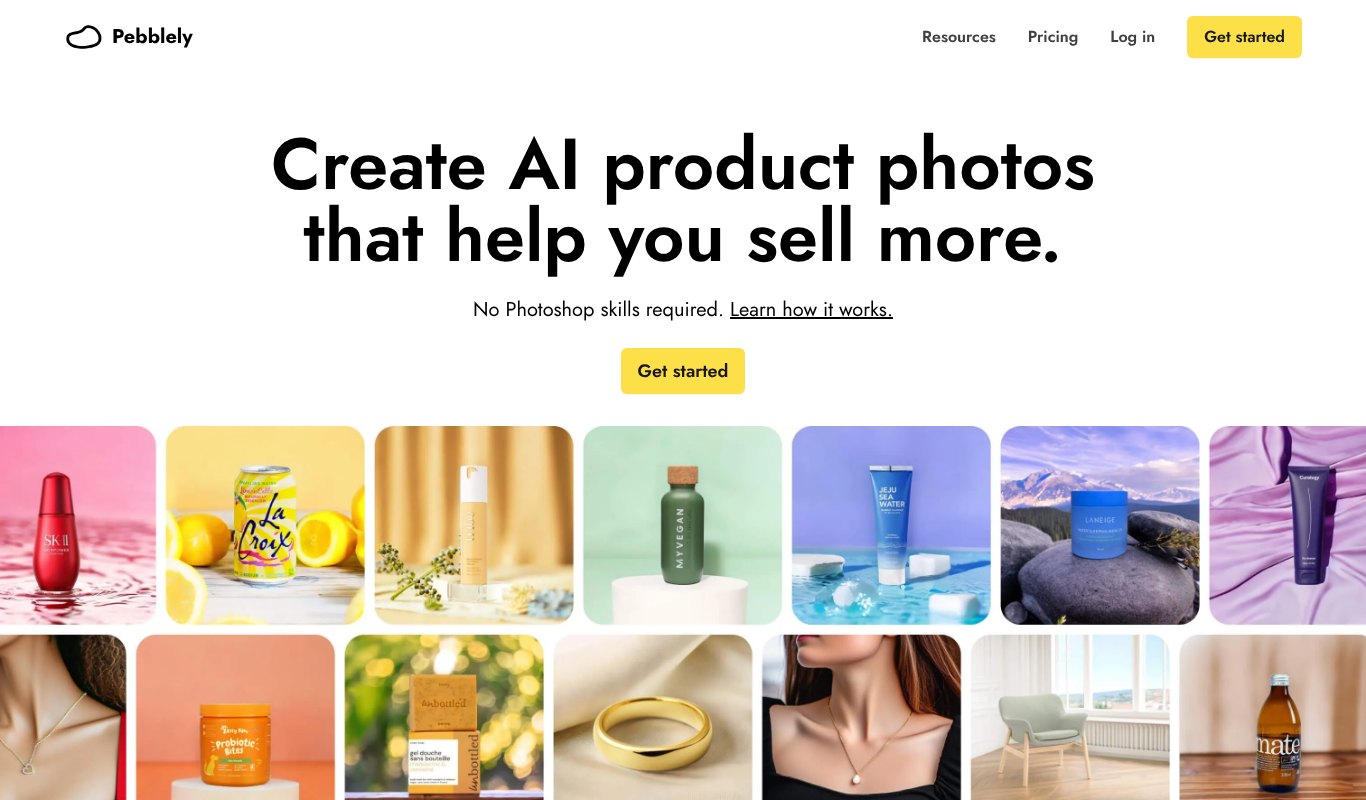
Pebblely keeps things simple.
Upload a photo, pick one of 40+ themes like marble, flowers or kitchen, and get a batch of new product photos. No Photoshop and no prompts needed, though you can write your own if you like.
It's a nice starting point for small shops.
Pricing
Free to try. Lite is $9 a month for 30 images, Basic is $19 for 200, and Pro is $39 for 500.
Pros
- Super easy to use
- Good-looking themes
- Bulk generation on Basic and up
Cons
- Only 30 images on Lite
- Less control than other tools
6. Pixelcut
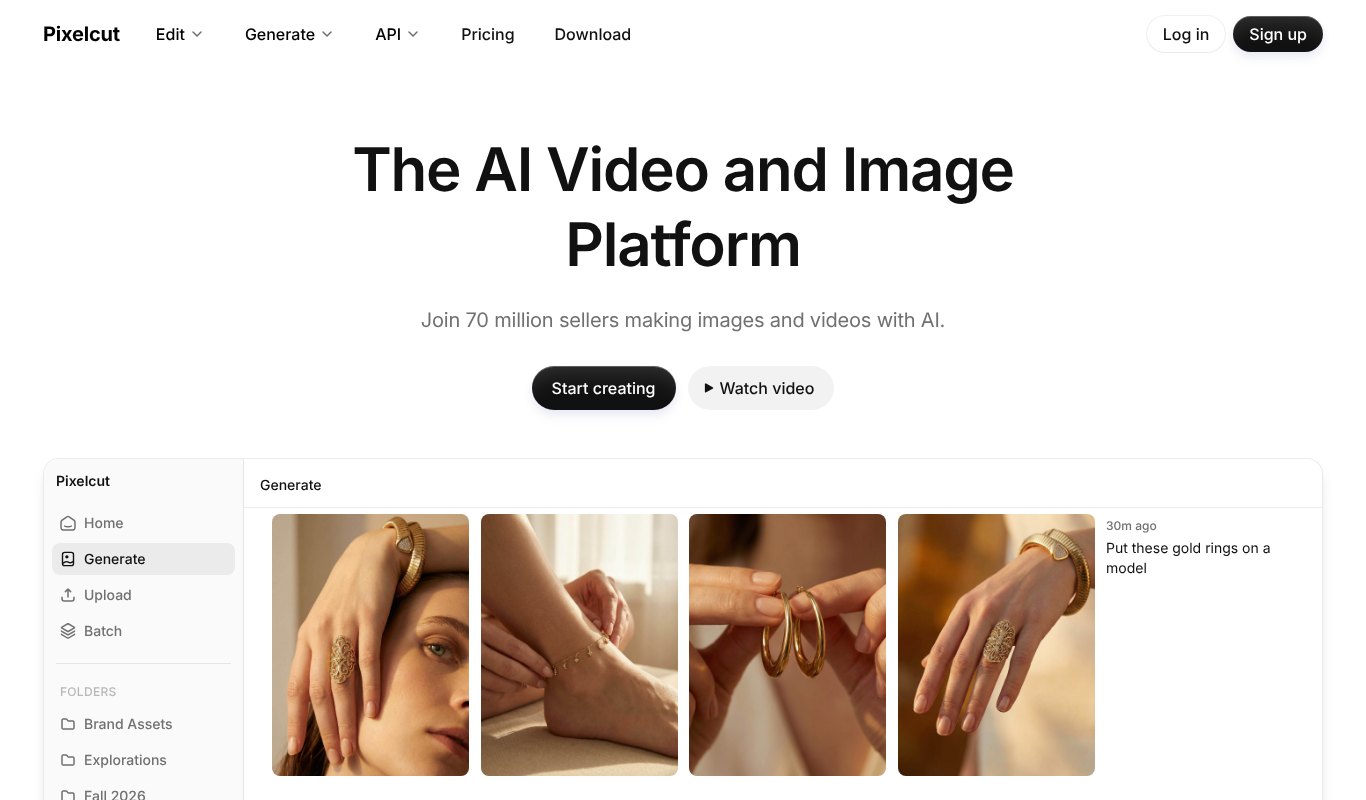
Pixelcut says 70 million sellers use it, and it's easy to see why.
It's fast and friendly. Remove backgrounds, create AI scenes, put jewelry on a model's hand, upscale blurry photos and erase anything you don't want. Most of it works great right from your phone.
Pricing
Free plan for basic edits. Pro is $10 a month, or $8 paid yearly, with 600 AI credits. Business is $30.
Pros
- Very quick and simple
- Unlimited background removal on Pro
- Batch exports included
Cons
- Fewer creative options than Flair
- Credits limit AI scenes
7. Google Nano Banana 2.1
Nano Banana is Google's image model, and it's one of the most talked-about AIs of the year.
You use it inside the Gemini app. Upload your product photo and just say what you want. "Put this bottle on a wet rock by a waterfall." "Show this bag on a woman walking in Paris." It keeps your product looking like your product, which is the hard part.
The new Nano Banana 2.1 is even better at text, labels and fine details.
Pricing
Free with a Google account. Higher limits come with Google AI Plus at $4.99 a month or AI Pro at $19.99.
Pros
- Amazing image quality
- Edit just by chatting
- Great value
Cons
- No ready-made product workflows
- No batch editing for big catalogs
8. Adobe Firefly
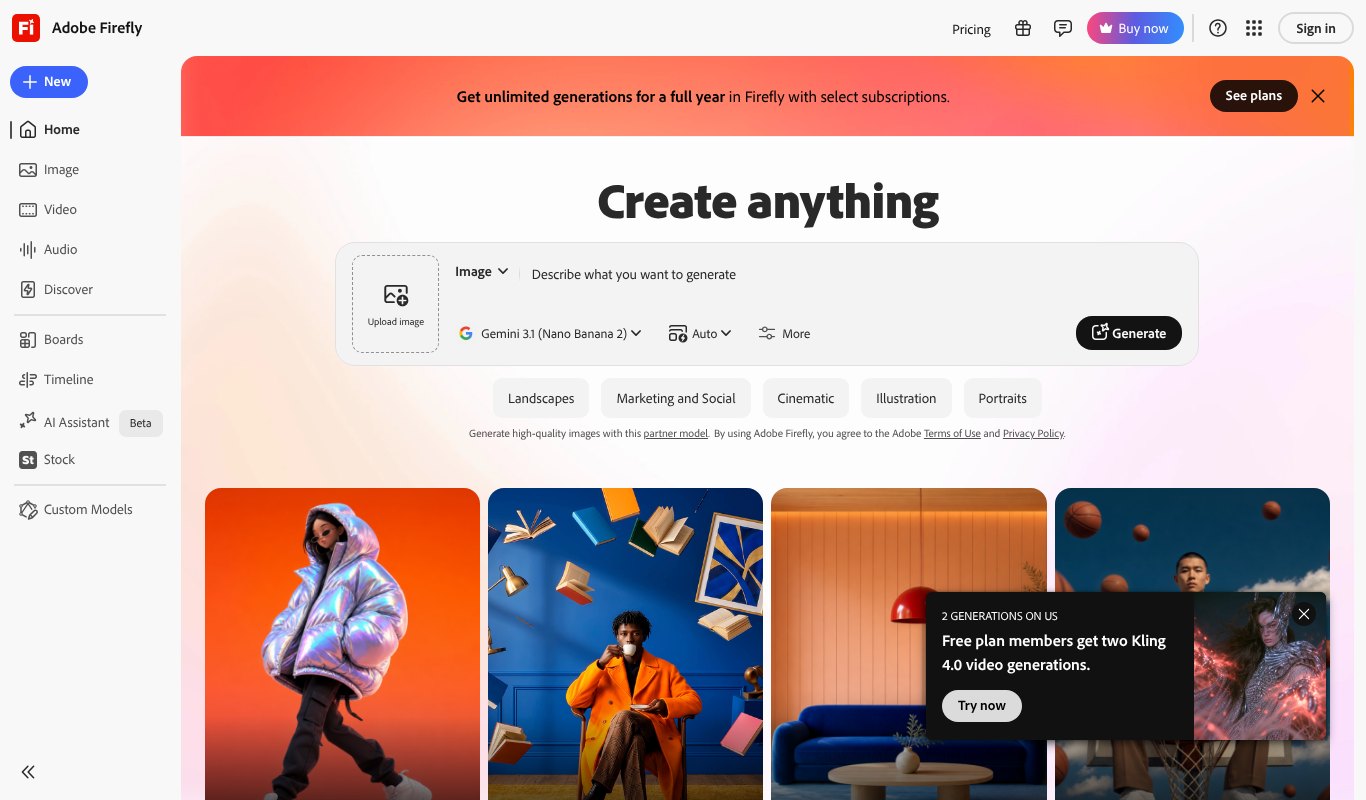
Firefly is Adobe's AI studio, and it fits right in if you already use Photoshop.
You can create product scenes with Adobe's own models, which are trained to be safe for commercial use, or pick partner models like Gemini. Then send the image to Photoshop for fine-tuning. Generative Fill and Expand work beautifully for product shots.
Pricing
Free daily generations. Firefly Standard is $9.99 a month for 2,000 credits. Pro is $19.99.
Pros
- Commercially safe Adobe models
- Works perfectly with Photoshop
- Image, video and audio in one place
Cons
- Partner models use more credits
- Can feel like a lot for beginners
9. Picsart
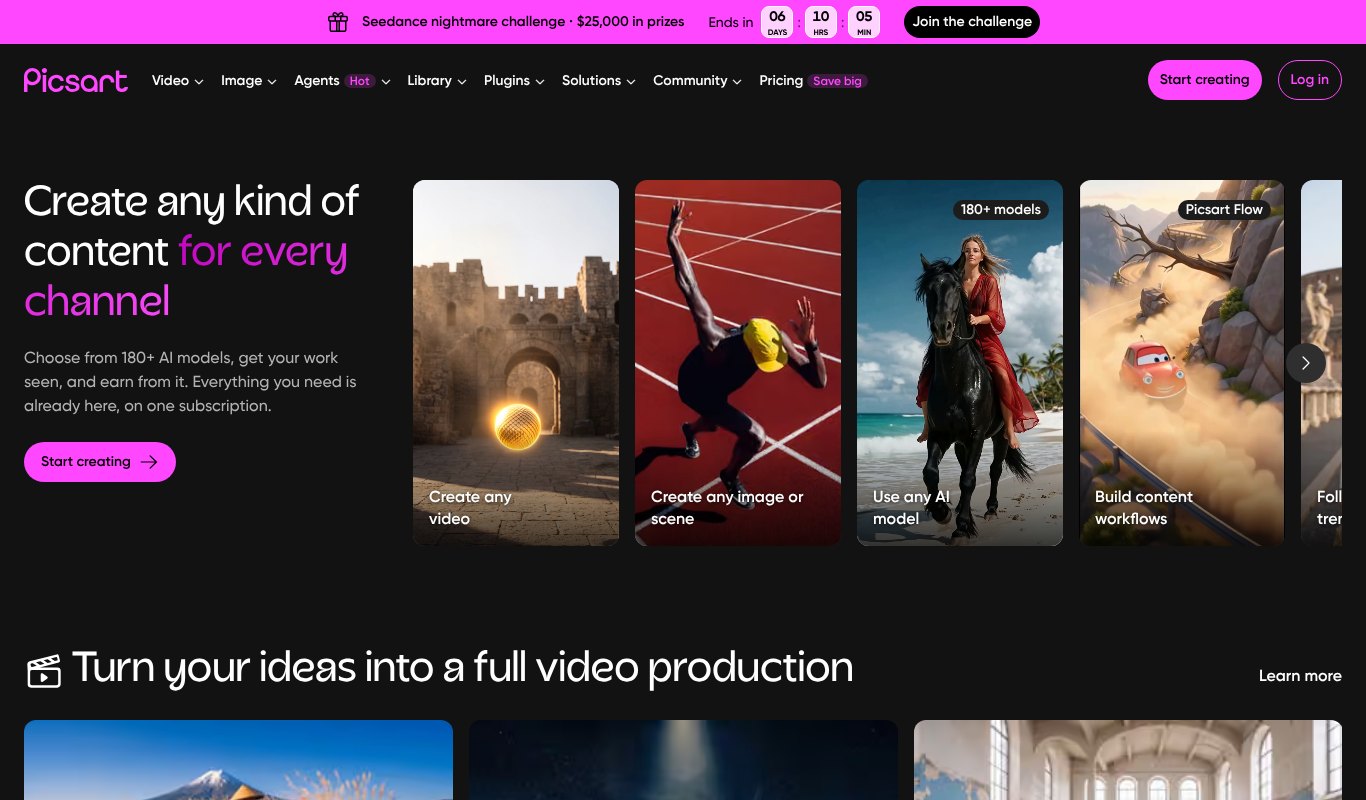
Picsart is a full creative app, with product photos as one part of it.
It gives you 180+ AI models for images and video, an AI background tool, one-tap enhancing, and bulk editing for up to 50 images at once. You can also turn a product photo into a 360° video. Then design your social posts in the same app.
Pricing
Free plan with limits. Paid plans start at $15 a month, or $10.50 paid yearly.
Pros
- Huge range of AI models
- Photos, videos and social posts together
- Bulk editing
Cons
- Busy interface
- Top models eat credits fast
10. Dreamina
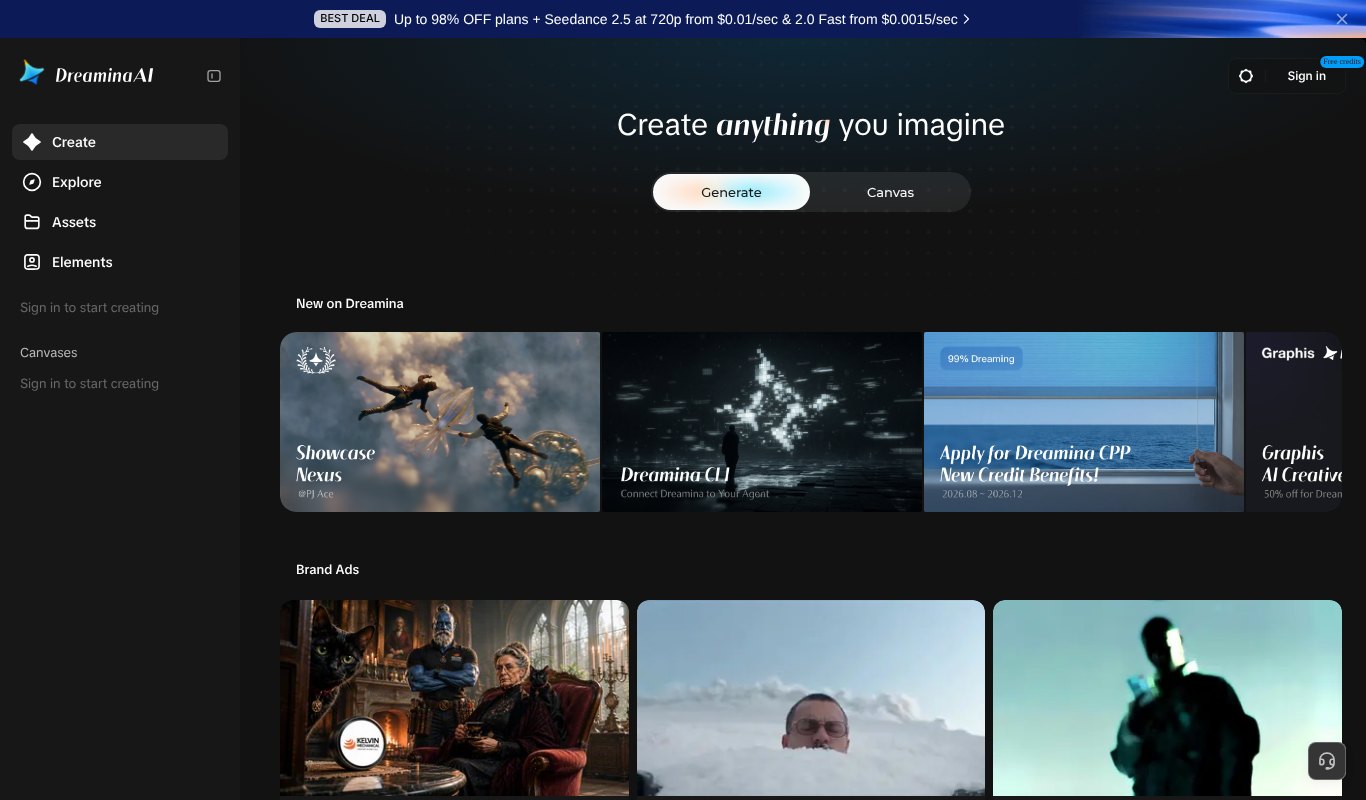
Dreamina comes from the team behind CapCut.
It's great at bold, eye-catching ad images. Upload your product and turn it into a poster, a lifestyle scene or a short video ad with its Seedance video model. Text on images looks clean too, which helps for sale banners.
Pricing
Free daily credits. Basic is $15 a month.
Pros
- Striking ad-style images
- Product videos in the same place
- Free credits every day
Cons
- Built for ads more than listings
- Credit costs can be confusing
11. Botika
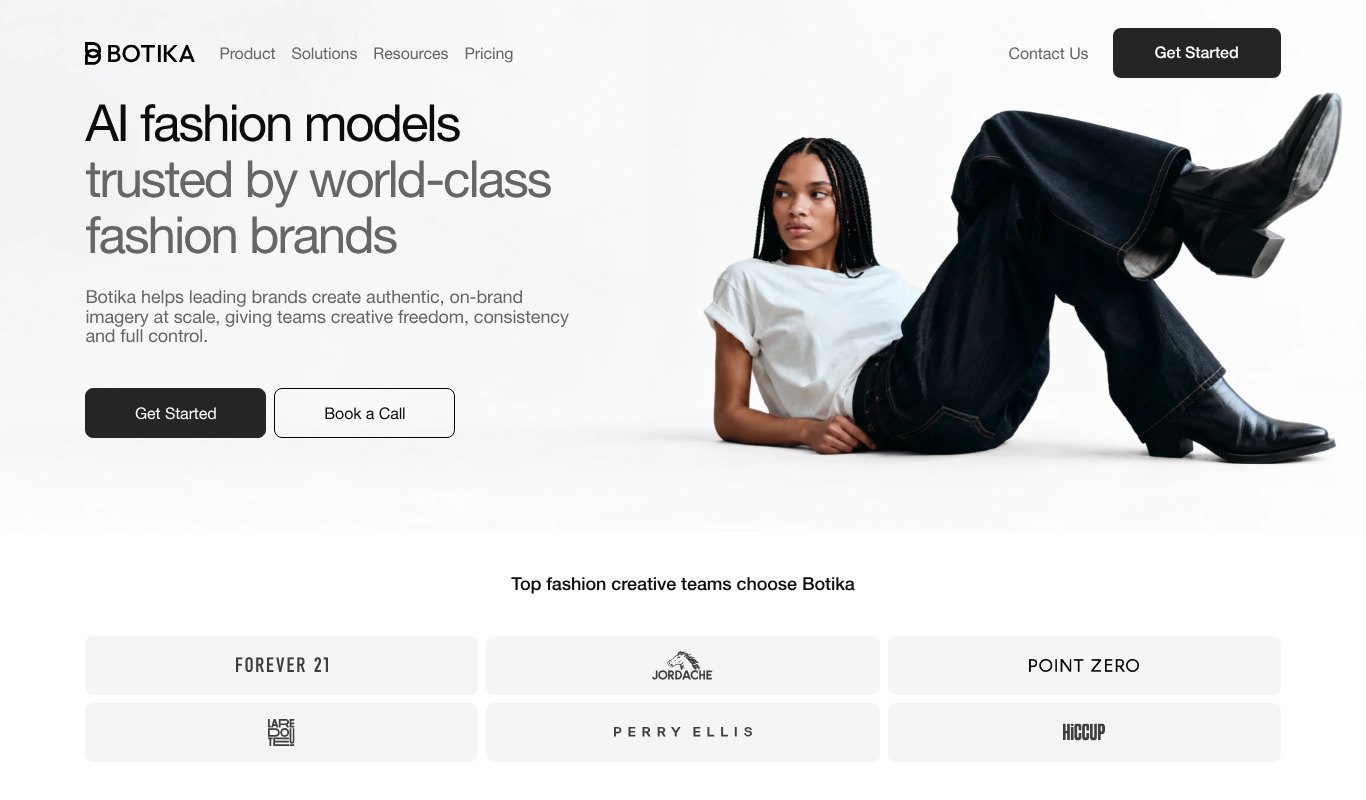
Botika does one thing, and does it well. Fashion photos on AI models.
Upload your clothing on a mannequin or flat lay, choose a model, and Botika creates natural on-model photos. Brands like Forever 21 and Perry Ellis use it. Its team will even retouch images for you if something looks off.
Pricing
Free to start. Paid plans are $55 a month, or $46 paid yearly.
Pros
- Very natural fashion models
- Human retouching included
- No Botika branding on images
Cons
- Fashion only
- Pricey for small shops
Price Comparison at a Glance
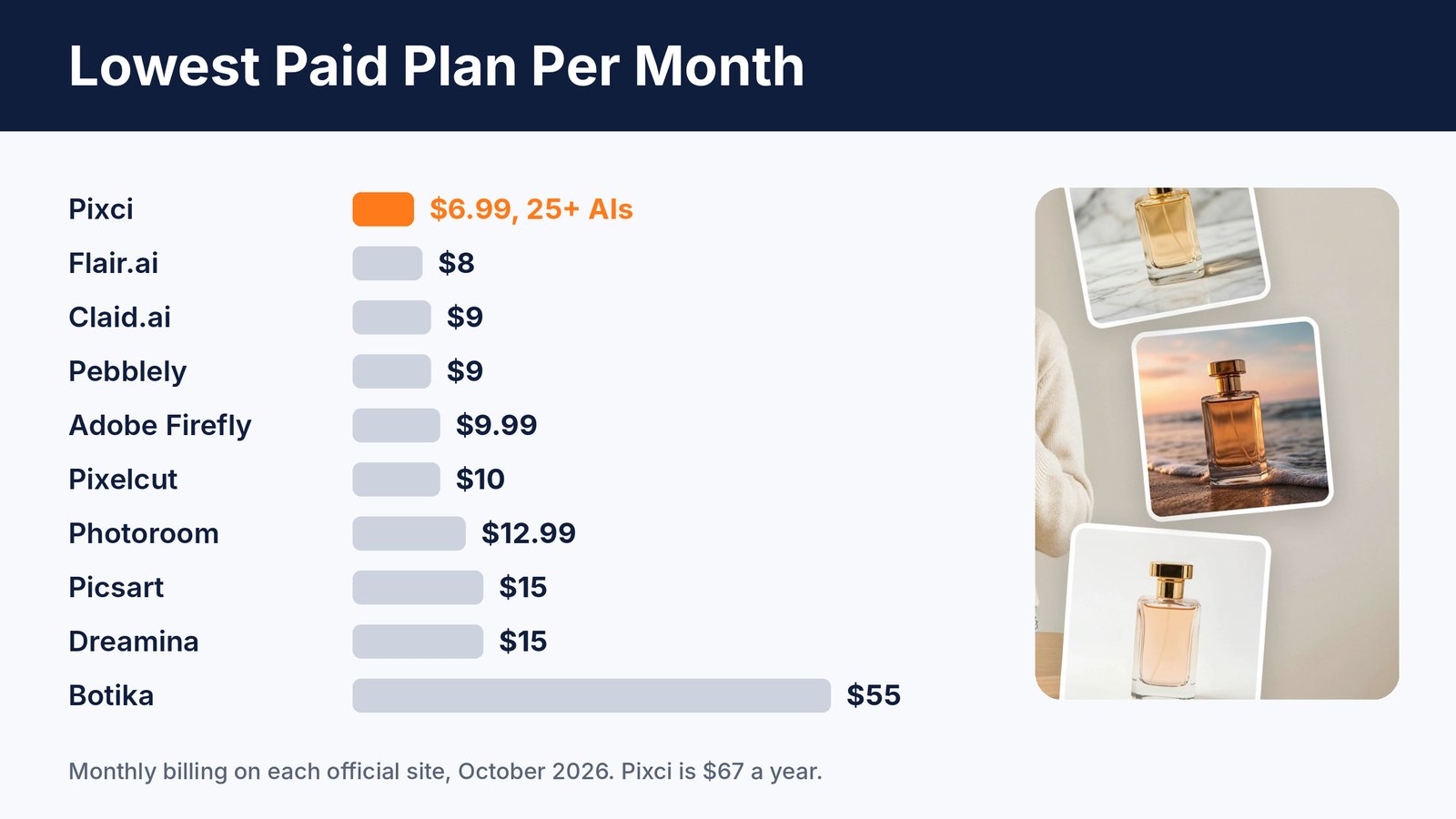
Most product photo tools cost $8 to $15 a month to start. Fashion tools cost much more.
But the sticker price isn't the whole story. Count how many images you really get each month, and whether you need a second app for ads, logos and banners.
7 Tips for Product Photos That Sell
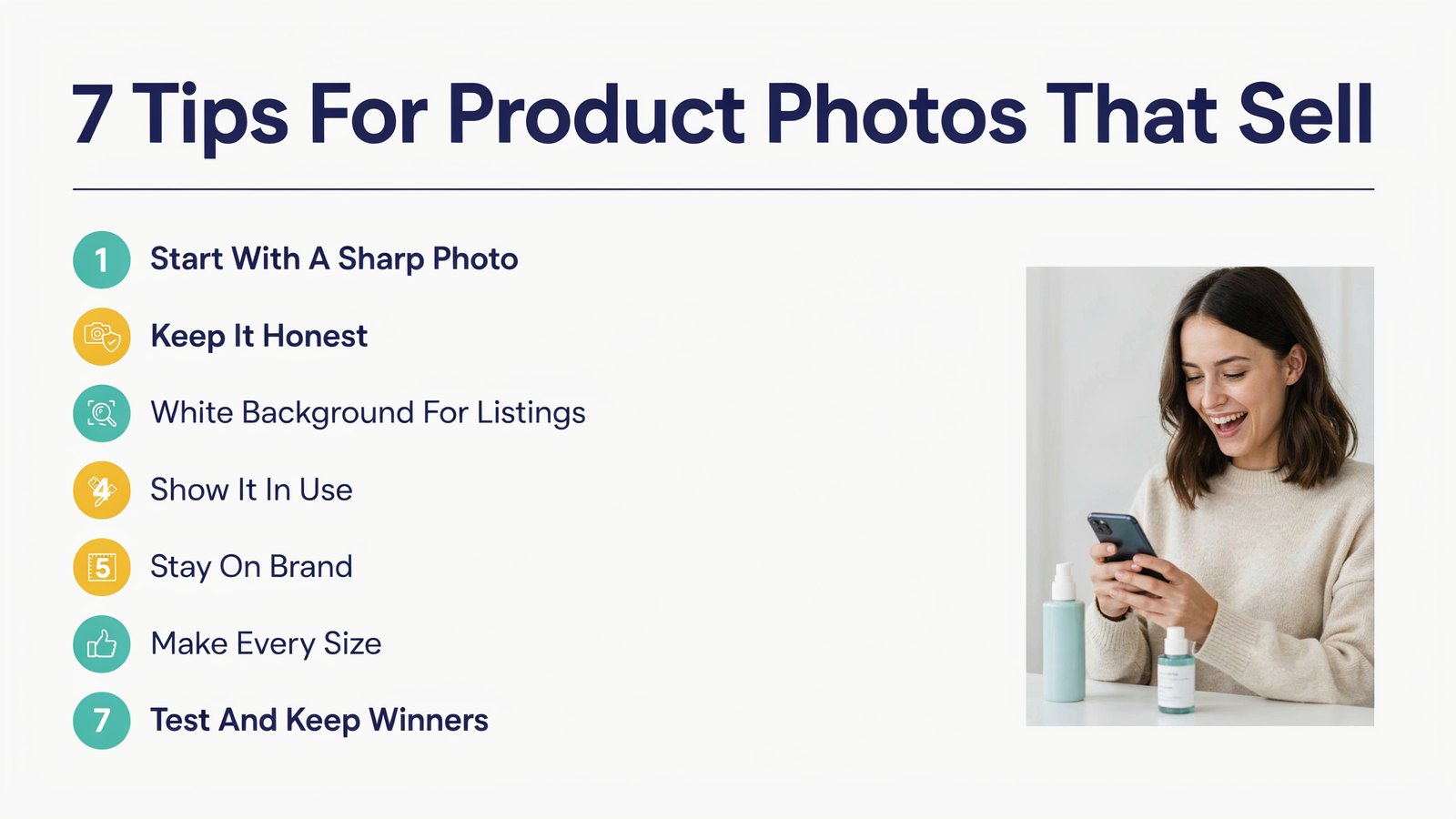
AI does the heavy lifting. These tips make sure the result actually sells.
- Start with a sharp photo. Good light and a steady phone make every AI work better.
- Keep it honest. The color, size and label must match what the buyer gets.
- Use a white background for listings. Amazon and most marketplaces want a clean main image.
- Show it in use. Lifestyle shots help buyers picture the product in their life.
- Stay on brand. Use the same style of scenes across your whole store.
- Make every size. Square for Instagram, tall for Pinterest and wide for banners.
- Test and keep the winners. Try a few main images and see which one gets more clicks.
Frequently Asked Questions
What is the best AI product photography tool?
It depends on your needs. Photoroom and Pixelcut are great for quick listing photos, Flair for branded scenes, Claid for big catalogs and Botika for fashion. If you want 25+ AIs and one-click workflows for every kind of image at the lowest price, Pixci is hard to beat.
Can AI product photos replace a photographer?
For most online listings, ads and social posts, yes. You still need one good photo of the real product to start with, and a photographer is still worth it for big campaigns.
Can I use AI product photos on Amazon and Shopify?
Yes. Just make sure the photos show your real product accurately and follow each marketplace's image rules, like a pure white background for Amazon's main image.
Are AI product photos free?
Many tools have free plans or free credits, so you can test them. For regular use without watermarks or limits, you'll want a paid plan.
Final Thoughts
AI has made beautiful product photos possible for everyone. No studio. No photographer. No waiting.
Pick one tool, take a clear photo of your best seller and make your first AI product shot today.
If you want 25+ of the best image AIs and one-click workflows for less than the price of a coffee each month, try Pixci.