
Match the right AI to each picture.
A logo, an ad, and a photo edit each want a different model. Pixci gives you GPT Image, Flux, Ideogram, and the rest, so you pick the one that fits the graphic.
Pixci AI
Use GPT Image, Nano Banana, Flux, Ideogram, Imagen, Seedream, and Grok Imagine in one app. Pick the best model for each logo, ad, photo, or edit. Magic Prompt Technology turns a few words into a pro-quality image.
Elite Monthly $6.99 $27 · Elite Yearly $67 $97
The problem
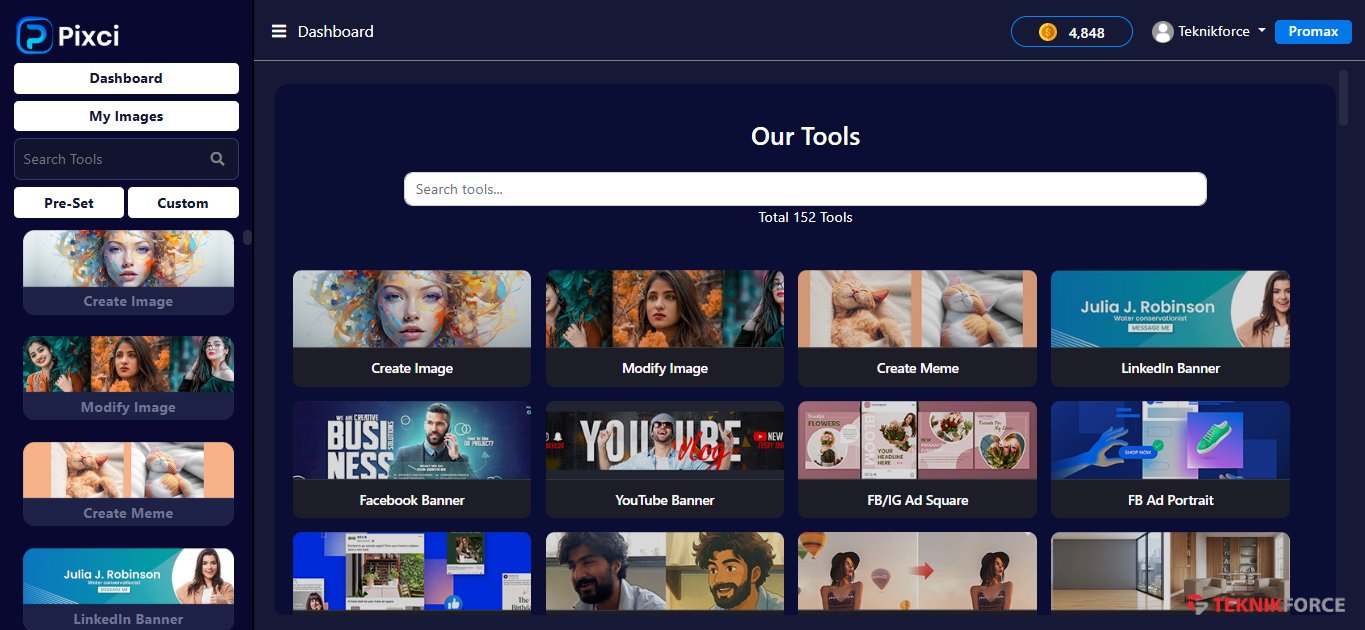
Every great image AI lives in a separate app, with its own subscription and its own learning curve. You pay for several, switch tabs, and still miss the newest model when it launches. Pixci puts every top graphic AI in one console, so you pick the right AI for each graphic.
A logo, an ad, and a photo edit each want a different model. Pixci gives you GPT Image, Flux, Ideogram, and the rest, so you pick the one that fits the graphic.
A generator, an upscaler, and a background remover each charge you. One Pixci plan covers them. You save over 80% versus buying those AIs separately.
When a new image AI ships, it joins Pixci. You use its latest capabilities with the models you already have, on the same plan.
What you get
Make logos, banners, product shots, scenes, stickers, and headshots. Click the job and get the image.
Remove a background, upscale, restore an old photo, extend the frame, or fill a transparent area with the tool built for that fix.
Generate, edit, and run specialist tools from OpenAI, Google, xAI, Black Forest Labs, Ideogram, ByteDance, and more.
Create from text, edit a photo, or combine images. One plan includes the whole set, plus new models as they launch.
Magic Prompt Technology turns a few plain words into a professional image. Use it when you want a custom picture fast.
Search your library by date or by model, then download the file again whenever you need it.
How it works
Choose a logo, a banner, a photo edit, or a custom idea. Hundreds of one-click workflows are ready when you want them.
Use GPT Image, Flux, Ideogram, Imagen, or another of the 41. Switch until the picture matches the graphic.
You take the image, rework an upload, resize it, and download the size you need for screen or print.
Features
Pick a task, choose your AI model, and edit the result before you download.
Hundreds of workflows cover logos, banners, product photos, scenes, people, stickers, and headshots. Search by keyword and generate. We add new workflows over time.
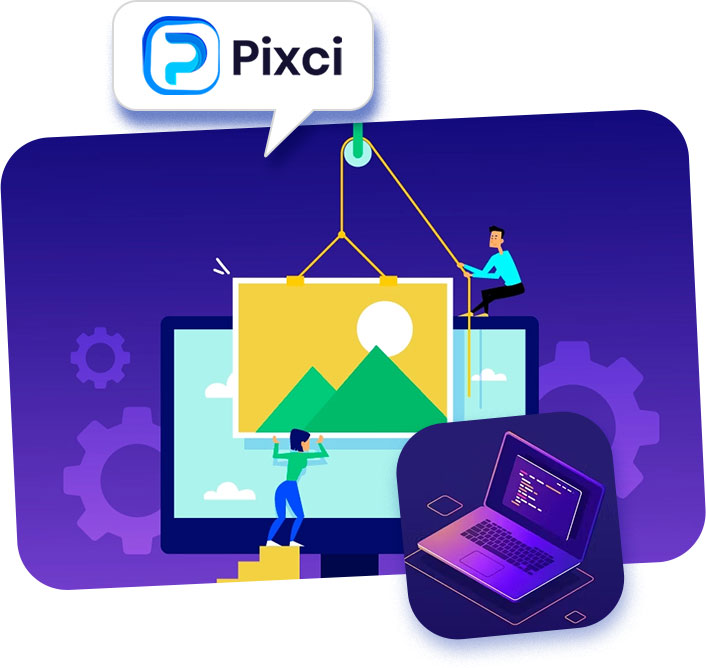
You make social graphics, offer banners, signs, and logo directions before you open a design app. You give Pixci the name. Then you generate as many versions as you want to compare.
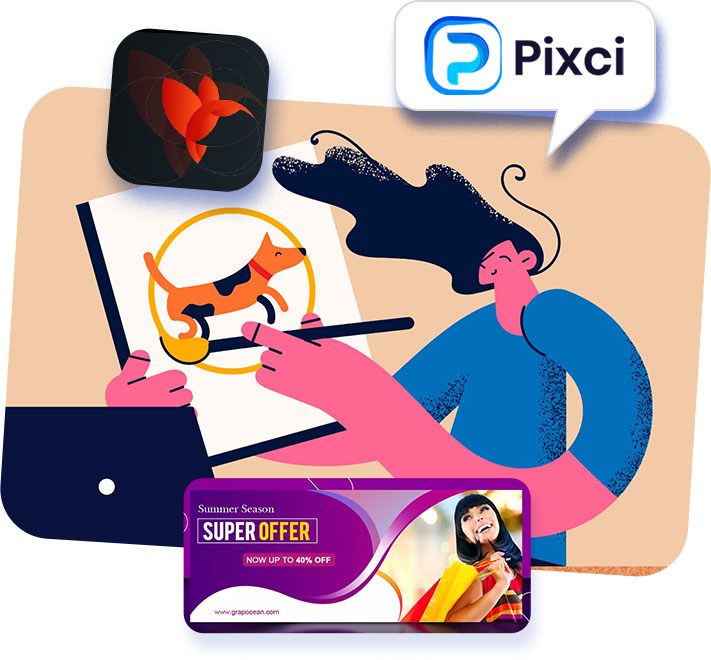
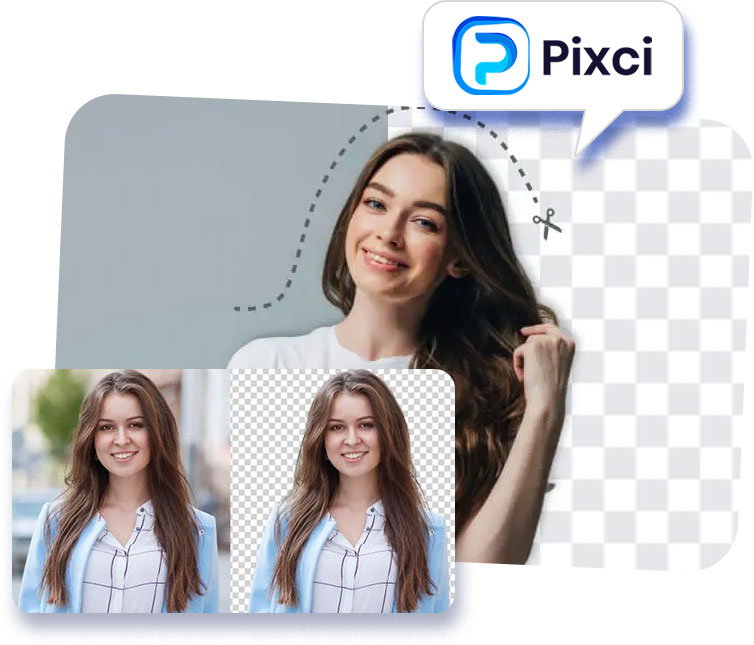
Upload a JPG or PNG. Remove the background, sharpen a soft file, restore an old print, widen the scene, or fill a clear patch with something you describe.
Type a short idea. Magic Prompt Technology turns those few words into a professional image, ready to download.
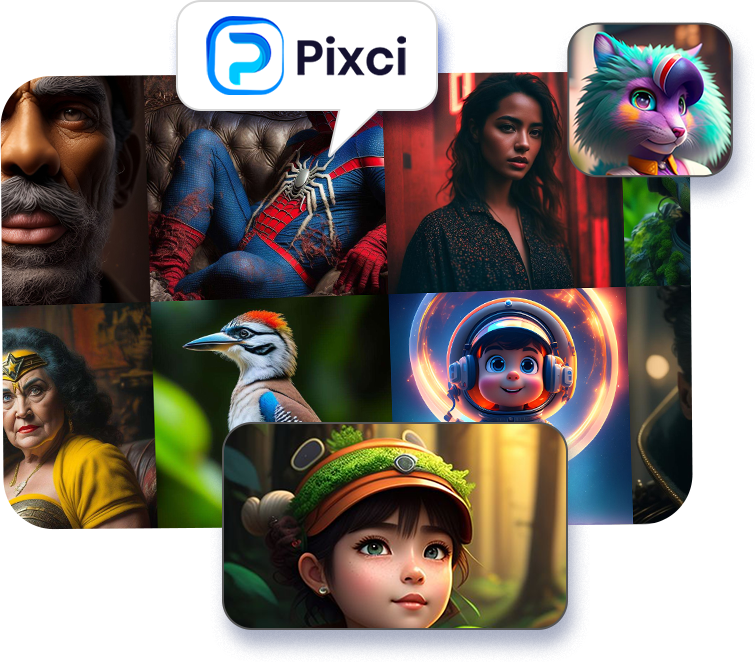
Each model has a strength: photoreal shots, text in images, vector logos, editing, upscaling, or background removal. Pixci puts all 41 at your fingertips and adds new models as they launch, on one plan.
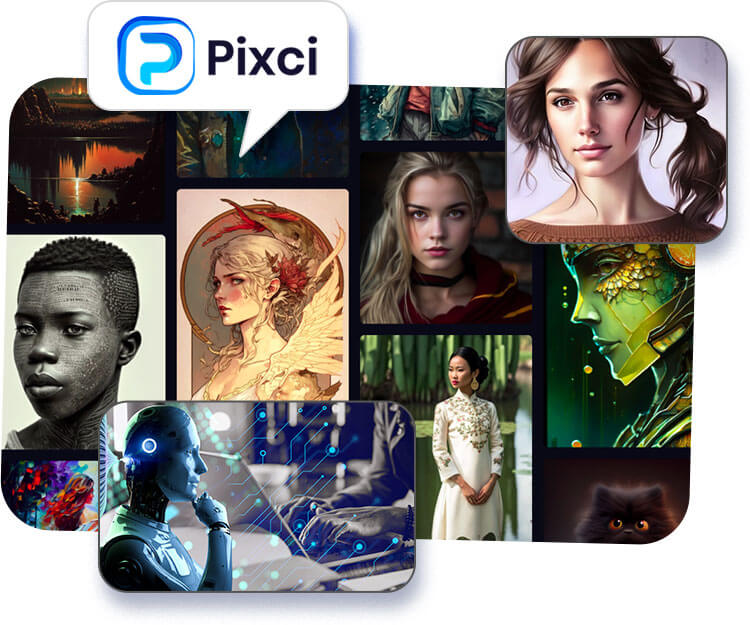
Use models from OpenAI, Google, xAI, Black Forest Labs, Ideogram, ByteDance, and more the moment you sign in.
 OpenAI
 Google
 xAI
 Black Forest Labs
 Ideogram
 ByteDance
 Alibaba
 NVIDIA
 Microsoft
 Tencent
 Stability AI
 Luma
 Recraft
 MiniMax
 Krea
 Reve
 Aura FlowFlux Fast
 HiDreamImagen UltraLuma PhotonMiniMax
 Styled Image CreatorRecraftRecraft VectorSanaZ Image TurboFlux ProGPT ImageGrok ImagineHunyuanIdeogramKrea LargeKrea MediumKrea Medium TurboMAI ImageMAI Image FlashNano BananaNano Banana ProQwen ImageReveSeedreamStable DiffusionBagel
 FireRedFlux FlexQuick Photo EditPhotoMaker
 Riverflow FastRiverflow Pro
 Background Remover
 Precision CutoutHaircutInpaint
 Object RemoverProfessional Headshot
 Upscaler
Ads, blog images, social graphics, memes, and infographics. Make the picture here and put it to work today.
Workflows
Pick a workflow, add your photo or idea, and get a pro result. Hundreds more wait inside Pixci.
Hundreds more are waiting inside Pixci.
See it
Watch Magic Prompt Technology and the top image AIs turn a short idea into a picture you can use.
Inside Pixci
Open your dashboard, choose a model, and download a picture that is ready to publish.
At a glance
Run the same idea on more than one model and keep the winner.
Remove a background or enlarge a small file so you can actually use it.
Ask for a photograph, an illustration, or a graphic, and get that look.
Run it on the next graphic and get the same kind of result.
One Pixci plan covers these models. Buying each AI on its own costs more.
Upload it and edit it with the right model, or run a one-click workflow.
Generate directions you can compare, without hiring a designer first.
Make images for blogs, ads, social posts, memes, and infographics.
Open-source and specialist tools sit beside GPT Image, Flux, and Ideogram.
Your plan keeps up as new image models join the catalog.

Over 100,000 people use Teknikforce software, and they rate us 4.9 stars on Google. Pixci is our newest favorite.



Pricing
Choose monthly for personal use or yearly for business use. The yearly plan is the best value. One plan includes all 41 models, free upgrades, and 24/6 chat support. You save over 80% versus buying these AIs separately.
Listed at $27 monthly
$6.99
a month
Fine print: this plan does not include custom workflows.

Listed at $97 yearly
$67
a year
Fine print: this plan does not include custom workflows.

Before you buy
Type a few words and get a professional image. Hundreds of one-click workflows are there when you want a logo, an ad, or a photo edit fast.
Generate, edit, upscale, and remove backgrounds with 41 models. You save over 80% versus buying those AIs separately.
Use every model. If you want your money back, ask within 30 days and we return 100% of what you paid.
You buy Pixci and use it for up to 30 days. If it misses what you need, open a ticket at teknikforce.com/support within those 30 days. We refund 100% of what you paid.
This refund is your trial. Ask within 30 days and we send the money back within 2 business days.
Get Pixci nowSupport
Every Pixci plan includes live chat 24×6, ticket replies within 24 hours, and screen-share help from our techs.
Talk to a live agent 24 hours a day, 6 days a week.
Open a ticket. We answer within 24 hours.
Get hands-on help on Skype, TeamViewer, or UltraViewer.
FAQ
Yes. We keep our apps updated, and we have the strongest record of doing it. Customers thank us for looking after the software.
We buy access in bulk and connect through each provider's API. You use the real models, including GPT Image, Flux, Ideogram, and the rest, from one console.
Yes. Pixci updates on its own, and we add new models as they launch. Both plans include free upgrades.
Bulk API deals bring the price down. You save over 80% versus buying these AIs separately, and one plan includes all 41 models.
Elite Level Monthly is personal use with 10,000 starting credits. Elite Level Yearly is business use with 35,000 starting credits, and it is the best value. Both include every model, free upgrades, and 24/6 chat support.
Your 30-day refund is the trial. If Pixci is not for you, ask and we refund you within 2 business days.
Email [email protected], use live chat, or open a ticket at teknikforce.com/support within 30 days. We return 100% of your money.
Get Pixci
Open Pixci, use Magic Prompt Technology, and pick from 41 top image AIs. Hundreds of one-click workflows are ready too. Change your mind within 30 days and we return every dollar.