Maybe you've been here. You open an AI image tool, type "product photo of a candle, soft light, beige background", and get back a candle that looks like it's melting. So you add words like "photorealistic" and "studio lighting", try again, and eventually give up and use a stock photo.
If that sounds familiar, this guide is for you. These are AI image generators that don't ask you to learn prompt engineering. You pick a job, upload a photo, or type a few plain words, and the tool handles the rest.
I first wrote this list in 2026. For 2027 I've rewritten it, cut the tools that drifted away from the idea, and checked every price on each company's own pricing page. I'll start with Pixci, which my team at Teknikforce makes, because it was built for exactly this problem.
What an AI image generator without prompts actually does
A normal AI image generator starts with a blank text box. The quality of what you get depends on how well you describe it, and describing images well is a skill.
A no prompt generator flips that around. It gives you a starting point that isn't a sentence. That starting point is usually one of these.
- A one click workflow. You choose "logo", "product shot" or "restore old photo" and the tool already knows what a good result looks like.
- Your own image. You upload a photo, and the AI edits it, restyles it or builds on it.
- A preset or style. You click a look instead of describing it.
- A few plain words. You type "cozy coffee shop ad" and the tool expands that into a detailed instruction behind the scenes.
The prompt still exists. You just don't have to write it.
The quick comparison
Here's the short version before I go through each tool. Prices were read on each tool's own pricing page in November 2026. Where a page didn't show a clear price, I say check site.
| Tool | Best for | How you start without a prompt | Price |
|---|---|---|---|
| Pixci | Marketers who want logos, ads and product images fast | Hundreds of one click workflows, photo upload, Magic Prompt Technology, 41 models | $6.99 a month or $67 a year |
| Canva | Teams already designing in Canva | Templates and brand kits | Check site |
| Photoroom | Ecommerce product photos | Upload a product photo, then pick a background | Pro from $7.50 a month billed yearly |
| Leonardo AI | Creators who want presets and many models | Presets and style options | Free plan, paid from $12 a month |
| Playform | Artists who work from images | Upload images and generate from them | Free plan, Plus $10 a month, Pro $30 a month |
| VisualGPT | Sellers and creators who want ready made edit tools | Upload a photo and pick a tool | Check site |
How I picked these six
I kept the bar simple. A tool made the list if a beginner could get a usable image without writing a detailed prompt.
I also looked at commercial use, since business images need a plan that allows it, and at editing, since most real marketing work starts with a photo you already have.
I dropped RightBlogger and PicLumen from my 2026 list. RightBlogger is a blogging platform first, and I wanted room for tools that start from a photo or a job.
The 6 best AI image generators without prompts in 2027
1. Pixci
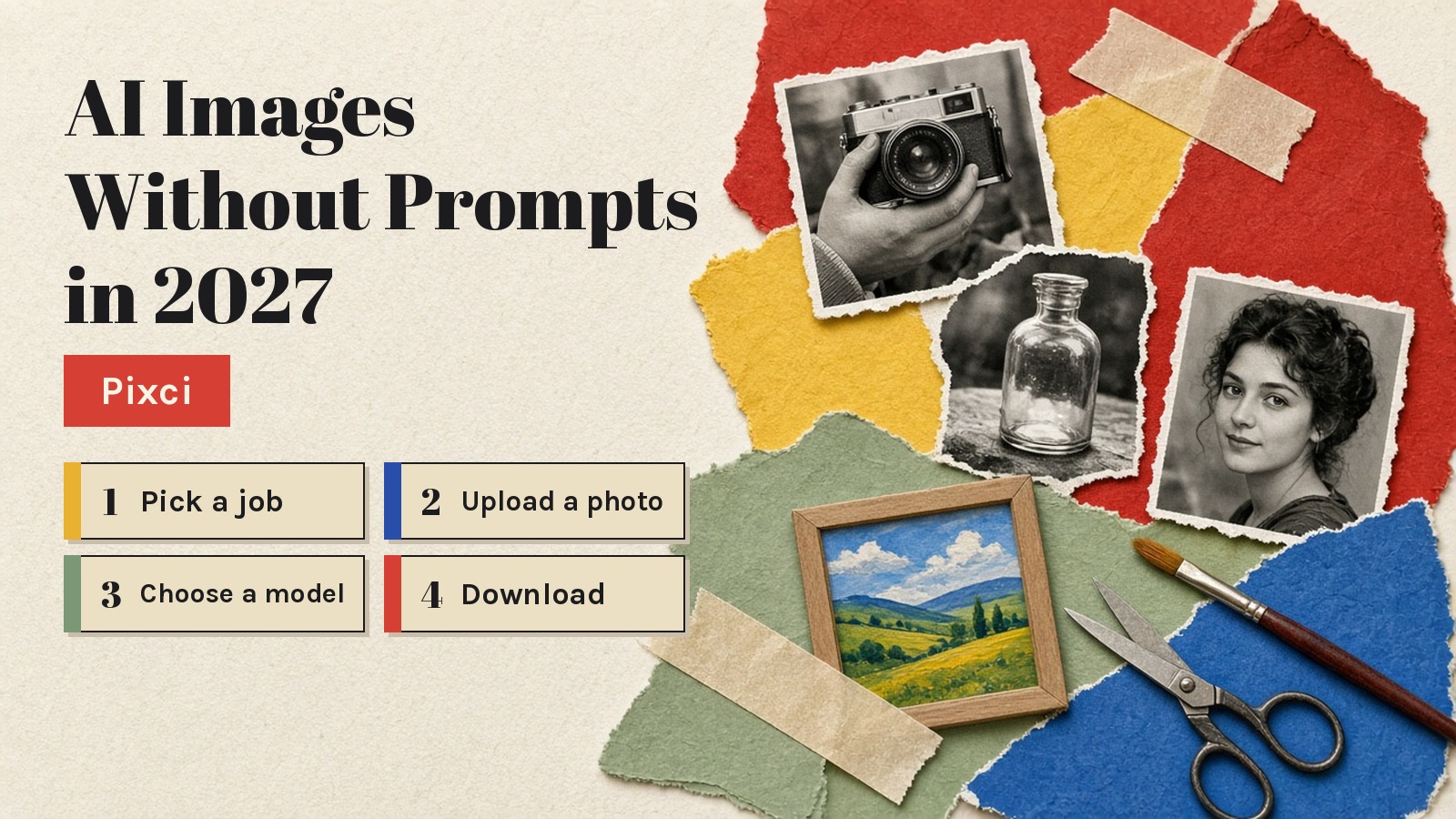
Pixci is the tool I'd hand to anyone who says "I just want the picture." Instead of starting with a blank box, you start with the job.
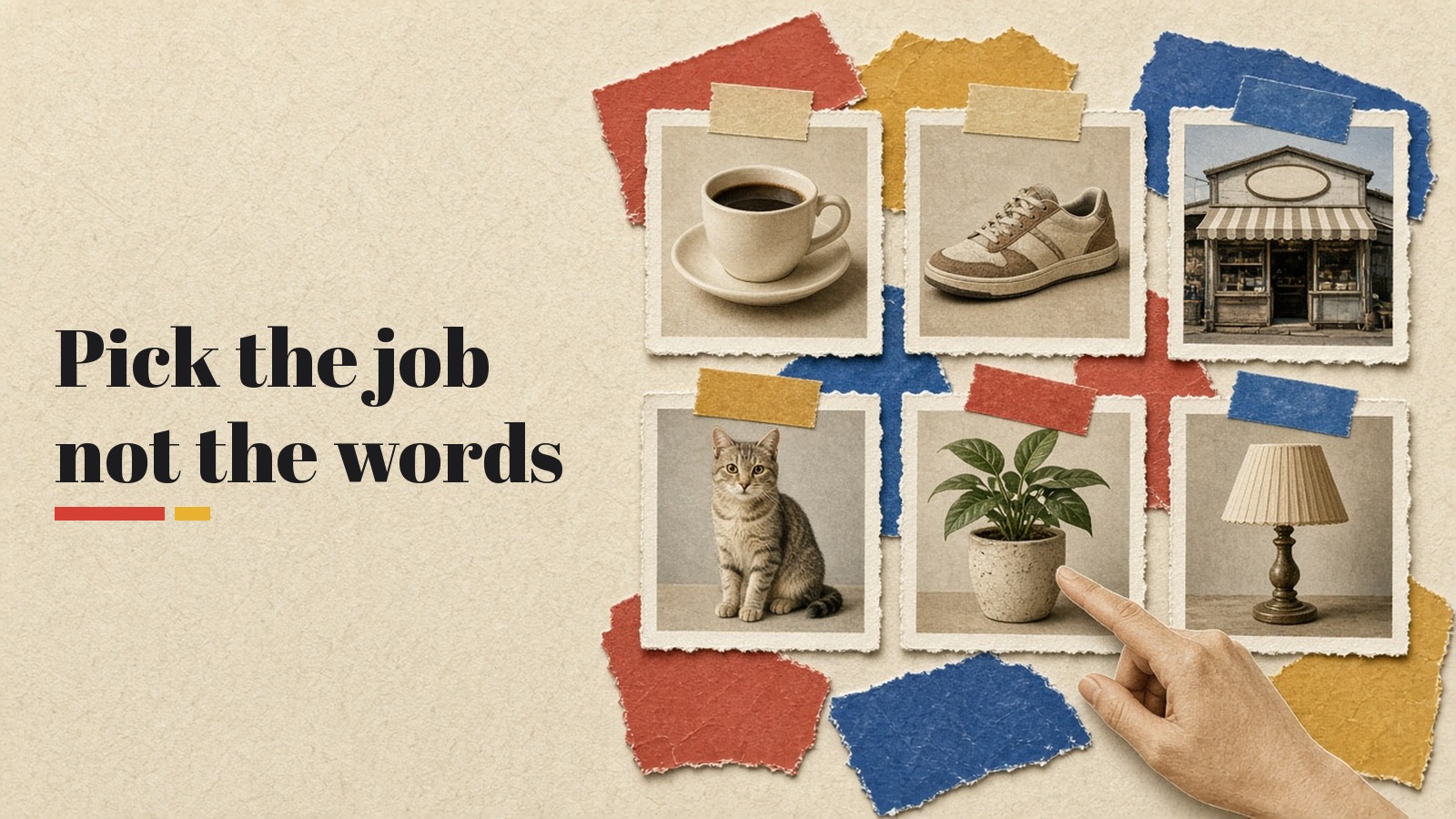
You pick a logo, a banner, a product shot, a sticker, a headshot or a photo fix. Pixci has hundreds of these ready made workflows, and you can search them by keyword. Then you pick a model, or keep the one Pixci suggests, and generate.
What makes Pixci different is the model choice. It puts 41 image models in one app, including GPT Image, Nano Banana, Flux, Ideogram, Imagen, Seedream and Grok Imagine. Each one has a strength. Some are better at photoreal shots, some at text inside images, some at vector logos. You can run the same idea on more than one model and keep the winner.
When you do want a custom image, Magic Prompt Technology turns a few plain words into a detailed instruction. You type "summer sale banner for a juice bar" and Pixci does the describing.
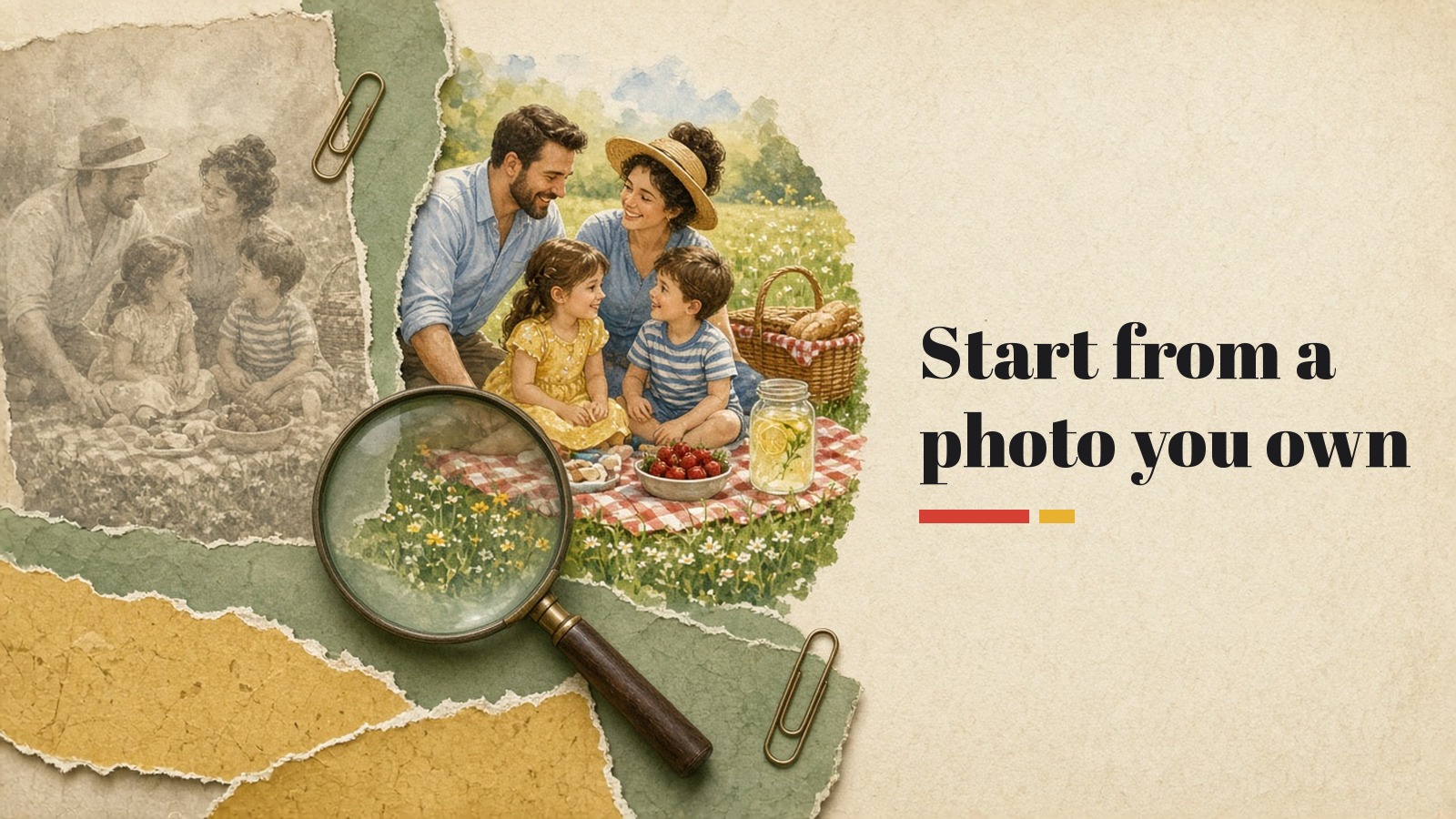
Pixci is also strong at editing photos you already own. You upload a JPG or PNG, then remove the background, upscale a small file, restore an old print, widen the frame or fill an empty area. Every image you make is saved in a library you can search by date or by model.
What I like
- You start from a job, not a sentence
- 41 models on one plan, with new ones added as they launch
- Photo fixes like background removal, upscaling and restoration in the same place
- A 30 day refund, which works as your trial
Keep in mind
- The Elite plans don't include custom workflows
- The monthly plan is a personal use license, and the yearly plan is for business use
Price. Pixci costs $6.99 a month or $67 a year. The monthly plan comes with 10,000 starting credits and the yearly plan with 35,000.
Best for. Marketers, small business owners and creators who need logos, ads, product photos and social images without learning to prompt.
2. Canva
Canva isn't only an image generator. It's a design tool with AI built in, which is exactly why it suits people who don't want to prompt.
You start from a template for an Instagram post, a flyer or a presentation, and your brand kit fills in your colors, fonts and logo. When you need a new picture inside the design, the AI tools are right there.
What I like. Templates do most of the thinking, and everything stays inside your design.
Keep in mind. The AI image generator itself still works from text. It's the templates that save you from prompting.
Price. Check site.
Best for. Teams that already design in Canva and want AI images to land straight in their layouts.
3. Photoroom
Photoroom is built for one thing, product photos that sell. You upload a photo of your product, the background disappears, and you choose a new scene.
Its pricing page lists AI Backgrounds and AI Fashion Models on every paid plan, and video for ads and product pages on the higher tiers. Core tools like background removal, retouching, resizing and image enhancement don't use credits.
What I like. It's the fastest route from a phone photo to a clean listing image.
Keep in mind. It's focused on products. It won't help much with logos or illustrations. If product images are your main job, my roundup of AI product photography tools goes deeper.
Price. Pro is $7.50 a month billed yearly. Max and Ultra cost more and add video and higher resolutions.
Best for. Ecommerce sellers who shoot their own products.
4. Leonardo AI
Leonardo AI is the most "creative studio" of the group. It started with game art and now covers images, video and design.
For people who don't want to prompt, the useful parts are presets and model choice. Its pricing page lists presets on every plan and access to more than 80 models on paid plans. You can lean on those instead of writing long descriptions.
What I like. A generous free plan with 150 fast tokens a day, and lots of room to grow.
Keep in mind. On the free plan your creations are public. Paid plans make them private. It also rewards people who are willing to learn, so beginners may feel the depth.
Price. Free plan, with paid plans listed from $12 a month. Check the page for monthly versus yearly billing.
Best for. Creators who want presets today and more control later.
5. Playform
Playform takes a different approach. It's made for artists who think in images, not words.
You upload images that capture the look you want, and Playform generates new work from them. It's a good fit if you have a style and want more of it.
What I like. It respects your own visual style instead of pushing a generic look.
Keep in mind. The free plan adds a watermark, and you pay credits to download clean files on the lower tiers.
Price. Free plan, Plus at $10 a month, Pro at $30 a month.
Best for. Illustrators and designers who work from reference images.
6. VisualGPT
VisualGPT has grown into a collection of ready made tools for sellers and creators. Its site lists product photography, virtual try on, a headshot generator, a hairstyle changer, photo to sketch and an image editor.
Because each tool does one job, you mostly upload a photo and pick what you want done. People often search for sites like VisualGPT, and Pixci and Photoroom are the closest matches on this list.
What I like. Lots of narrow tools, each with a clear purpose.
Keep in mind. Its main AI image generator still works from text prompts.
Price. Check site, since its pricing page runs rotating deals.
Best for. Online sellers and creators who want quick edits on their own photos.
Can I just chat in plain words instead?
Yes, and for many people that's the easiest route of all. Chat assistants like ChatGPT and Gemini can make images from a normal conversation. You say what you want the way you'd say it to a friend, then ask for changes like "make the background lighter".
That's still a prompt, just a friendly one. Where chat falls short is repeat work, because a saved workflow is faster than explaining the same graphic every week.
Pixci sits in the middle. Magic Prompt Technology lets you type a few words, and you can save a description that worked and run it again on the next graphic.
Do these tools save your prompts?
This is one of the most common questions I see, and the honest answer is usually yes.
Online image generators run on someone else's servers. Most keep a history of what you made in your account, and that history often includes the text you typed. Pixci, for example, saves every image you create in a library so you can download it again. Leonardo AI's free plan makes your creations public, while its paid plans keep them private.
If privacy matters for your work, do three things.
- Read the tool's privacy policy and terms before you upload anything sensitive.
- Use a paid plan that keeps your creations private where that's offered.
- Don't put customer names, unreleased product details or personal data into any prompt or upload.
If everything must stay on your own computer, you'd need to run an open model locally, which brings back the technical work.
Which one fits a marketing team that won't learn prompting?
Managers often want their marketers making AI creative without a week of prompt training. Here's how I'd decide.
- Mixed graphics every week. Logos, banners, ads, product shots and social posts. Pick Pixci. The one click workflows cover most of that list, and the yearly plan comes with a business use license.
- Everything ends up in Canva anyway. Stay in Canva and use templates with your brand kit.
- Mostly product photos. Use Photoroom for the backgrounds and cleanup.
Whatever you pick, keep a one page guide with your colors, fonts and sample images, and judge every result against it. A tool that gets you most of the way in one click beats a perfect tool nobody on the team will open.
Tips for better results without writing prompts
You don't need to prompt, but a few habits still make a big difference.
- Start with a sharp, well lit photo. The AI can only work with what you give it.
- Pick the job closest to your goal. A "product shot" workflow beats a general one for a product photo.
- Try two or three models and keep the best result.
- Save what works so the next image is faster.
If you want to go further and actually get good at prompting, my 11 tips for using AI art generators is a good next read, and my list of the best AI art generators in 2027 covers the prompt first tools.
A few common questions
Is there an AI image generator that needs no prompt at all? Yes. Workflow tools like Pixci and upload first tools like Photoroom let you make images without writing a prompt. You pick a job or upload a photo instead.
Are no prompt generators as good as prompt based ones? For everyday marketing images, often yes, because the workflow already contains a well written instruction. For very specific artistic scenes, writing your own prompt still gives you more control.
What's the easiest AI image generator for beginners? The ones that start from a job or a photo. Pixci, Canva and Photoroom are all beginner friendly.
Can I make images that match my brand without prompting? Mostly. Upload your own photos, use brand kits where the tool has them, and check every result against your colors and fonts before you publish.
Can I use these images commercially? It depends on the tool and the plan. Pixci's yearly plan is a business use license and the monthly plan is personal use. Always read the license terms for the plan you buy.
How much does Pixci cost? Pixci is $6.99 a month or $67 a year, with a 30 day refund if it isn't right for you.
Make your next image without writing a prompt
You shouldn't need to learn a new language to get a good picture for your business. The best tool is the one that starts where you already are, with a job to do or a photo in your hand.
If that sounds like you, Pixci is what I recommend. You get hundreds of one click workflows, 41 top image models and photo fixes in one app for $6.99 a month or $67 a year. Get Pixci and make your next logo, ad or product photo today. If it isn't right for you, the 30 day refund has you covered.