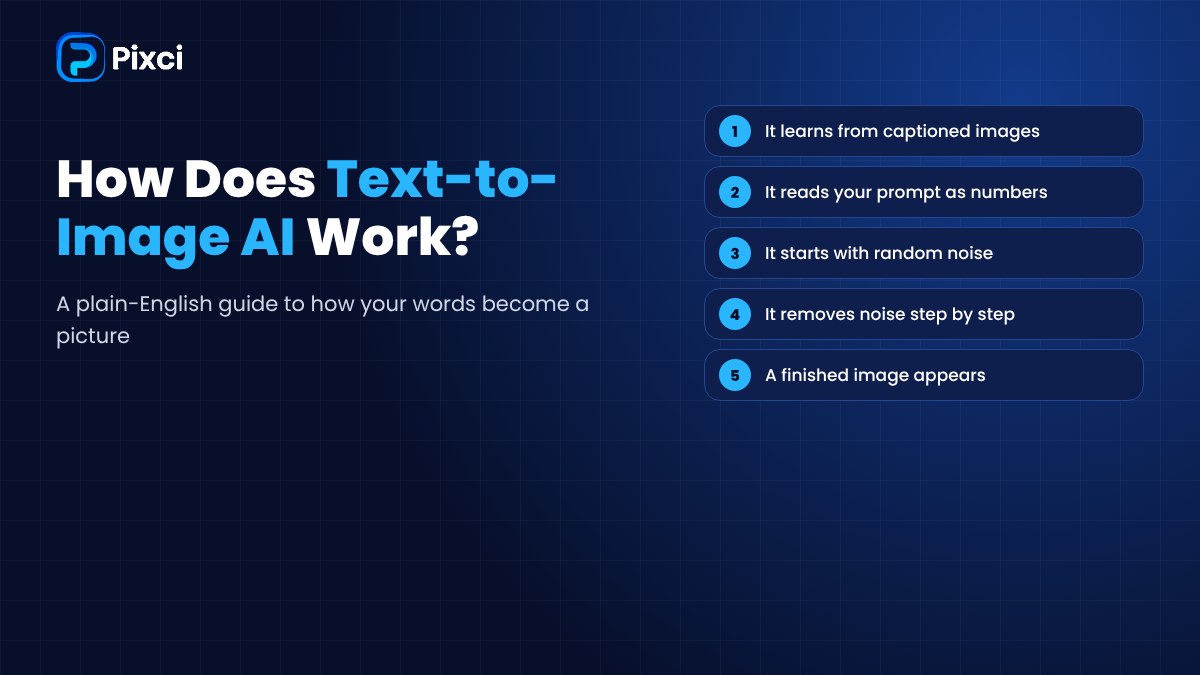
You type "a red fox sitting in fresh snow at sunrise" and a few seconds later there it is. A fox. In the snow. At sunrise.
It feels like magic. It isn't, and once you understand what's actually going on, you get much better at using it.
In this post I'll explain how text-to-image AI works in plain English, with no maths and no jargon you don't need. If you're looking for tool recommendations instead, we've covered the trending realistic AI image generators in a separate post.
This one is about the how and the why.
What Is Text-to-Image AI?
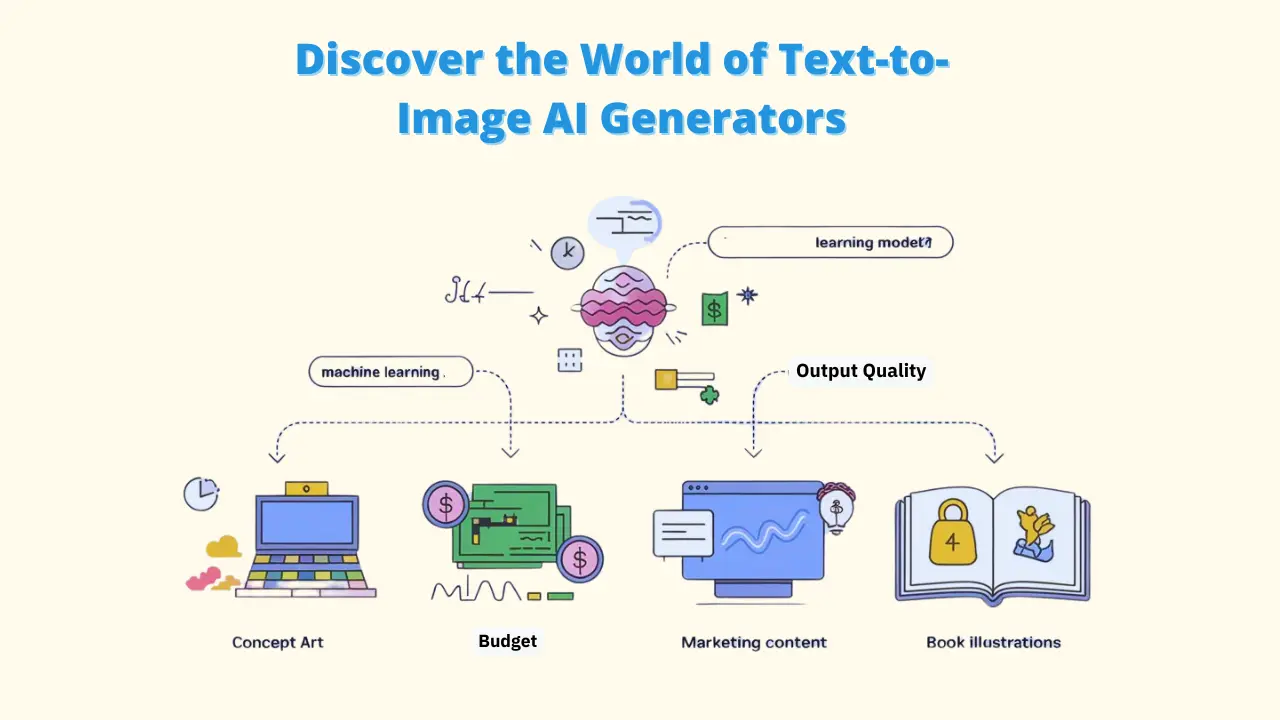
Text-to-image AI is software that creates a brand new picture from a written description. You describe it, the model draws it.
It doesn't search the internet for a matching photo. It doesn't paste together bits of existing images either. Every image is generated fresh, pixel by pixel, based on patterns the model learned during training.
The description you type is called a prompt. The better the model understands your prompt, the closer the image gets to what you had in mind.
How Does It Learn What Things Look Like?
Before a model can draw anything, it has to study. A lot.
During training, it's shown an enormous number of images, each paired with a text caption. A photo of a dog on a beach, with the words "dog running on a beach". A painting of a city at night, with a description of it.
Over time, the model learns connections. What "dog" tends to look like. What "beach" looks like. What "at night" does to colours and light. What "oil painting" does to texture.
It doesn't memorise the pictures. It learns the patterns between words and visuals. That's why it can draw a combination it has never seen, like a fox wearing a tiny raincoat.
How Your Words Become a Picture
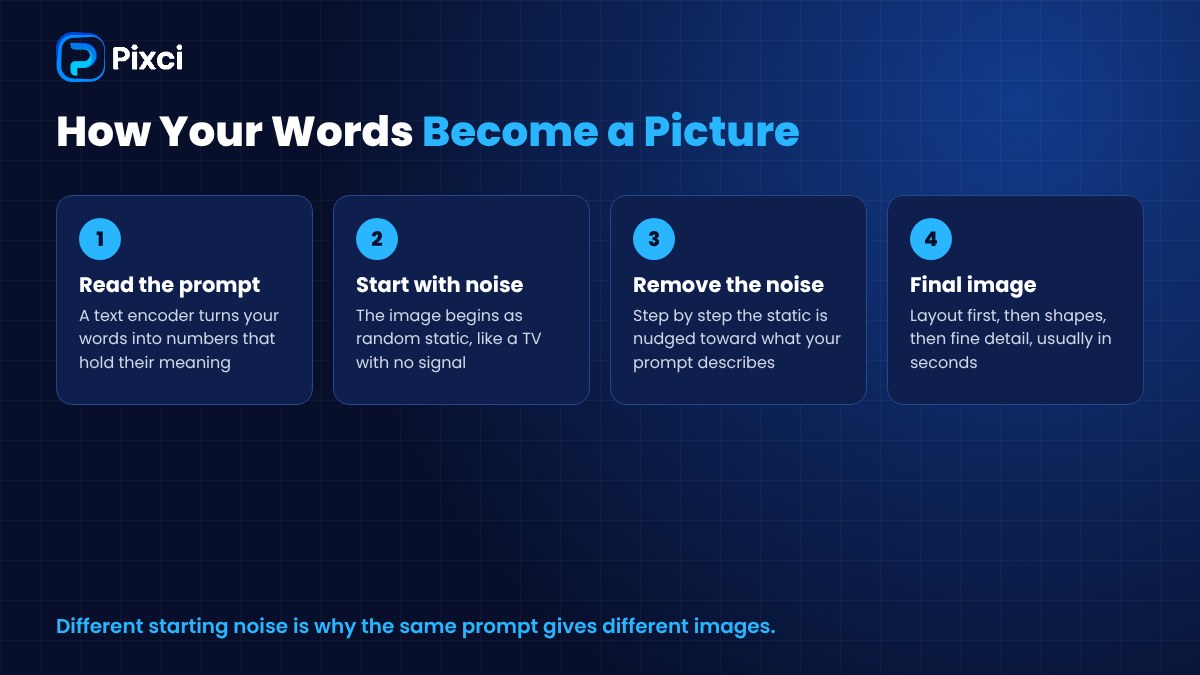
Most popular image generators today use a method called diffusion. Here's what happens after you press generate.
Step 1. The Model Reads Your Prompt
A part of the system called a text encoder turns your words into numbers that capture their meaning. "Fox", "snow" and "sunrise" each become a mathematical description the image part of the model can understand.
This is why word choice matters so much. The model only knows what you said, not what you meant.
Step 2. It Starts With Pure Noise
This is the strange part. The image doesn't start as a sketch. It starts as random static, like an old TV with no signal.
Step 3. It Removes the Noise, Bit by Bit
During training, the model learned to do one thing really well. Take a noisy image and make it slightly less noisy.
Now it does that over and over, each time nudging the static toward something that matches your prompt. Early steps decide the rough layout and colours. Later steps add shapes, then edges, then fine detail like fur and snowflakes.
Think of a sculptor chipping away at a block of marble. Except the marble is static, and your prompt is telling the sculptor what to find inside it.
Step 4. The Final Image Appears
After enough steps, the noise is gone and you have a finished picture. Many models do all of this in a compressed version of the image to save time, then expand it to full size at the end.
The whole process usually takes seconds.
Why the Same Prompt Gives Different Images
Ever noticed that running the same prompt twice gives you two different foxes?
That's because the starting static is random every time. Different noise leads to a different final image, even with identical words. Some tools let you fix that starting point with a number called a seed, so you can reproduce an image or make small changes to it.
This randomness is actually useful. It means you can generate several versions and pick the best one.
What Text-to-Image AI Is Good At, and Where It Struggles
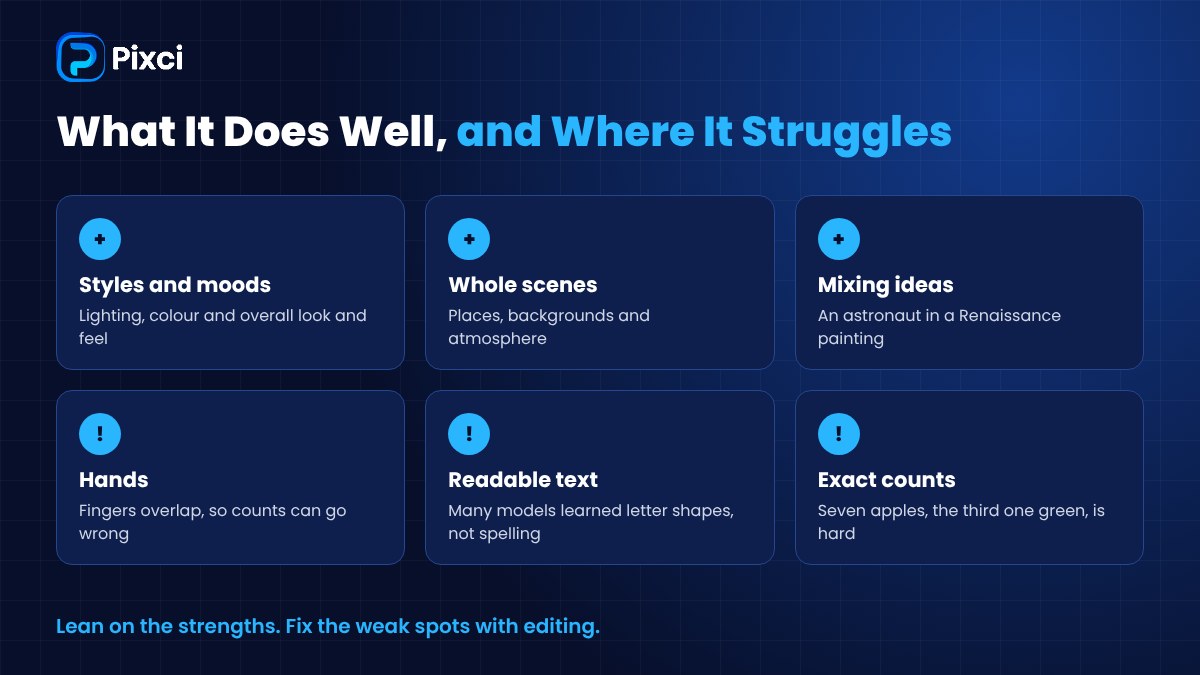
Once you know how it works, its strengths and weaknesses make sense.
It's great at overall look and feel. Styles, moods, lighting, colour palettes and scenes. These are big patterns it has seen countless times.
It's great at combining ideas. An astronaut in a Renaissance painting? A coffee shop on Mars? Easy.
It struggles with small, precise details. Hands have lots of possible positions and fingers often overlap in photos, so models sometimes get the count wrong.
It struggles with text. Many models learned what letters look like, not how to spell. So signs and labels can come out as gibberish. Newer models are getting better here, but it's still worth checking.
It struggles with exact counts and positions. "Seven apples, the third one green" is hard. The model thinks in overall impressions, not in lists.
It struggles with consistency. Getting the same character to look identical across ten images takes extra tools or techniques.
What This Means for How You Use It
Understanding the engine changes how you drive it.
- Be specific about what matters. The model fills every gap with the most typical option. If you care about the lighting, the angle or the style, say so.
- Put the important stuff first. Many models pay more attention to the start of a prompt.
- Generate more than one. Randomness is built in, so treat the first result as a draft.
- Add text afterwards. Leave space in the image and put the words on in a design tool.
- Fix, don't restart. Editing one area of an image is often faster than generating a whole new one.
- Try different models. Each one was trained differently, so each has its own strengths.
Is It Okay to Use These Images?
Generally, yes, but read the terms of the tool you use. Each platform sets its own rules about commercial use and ownership, and they change from time to time.
A few common-sense rules help too. Don't try to copy a living artist's signature style for commercial work. Don't generate real people in situations they'd object to. And don't present AI images as real photos where that could mislead someone, like in news or reviews.
How Pixci Puts Text-to-Image to Work

Knowing how the engine works is one thing. Getting good results every day without becoming a prompt engineer is another. That's the gap Pixci fills.
Pixci gives you text-to-image, image-to-image and image + image AI in one place, with 25+ models to choose from. Since every model was trained differently, you can compare results and keep the one that suits the job.
If you'd rather not write prompts at all, there are 100s of ready-made workflows. Logos, product photos, posters, headshots, stickers, photo-to-sketch and plenty more. Click and generate.
And when you do write a prompt, the Magic Prompt Enhancer turns a short idea into a detailed one. You also get the editing tools that cover the weak spots above, like filling in a selected area, extending an image, removing backgrounds and upscaling.
Pixci costs $6.99 a month or $67 a year.
Final Thoughts
Text-to-image AI isn't magic. It's a model that learned how words and pictures relate, then sculpts an image out of random noise, guided by your prompt.
Once you see it that way, everything clicks. Why details matter. Why the same prompt gives different results. Why hands and text go wrong.
And you stop fighting the tool and start working with it.
When you're ready to pick a generator, our roundup of realistic AI image generators is a good place to start.
FAQs About How Text-to-Image AI Works
Does text-to-image AI copy existing images?
No. It generates a new image from patterns it learned in training. It doesn't paste together pieces of stored pictures.
What is a diffusion model?
It's the method most image generators use. The model starts with random noise and removes it step by step, guided by your prompt, until an image appears.
Why can't AI spell words in images?
Many models learned what letters look like rather than how words are spelled. Newer models handle text better, but it's still safer to add text in a design tool.
Why does my prompt give a different image every time?
Each generation starts from different random noise. If your tool supports seeds, reusing the same seed lets you repeat or tweak a result.