I've lost count of the times I typed "photorealistic" into an AI image tool and got back something that looked like a video game cutscene.
Plastic skin. Six fingers. Light that comes from nowhere. A coffee cup with a handle melting into the saucer.
The good news is that realistic AI image generators got a lot better over the last year. The best models now handle skin texture, reflections, shallow depth of field and natural window light well enough that you can use the results in an ad, a product listing or a blog post without anyone squinting at them.
The catch is that the most realistic model changes every few months, and each one lives in its own app with its own subscription.
So for this 2027 refresh I rebuilt the list from scratch. I went back to every official pricing page on November 24, 2026, took fresh screenshots of every site and found an official demo video for each tool. Where a price depends on a sale or your region, I say so instead of guessing.
Pixci comes first. It's made by my team at Teknikforce, so I'm not neutral about it, and I'll stick to what its own page promises. Then come five other strong options, from Midjourney to Krea.
Quick comparison
Here's the short version. Prices are the entry paid plan as shown on each official pricing page on November 24, 2026. Several vendors are running Black Friday deals right now, so I've listed the regular price where the page shows one. Every tool name links to its official site.
| Tool | Price (checked Nov 24, 2026) | Free option | Why it's good for realism | Best for |
|---|---|---|---|---|
| Pixci | $6.99 a month or $67 a year | 30-day money-back guarantee | 41 models in one app, including GPT Image, Nano Banana Pro, Imagen Ultra, Flux Pro and Seedream | Marketers and small businesses who want photo-quality images without five subscriptions |
| Midjourney | Basic $10 a month, or $96 a year | No free plan | Rich lighting, texture and a strong sense of style | Creators who want striking, magazine-style realism |
| Leonardo AI | Essential $12 a month, or $10 a month billed yearly | Free plan with 150 tokens a day | 80+ models, presets and fine control | Creators who like to tweak settings and train their own models |
| Adobe Firefly | Free daily generations, paid plans check site | Free daily generations | Adobe models plus partner models, with editors for precise fixes | Designers already working in Photoshop and Adobe apps |
| Magnific (formerly Freepik) | Premium $174 a year, or $87 for the first year in its Black Friday sale | 20 free images a day | Leading models plus Magnific upscalers and a huge stock library | Marketing teams who mix AI images with stock assets |
| Krea | Basic $9 a month | Free plan with 100 units a day | Krea 3 model, real-time generation and an upscaler up to 22K | Creative teams who want speed, upscaling and custom styles |
What makes an AI image look real
Before the list, here's what I actually look at when I judge whether an AI image passes as a photo.
- Skin and hands. Real skin has pores, fine lines and uneven color. Hands should have five fingers that bend the right way.
- Light that makes sense. Shadows should fall away from the light source, and reflections should match the room.
- Lens behavior. A real camera blurs the background in a specific way. Good models copy a 50mm or 85mm look instead of smearing everything.
- Small imperfections. Crumbs on a plate, a scuff on a shoe, dust on a shelf. Perfect images look fake.
- Readable text. Signs, labels and packaging still trip up a lot of models.
No single model wins on all five every time. That's the big reason I like having more than one model to choose from.
How I picked these six
I wanted tools that a marketer, a blogger or a small business owner could open today and use for photo-quality images.
- Realism first. Each tool has at least one model known for photorealistic output.
- Real prices. I read each official pricing page this week and wrote down the numbers as shown.
- Commercial use. Each tool has a paid plan that covers commercial use, though the terms differ.
- Ease of use. You shouldn't need a GPU or a weekend of setup.
I didn't run a formal side-by-side shootout on all six, and I won't pretend I did. What follows comes from each vendor's own site, pricing page and official demo.
1. Pixci, my top pick for 2027
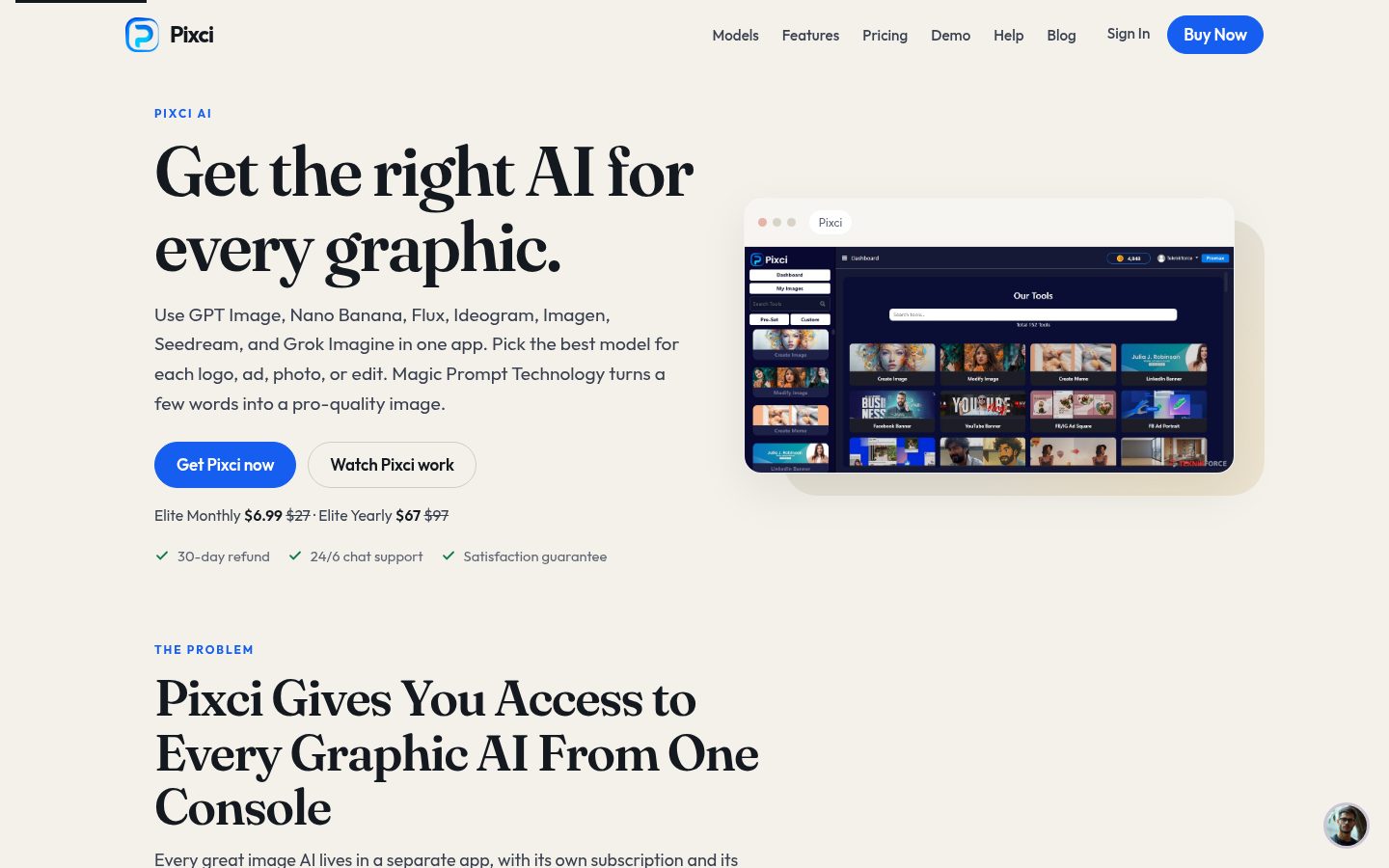
Pixci's homepage
Here's my honest problem with "the most realistic AI image generator." It changes every few months.
One quarter it's a Flux model. Then Google ships a new Nano Banana. Then OpenAI updates GPT Image. If you pay for one app, you're stuck with whatever that app's best model happens to be this month.
Pixci gets around that by putting 41 image models in one app. For realistic work, that includes GPT Image, Nano Banana and Nano Banana Pro, Imagen Ultra, Flux Pro, Seedream, Luma Photon, Krea Large, Reve, Qwen Image, Grok Imagine and Stable Diffusion. You can run the same idea on more than one model and keep the one that looks most like a real photo.
You don't need to be a prompt expert either. Pixci's Magic Prompt Technology turns a few plain words into a full, detailed prompt. Type "serum bottle on wet slate, morning light" and it fills in the camera, lighting and texture details for you.
Then there are the photo tools, which matter a lot for realism.
- Upscaler to sharpen a soft image or enlarge a small one
- Professional Headshot for clean, realistic profile photos
- Restore Image for old or damaged prints
- Sketch To Photo and Anime To Photo to turn drawings into realistic images
- Background Remover, Inpaint and Object Remover for cleanup
- Extend the frame when a photo is cropped too tight
There are hundreds of one-click workflows for product shots, scenes, people, banners and logos. Every image goes into a library you can search by date or by model, and you can save a description that worked and run it again on the next job.
Best for marketers, bloggers, ecommerce sellers and small businesses who want photo-quality images from the best current models without paying for five separate AI subscriptions.
Why it's the best value
This is the part I like most.
Midjourney's Basic plan is $10 a month. Leonardo's Essential plan is $12 a month. Adobe Firefly's paid plans add another monthly bill. Each of those gets you one company's lineup.
Pixci is $6.99 a month, or $67 for the whole year, and you get 41 models from OpenAI, Google, xAI, Black Forest Labs, ByteDance, Ideogram and more.
Pricing Elite Monthly is $6.99 a month with a personal use license and 10,000 starting credits. Elite Yearly is $67 a year with a business use license and 35,000 starting credits. Both include every model, free upgrades and 24/6 chat support. Neither includes custom workflows. There's a 30-day money-back guarantee, and that refund is how Pixci handles a trial.
Pros
- 41 models in one app, including top photoreal models
- Magic Prompt Technology for people who hate writing prompts
- Upscaling, headshots, restoration and cleanup built in
- New models added to your plan as they launch
- The lowest price on this list
Cons
- Business use needs the yearly plan
- No custom workflows on either plan
- Credits are shared across all those models, so heavy users should watch their balance
2. Midjourney
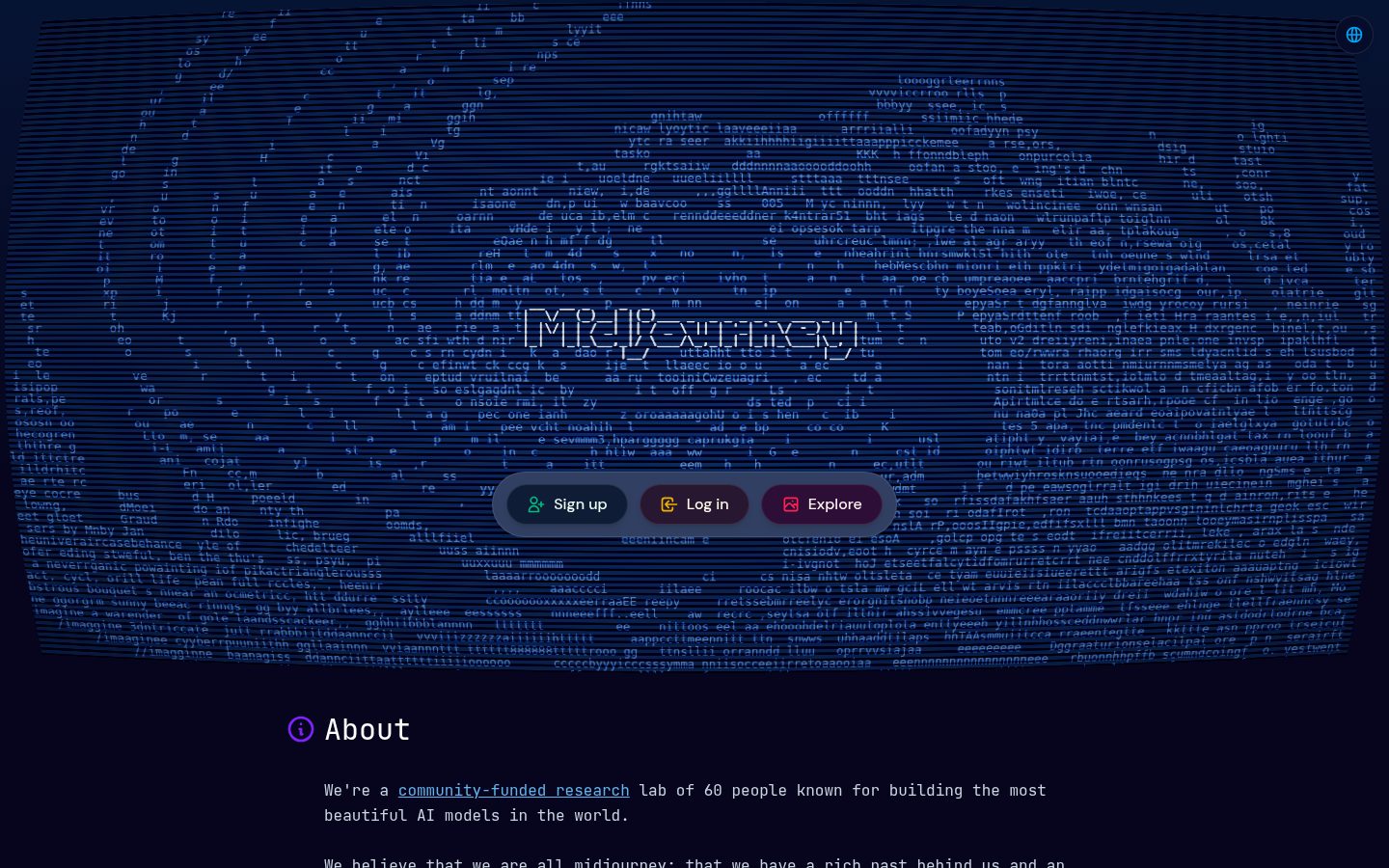
Midjourney's homepage
Midjourney is still the name most people think of first, and for good reason. Its images have a look. Rich light, deep color, real texture.
That look is a strength and a weakness. For a moody portrait or a cinematic travel scene, it's beautiful. For a plain product shot on white, it can be a bit too dramatic, and you'll spend time pulling it back toward ordinary.
You work on the Midjourney website or in Discord. Draft Mode, shown in the video above, lets you iterate fast and cheap before you render a final version.
Best for creators and brands who want striking, editorial realism with a strong mood.
Pricing Basic is $10 a month, or $96 a year ($8 a month), with 3.3 hours of fast GPU time. Standard is $30 a month and adds unlimited relaxed image generation. Pro is $60 and Mega is $120. Midjourney's plan page says companies making more than $1,000,000 a year in gross revenue need Pro or Mega.
Pros
- Gorgeous light and texture
- Fast iteration with Draft Mode
- Huge community to learn from
Cons
- No free plan
- Stealth mode only on Pro and Mega
- Realism leans stylish rather than plain
3. Leonardo AI
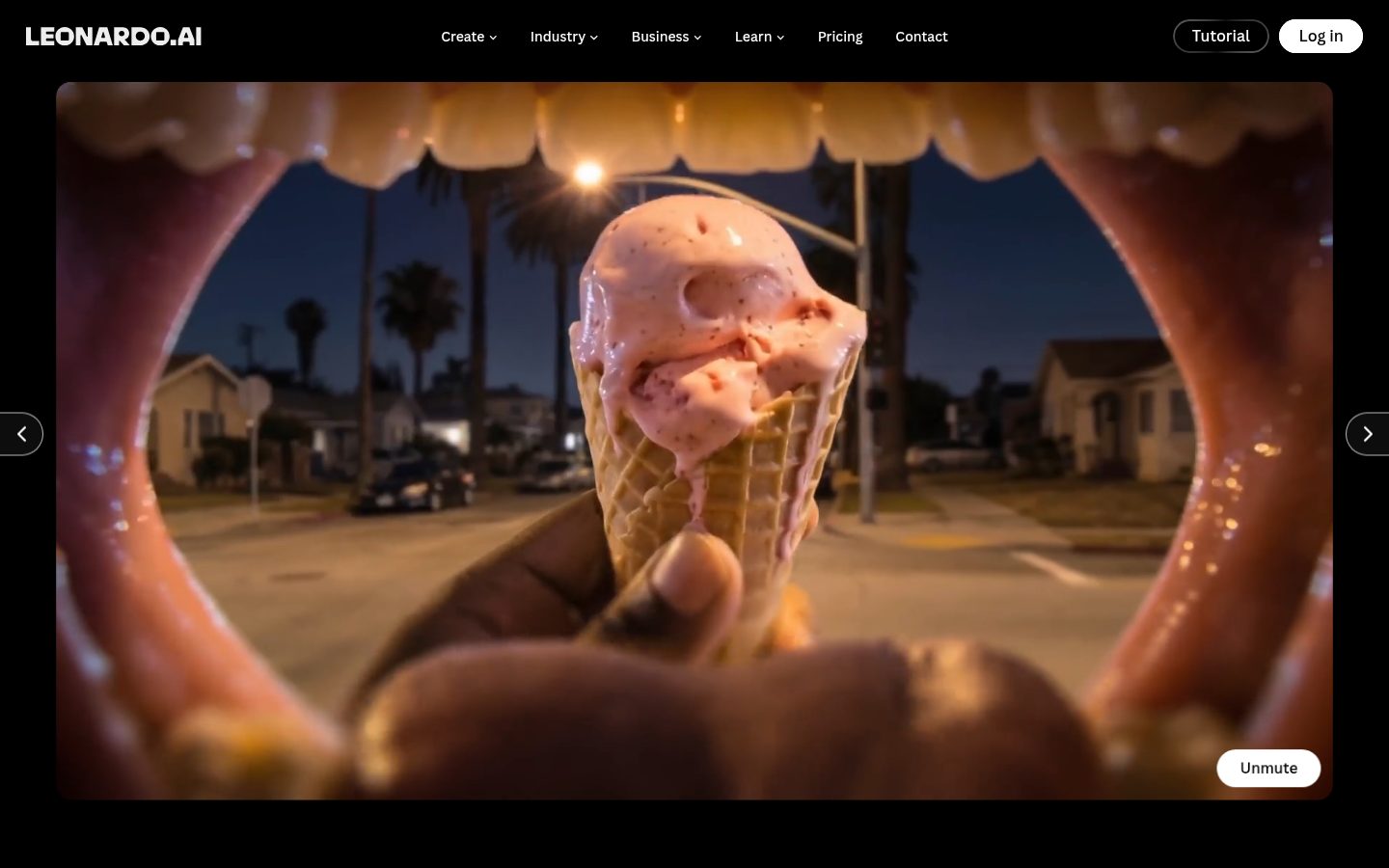
Leonardo AI's homepage
Leonardo AI started out popular with game artists, but it's grown into a full platform for images, video and design.
For realism, the big draw is control. You get 80+ models on paid plans, presets, quality settings and a canvas editor. You can also train personal AI models, which helps when you need the same face or product to look consistent across a campaign.
The free plan is generous enough to get a feel for it, though your creations are public on the free tier.
Best for creators who like to tweak settings, train their own models and keep a character or product consistent.
Pricing The Free plan gives 150 fast tokens a day. Essential is $12 a month, or $10 a month billed yearly, with 8,500 fast tokens. Premium is $30 a month ($24 yearly) and Ultimate is $60 a month ($48 yearly). Team plans start at $24 a seat.
Pros
- Free plan to start
- Lots of models and fine controls
- Train personal models for consistency
Cons
- Free creations are public
- Token math takes some getting used to
- More settings than a beginner needs
4. Adobe Firefly
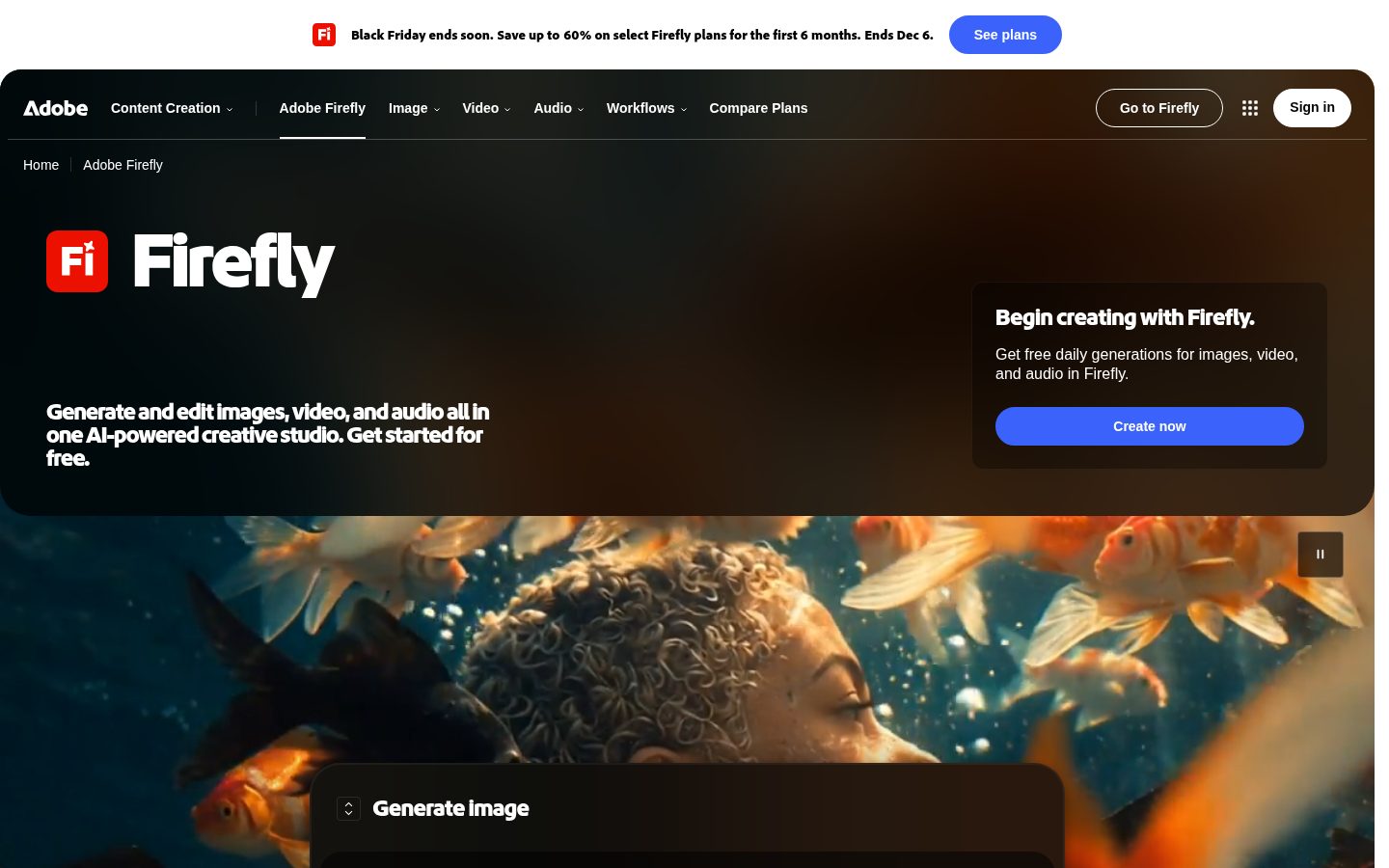
Adobe Firefly's homepage
If you already live in Photoshop, Firefly is the natural choice.
Firefly now gives you Adobe's own models plus partner models from Google, OpenAI and others, all from one studio. The realism story here isn't just generation. It's the image editors and Generative Fill that let you fix a hand, extend a background or swap an object without leaving Adobe.
Adobe pitches its own Firefly models as safe for commercial work, which matters to agencies and bigger brands.
Best for designers and agencies already working in Photoshop and other Adobe apps.
Pricing There's a free plan with limited daily generations. Paid plans are Firefly Standard with 2,000 monthly credits, which Adobe says is up to 400 images, Firefly Pro with 4,000 and Pro Plus with 10,000. Pro and Pro Plus are on sale for the first six months until December 6. Adobe shows prices by region, so check site for current pricing.
Pros
- Free daily generations
- Strong editing tools for fixing details
- Adobe and partner models in one place
Cons
- Credits run out quickly on partner models
- Prices vary by region
- Best value only if you use other Adobe tools
5. Magnific (formerly Freepik)
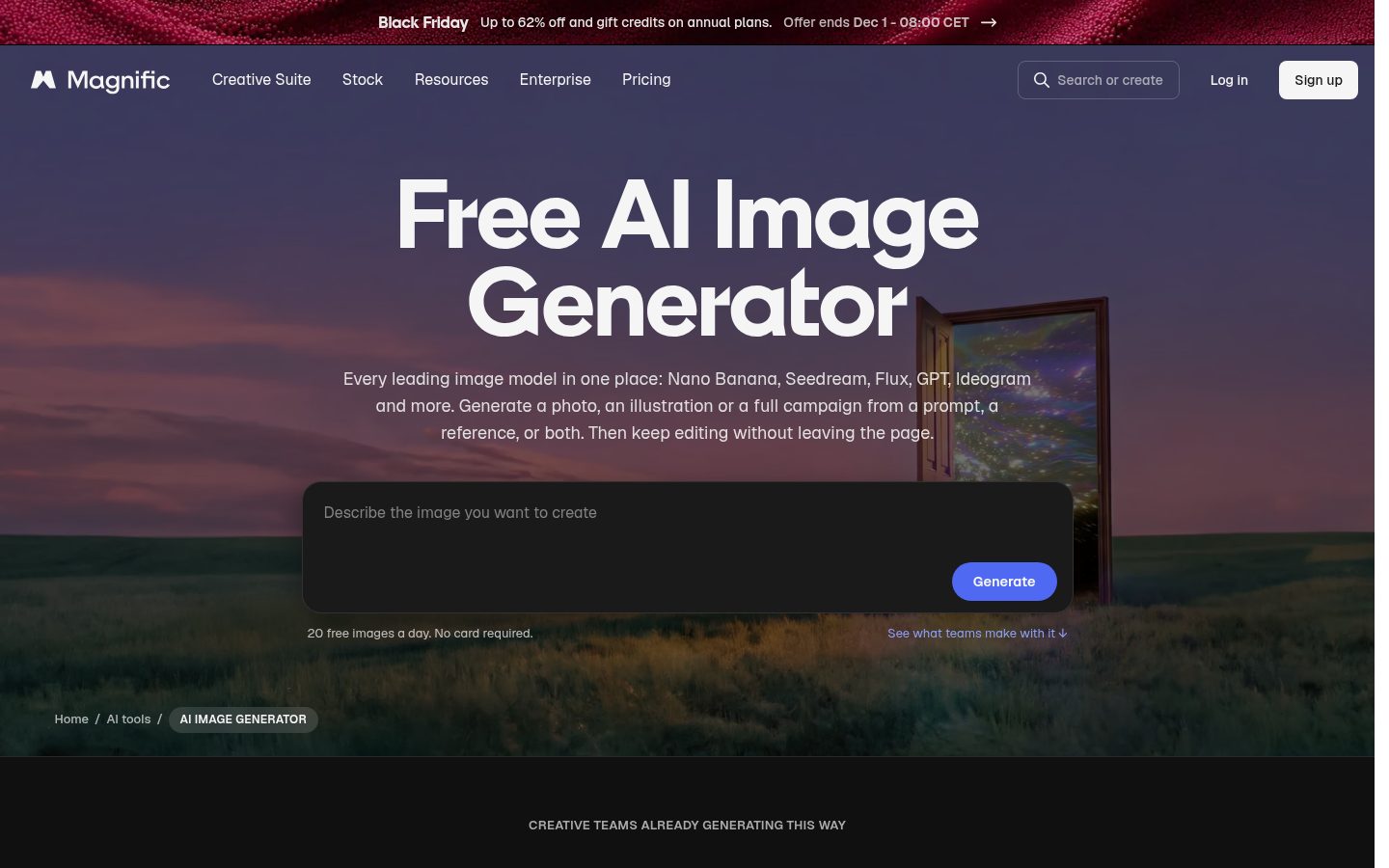
Magnific's AI image generator page
The old version of this post had Freepik on it. Freepik has since rebranded as Magnific, and freepik.com now sends you to magnific.com.
The image generator puts leading models like Nano Banana, Seedream, Flux, GPT Image and Ideogram in one place, alongside Magnific One, its own model. For realism, the Magnific and Topaz upscalers are the standout. They add believable detail when you blow an image up for print or a big banner.
You also get 250 million plus stock photos, videos, vectors and PSDs, which is handy when an AI image needs a real background or a template around it.
Best for marketing teams and designers who mix AI images with stock assets and need strong upscaling.
Pricing You can make 20 free images a day without a card. Premium is $174 a year, and $87 for the first year during its Black Friday sale, which ends December 1. Plus is $33.75 a month billed yearly and Pro is $82.50 a month billed yearly at sale prices. Check site for monthly billing.
Pros
- Free daily images
- Excellent upscalers
- Huge stock library included
Cons
- Credit costs differ a lot by model
- Plans and names changed recently
- Best prices need a yearly plan
6. Krea
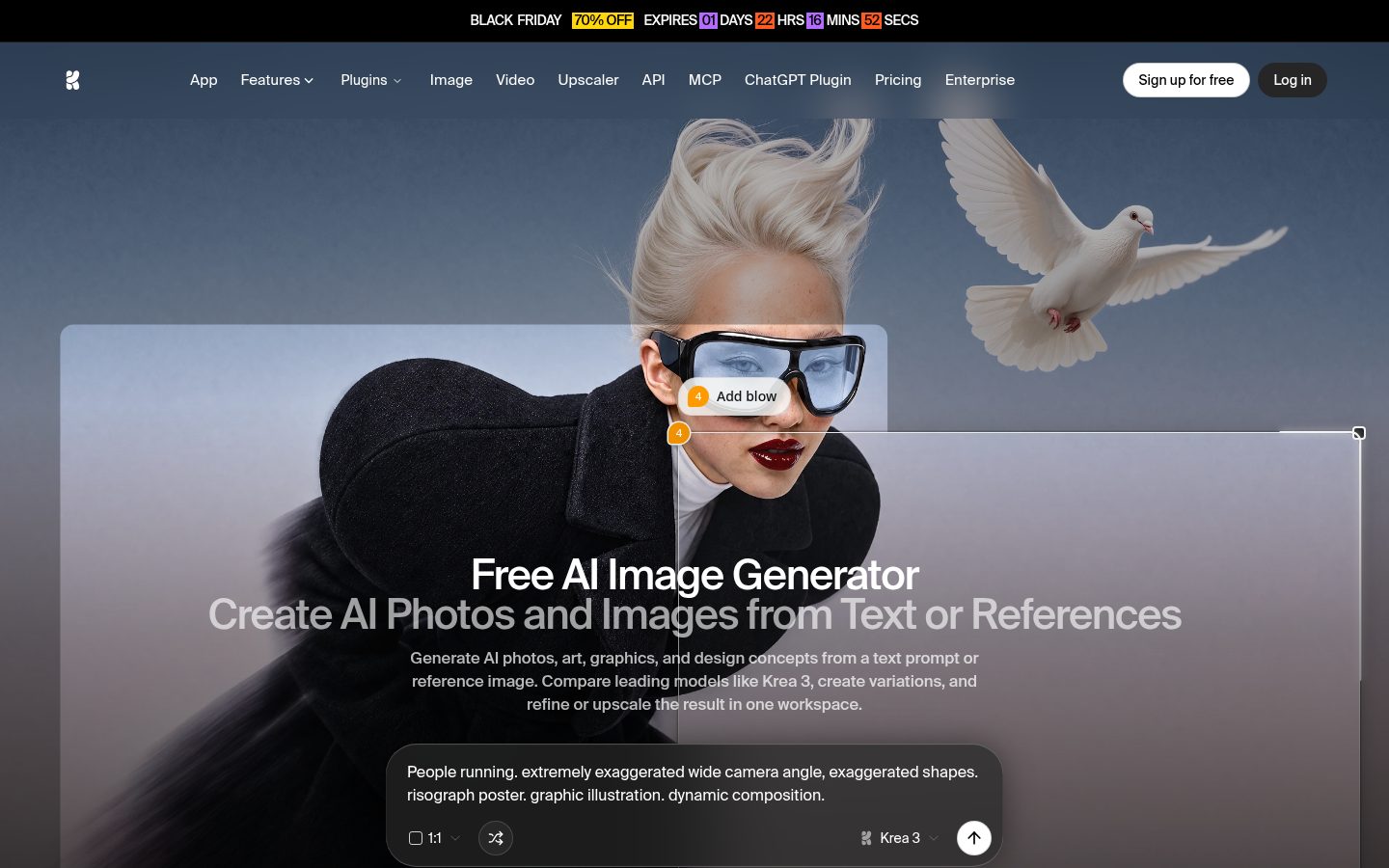
Krea's AI image generator page
Krea is the tool designers talk about when they talk about speed.
Its own Krea 3 model is pitched as photoreal, editorial and on brand, and it sits next to models like Nano Banana. Real-time generation updates the picture as you draw, so you can steer a scene instead of waiting on each render. The upscaler goes up to 22K, and you can train Krea on your own style with LoRA training.
It's a creative tool more than a marketing tool, but if you care about fine-tuning a look, it's a lot of fun.
Best for creative teams who want real-time generation, big upscales and custom styles.
Pricing The Free plan gives 100 units a day. Basic is $9 a month with 5,000 units. Pro is listed at $42 a month, and Max starts at $94 a month. Most paid plans are discounted right now in a Black Friday sale, with bigger cuts on yearly billing, so check site for the current price.
Pros
- Free plan to start
- Real-time generation
- Upscaling up to 22K
Cons
- Unit pricing is hard to predict
- Lots of tools to learn
- Prices change often with promotions
What realistic AI images look like now
Here are a few sample images I made with an AI image generator for this post. They show the kind of photo-quality results the current top models can reach for products, people and lifestyle shots.
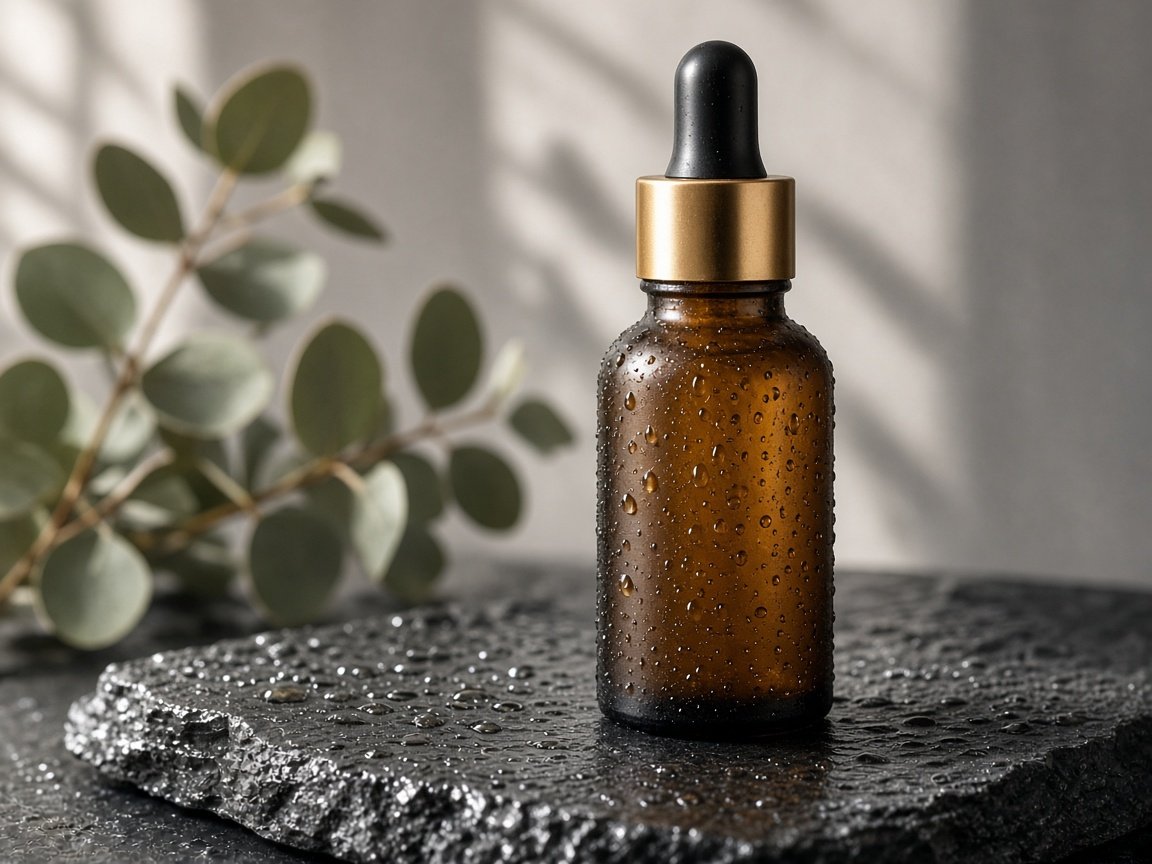
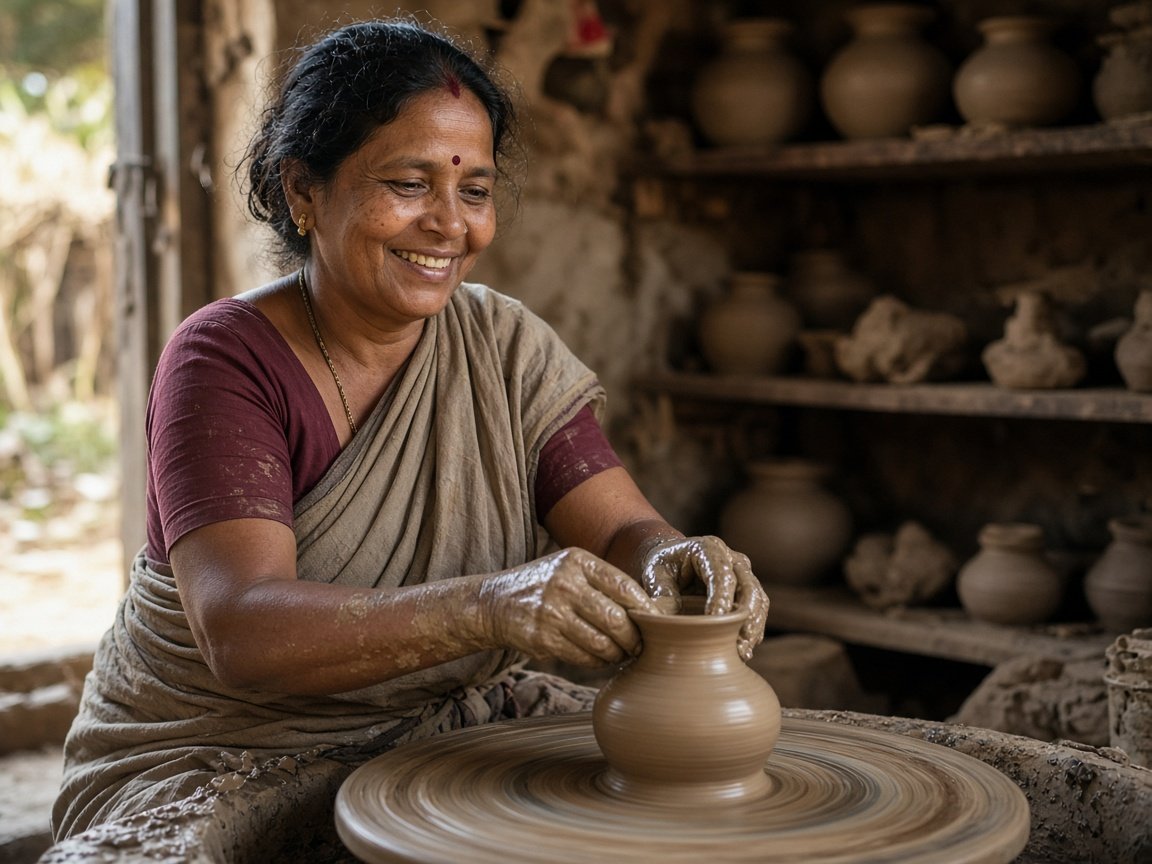
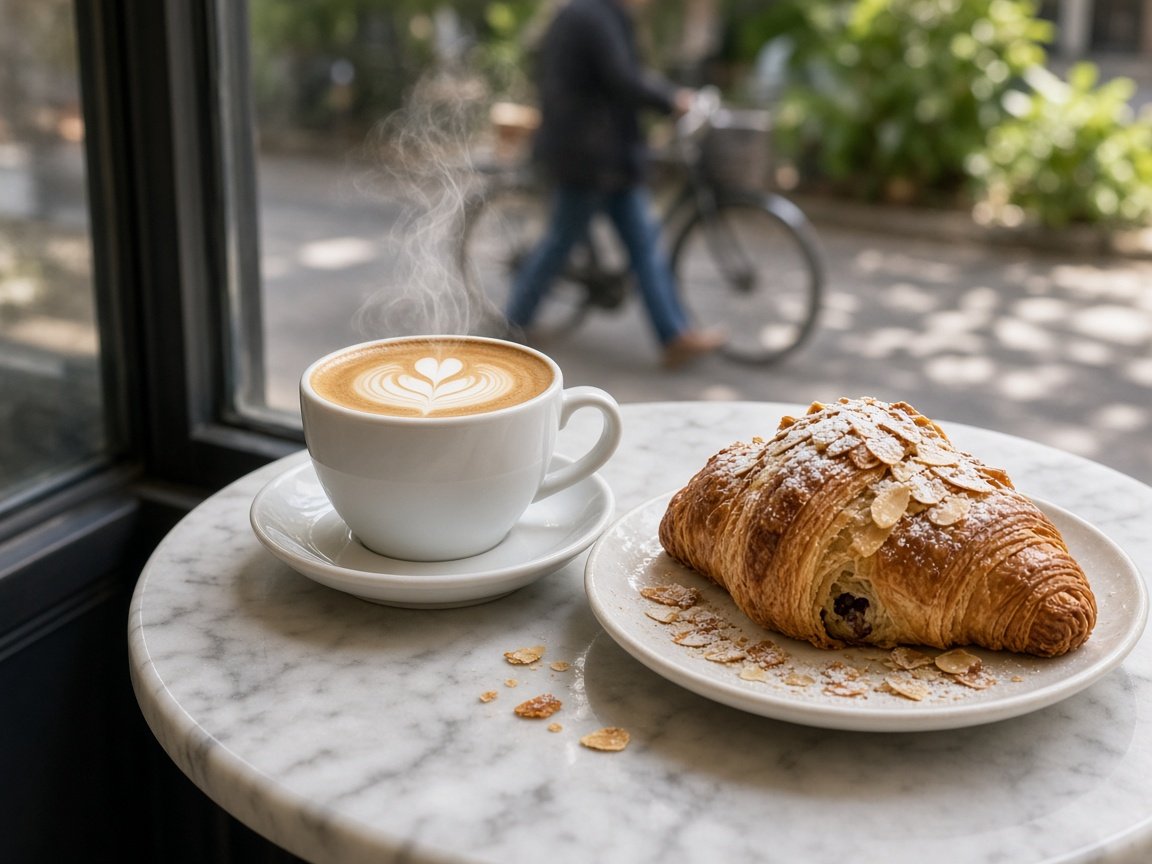
Look at what makes them read as real. Water drops on the bottle. Clay dust on the potter's arms. Crumbs on the plate and a blurred passerby outside the window. None of it is perfect, and that's the point.
How I write prompts for realistic images
You don't need a long prompt. You need the right details.
- Name the subject and the setting. "Amber serum bottle on wet slate" beats "skincare product."
- Describe the light. Morning window light, golden hour, overcast sky, soft studio light.
- Pick a lens. 50mm for people, 85mm for portraits, 100mm macro for small products.
- Add small flaws. Crumbs, dust, scuffs, water drops, flyaway hair.
- Say what you don't want. No text, no logo, no watermark.
- Try more than one model. One might nail skin while another nails reflections. In Pixci you can run the same prompt on several models and keep the winner.
If you'd rather skip all of that, Pixci's Magic Prompt Technology will expand a few plain words into a full prompt for you.
How I'd choose
If you want the best realism for the least money, start with Pixci. You get the top photoreal models in one app for $6.99 a month or $67 a year.
If you want a signature cinematic look, Midjourney is still hard to beat.
If you want fine control and a free plan, try Leonardo AI.
If you live in Photoshop, Adobe Firefly fits right in.
If you need stock assets and big upscales, look at Magnific.
If you want real-time generation and custom styles, Krea is worth a look.
A few common questions
What is the most realistic AI image generator in 2027?
There isn't one permanent winner. Models like GPT Image, Nano Banana Pro, Imagen, Flux and Seedream trade places every few months. That's why I like Pixci, which gives you 41 models, including those, in one app.
Is there a free realistic AI image generator?
Yes. Leonardo AI, Adobe Firefly, Magnific and Krea all have free plans or free daily generations. They're fine for trying things out, but limits are tight, and some free plans make your images public.
What is the best realistic AI image generator for product photos?
Pick a tool with strong photoreal models plus an upscaler and background remover. Pixci has all three, plus a Professional Headshot tool for people photos. Magnific is also strong thanks to its upscalers.
Can I use AI generated images commercially?
Usually yes, on a paid plan, but read each tool's terms. Pixci's yearly plan includes a business use license, while the monthly plan is personal use. Midjourney asks companies with more than $1,000,000 in yearly revenue to use Pro or Mega.
How do I make AI images look less fake?
Describe the light, pick a lens, add small flaws and avoid words like "perfect." Then try the same prompt on more than one model and keep the most natural result.
Why do AI images still get hands and text wrong?
Hands and lettering are hard for older models. Newer ones like GPT Image, Nano Banana Pro and Ideogram handle them much better, so using a newer model is often the quickest fix.
My pick
If you're deep in the Adobe world, Firefly makes sense. If you want a dramatic signature look, Midjourney is excellent. Leonardo, Magnific and Krea each have real strengths too.
But if you just want photo-quality images for your ads, posts and product pages, without paying for a stack of AI subscriptions, I'd start with Pixci. It gives you 41 top models, Magic Prompt Technology and built-in photo tools for $6.99 a month or $67 a year, with a 30-day money-back guarantee.
Get Pixci for $6.99 a month or $67 a year and make your next realistic image in minutes.