The job sounds simple. Make an image from a sentence, then fix the one part you don't like, all in a browser tab.
In practice a lot of people end up hopping between a generator for the first draft, another site to remove a background, and a third to enlarge the result. Three logins, three bills, and a folder full of half-finished files.
That's the problem an online AI image generator and editor is supposed to solve. You type a prompt, get an image, then change it with words or a brush without leaving the page. Some tools do that well. Others are great at the first half and thin on the second.
For this 2027 refresh I rebuilt my old list from scratch. I read every official pricing page on November 28, 2026, took fresh screenshots and found an official demo video for each tool. Where a price depends on your region or a running sale, I say "check site" instead of guessing.
Pixci comes first. It's made by my team at Teknikforce, so I'm not neutral, and I'll stick to what its own site says. After that come six other options, from Adobe Firefly to Midjourney.
Quick comparison
Here's the short version. Prices are the entry paid plan as shown on each official page on November 28, 2026. Every tool name links to its official site.
| Tool | Price (checked Nov 28, 2026) | Free option | Editing tools | Best for |
|---|---|---|---|---|
| Pixci | $6.99 a month or $67 a year | 30-day money-back guarantee | Inpaint, object remover, background remover, upscaler, restore and extend | Marketers, bloggers and small businesses who want many top models and editing tools on one cheap plan |
| Adobe Firefly | Check site | Free daily generations | Expand image, remove object, upscale | People who already work in Adobe apps |
| Canva | Check site | Free plan with limited AI | Canva's full design editor | Social posts, slides and marketing graphics |
| Ideogram | Plus $20 a month, or $15 a month billed yearly | Check site | Precise Edit, background remover, object remover, upscale | Posters, ads and logos with readable text |
| Recraft | Basic $12 a month, or $10 a month billed yearly | Free plan, images are public | AI photo editor, upscaler, background remover, eraser | Designers who need vectors, icons and consistent styles |
| Leonardo AI | Essential $12 a month | 150 free tokens a day | Precise editing and upscaling | Creators who like fine control and custom models |
| Midjourney | Basic $10 a month, or $96 a year | No free plan | None that I could confirm | Striking, artistic images with a strong look |
What I look for in an online AI image generator and editor
Before the list, here's what I check when I decide whether a tool really covers both halves of the job.
- Text to image. You describe a picture and get one back. Quality and prompt understanding vary a lot.
- Editing with words or a brush. Inpainting swaps out just the part you select. Outpainting extends the picture past its original edges.
- Cleanup tools. Background removal, object removal and upscaling save the most time in real projects.
- Readable text. Posters, ads and packaging still break many models.
- A price you can read. Credits, tokens and "starting at" prices make comparing harder than it should be.
How I picked these seven
I wanted tools that a marketer, a blogger or a small business owner could open today and use for both creating and editing.
- Both halves count. Each tool generates images, and all but one also edits them.
- Real prices. I read each official page this week and wrote down the numbers as shown.
- Easy to start. No GPU, no weekend of setup.
- Official proof. Each tool has its own demo video, and I linked it.
This refresh swaps out four tools from my August list. Hailuo AI leans toward video, SeaArt is built around anime and character art, and I couldn't find a current official price for Reve Image or Magic Studio. In their place are Adobe Firefly, Canva, Ideogram and Recraft.
I didn't run a formal side-by-side shootout on all seven, and I won't pretend I did. What follows comes from each vendor's own site, pricing page and demo.
1. Pixci, my top pick for 2027
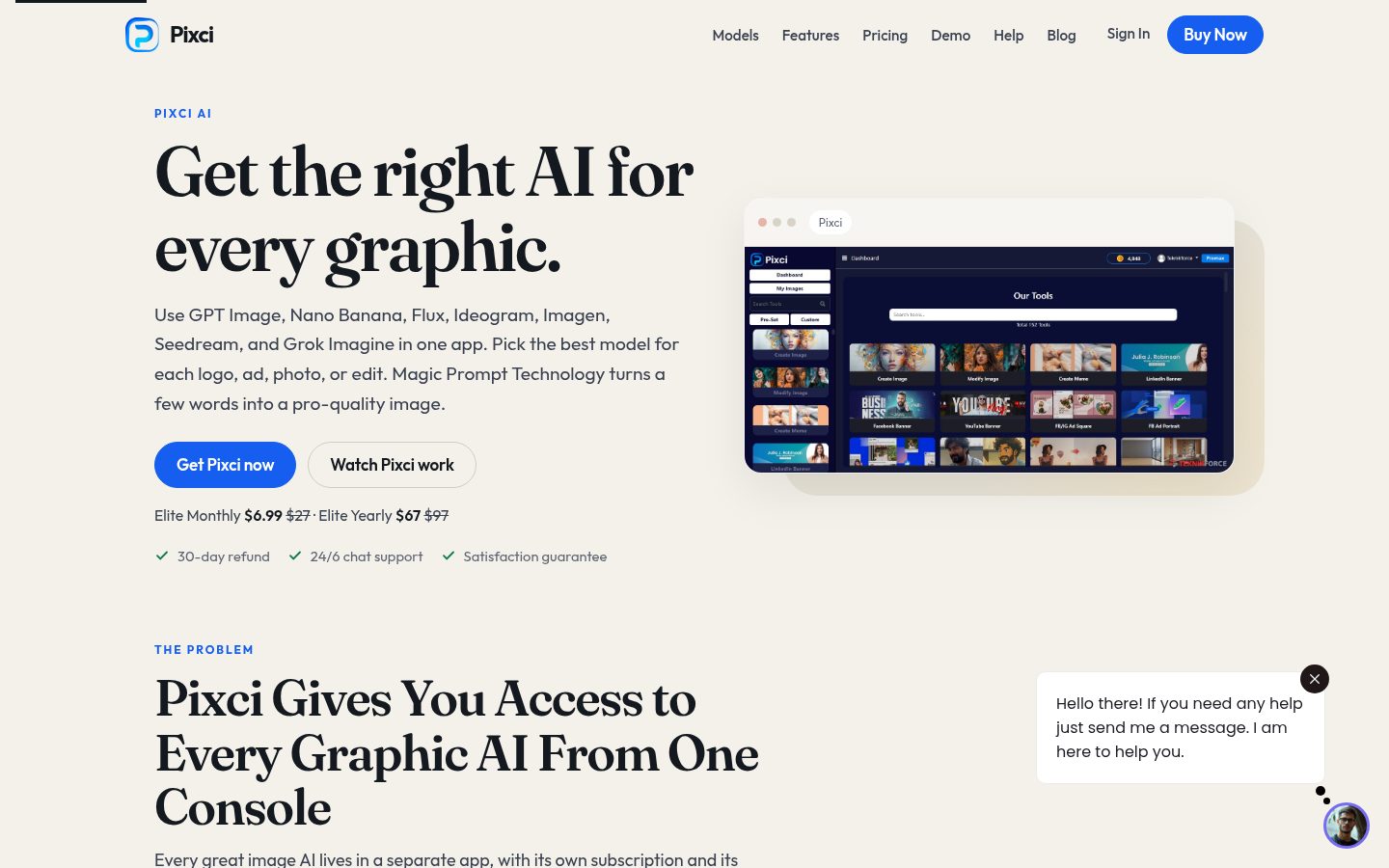
Pixci's homepage
Here's my problem with most online generators. Each one gives you its own models and its own subscription. The best model for a logo isn't the best one for a photo, and a new model launches every few weeks.
Pixci puts 41 models in one app. The list on its site includes GPT Image, Nano Banana and Nano Banana Pro, Imagen Ultra, Flux Pro, Ideogram, Recraft, Seedream, Krea, Reve, Qwen Image, Grok Imagine and Stable Diffusion. You can run the same idea on more than one model and keep the one that looks right.
You also don't have to be a prompt writer. Pixci's Magic Prompt Technology turns a few plain words into a full, detailed prompt.
The editing side is what makes it a true generator and editor. Its own site lists these.
- Inpaint to fill a clear patch with something you describe
- Object Remover to take things out of a photo
- Background Remover and Precision Cutout to lift a person or product off the background
- Upscaler to enlarge a small image and sharpen a soft one
- Restore Image for old prints, plus the option to widen the frame of a scene
- Professional Headshot for clean profile photos
There are hundreds of one-click workflows too, covering logos, banners, product shots, scenes, stickers and photo-to-art looks like watercolor and pencil. Every image goes into a library you can search by date or by model, and you can save a description that worked and run it again.
Best for marketers, bloggers, ecommerce sellers and small businesses who want top models and real editing tools on one plan, without paying for several AI subscriptions.
Why it's the best value
This is the part I like most. Midjourney's Basic plan is $10 a month. Leonardo's Essential plan is $12 a month. Recraft's Basic plan is $12 a month, and Ideogram's Plus plan is $20 a month. Each of those gets you one company's lineup.
Pixci is $6.99 a month, or $67 for the whole year, and you get 41 models from OpenAI, Google, xAI, Black Forest Labs, Ideogram, ByteDance and more. Its catalog includes Ideogram and Recraft models, so you can try their image models without a second bill. You won't get those companies' own apps and editors, though.
Pricing Elite Monthly is $6.99 a month with a personal use license and 10,000 starting credits. Elite Yearly is $67 a year with a business use license and 35,000 starting credits. Both include every model, free upgrades and 24/6 chat support. Neither includes custom workflows. There's a 30-day money-back guarantee, and that refund is how Pixci handles a trial.
Pros
- 41 models in one app
- Magic Prompt Technology for people who hate writing prompts
- Inpainting, object removal, background removal and upscaling built in
- New models are added to your plan as they launch
- The lowest price on this list
Cons
- Business use needs the yearly plan
- No custom workflows on either plan
- Credits are shared across all models, so heavy users should watch their balance
- No free plan, only the 30-day refund
2. Adobe Firefly
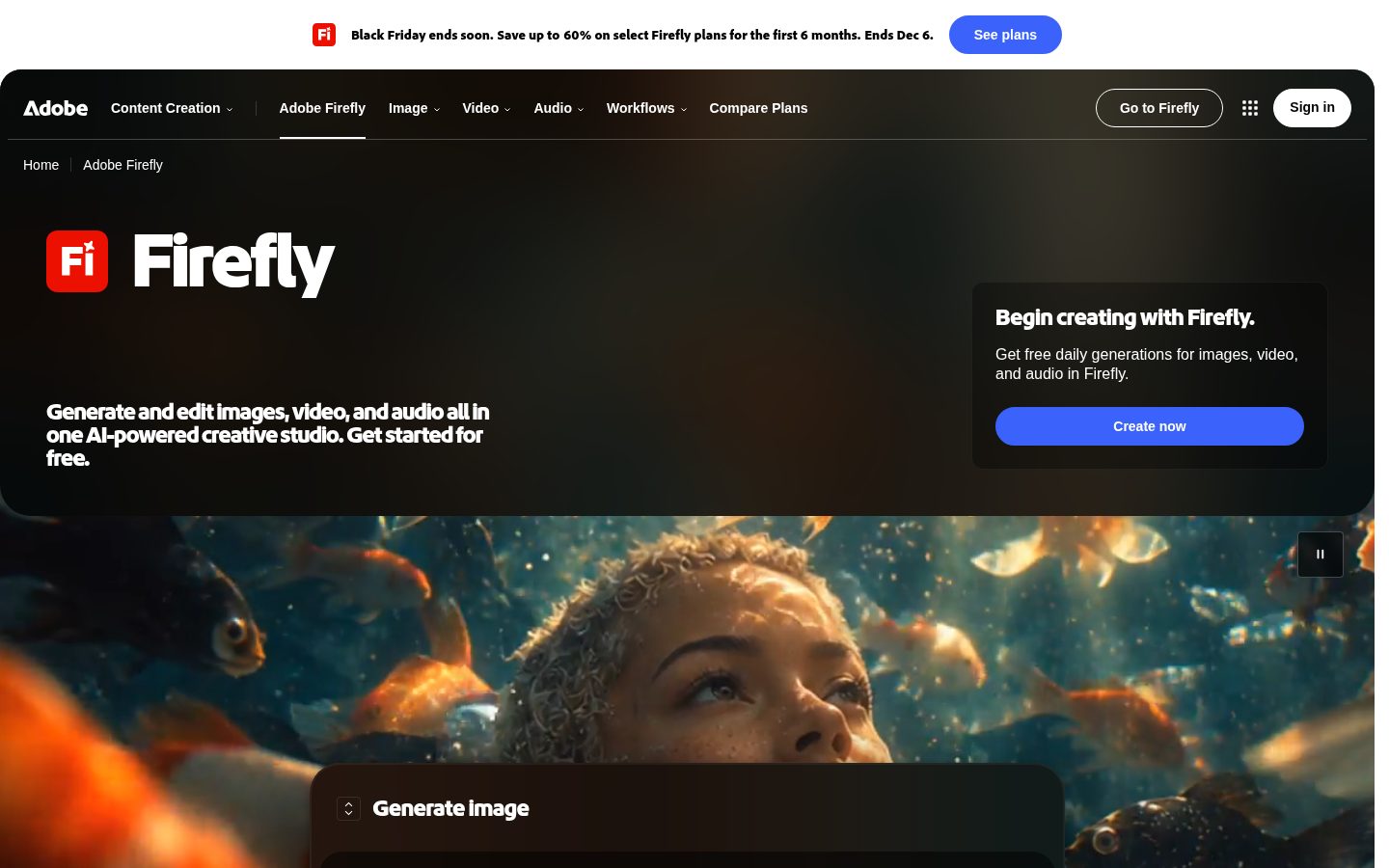
Adobe Firefly's homepage
Firefly describes itself as a creative studio for images, video and audio, and its image tools are the part most relevant here.
You type a prompt, pick a model and generate. Then you can upscale, expand the image or remove an object from the same page. Adobe also says anything made with Firefly models is safe for commercial use and that its models never train on what you create or upload. Access to partner models from Google, OpenAI and others is part of the plans, and Firefly Boards gives you a mood board space for exploring ideas.
If you already live in Photoshop or Illustrator, Firefly is the most natural fit, because Adobe says the same technology powers editing features inside its apps.
Best for designers and teams who already work in Adobe apps and want AI image generation next to them.
Pricing There's a free plan with limited daily generations. Paid plans are Firefly Standard with 2,000 monthly generative credits, Pro with 4,000 and Pro Plus with 10,000. The pricing page showed local currency and a Black Friday sale when I opened it, so I'm not quoting a number here. Check site for your price.
Pros
- Generation and editing in one place
- Free daily generations to try it
- Clear commercial use position from Adobe
Cons
- Plans run on credits, so your real cost depends on how you use it
- Best value shows up if you already pay for Adobe
3. Canva
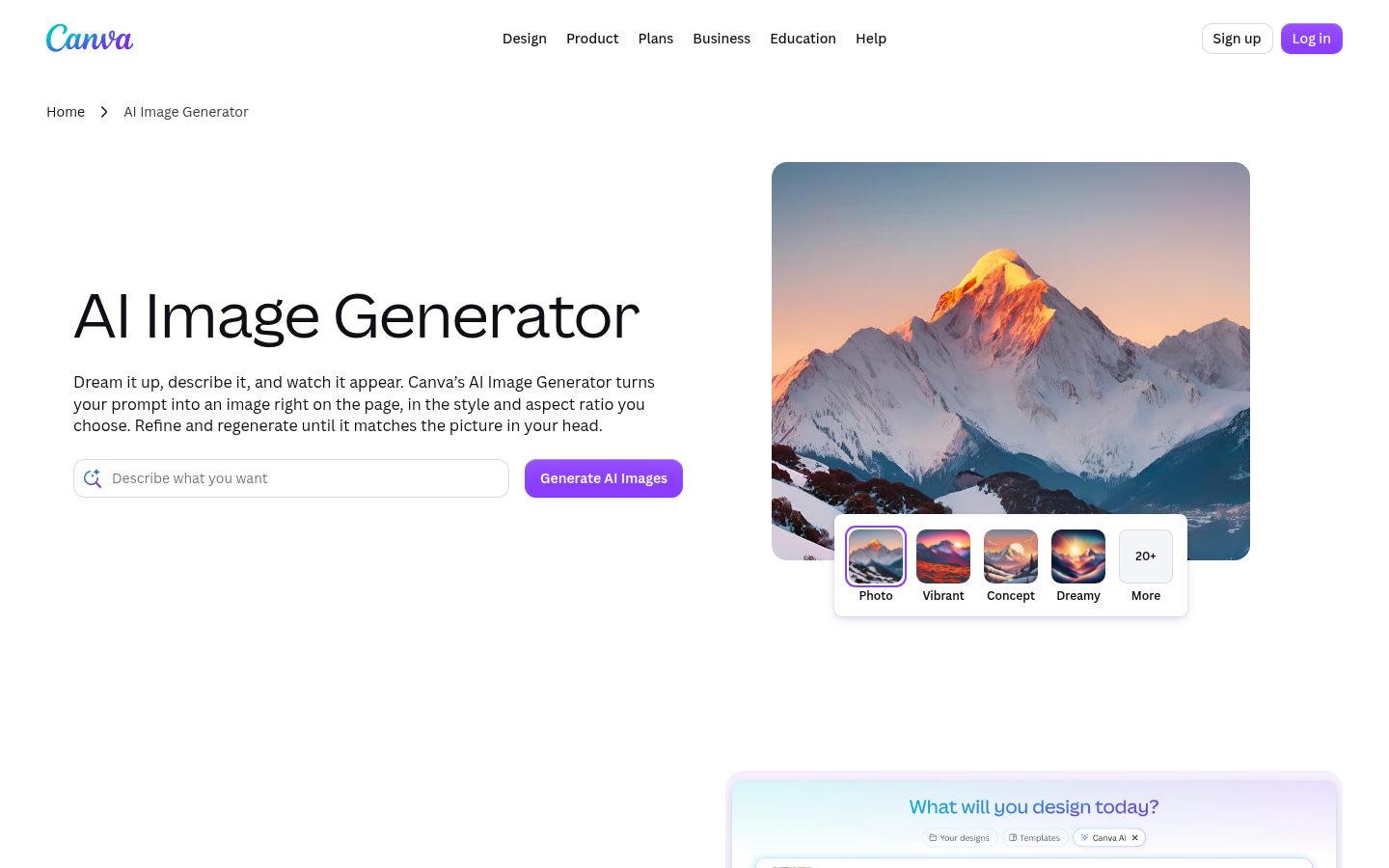
Canva's AI image generator page
Canva isn't a pure image model, and that's what I like about it. The generated image lands straight in a design, next to your text, your brand colors and millions of templates.
Canva has two image generators. Magic Media turns text into images in styles like Watercolor, Filmic, Neon, Color Pencil and Retrowave. Create an image, powered by Dream Lab, lets you upload a reference and reimagine its look. After that you finish the picture with Canva's normal editor, with effects, filters and layout tools. The official video above also shows Magic Expand, Magic Edit and Magic Grab.
For a social post, a slide or a flyer, that's often all you need.
Best for anyone who wants an AI image inside a finished design, like a social graphic, a slide or a marketing flyer.
Pricing Canva Free includes limited access to its AI tools. Canva Pro and Business include more AI, and Canva says the AI allowance is shared across its AI tools and varies by plan. The pricing page showed local currency and a promotion on my visit, so check site for the current price.
Pros
- Easy to learn, with an enormous template library
- Generate and design in one tab
- Free plan to start
Cons
- AI allowance is shared and capped by plan
- Less control than a dedicated image model
4. Ideogram
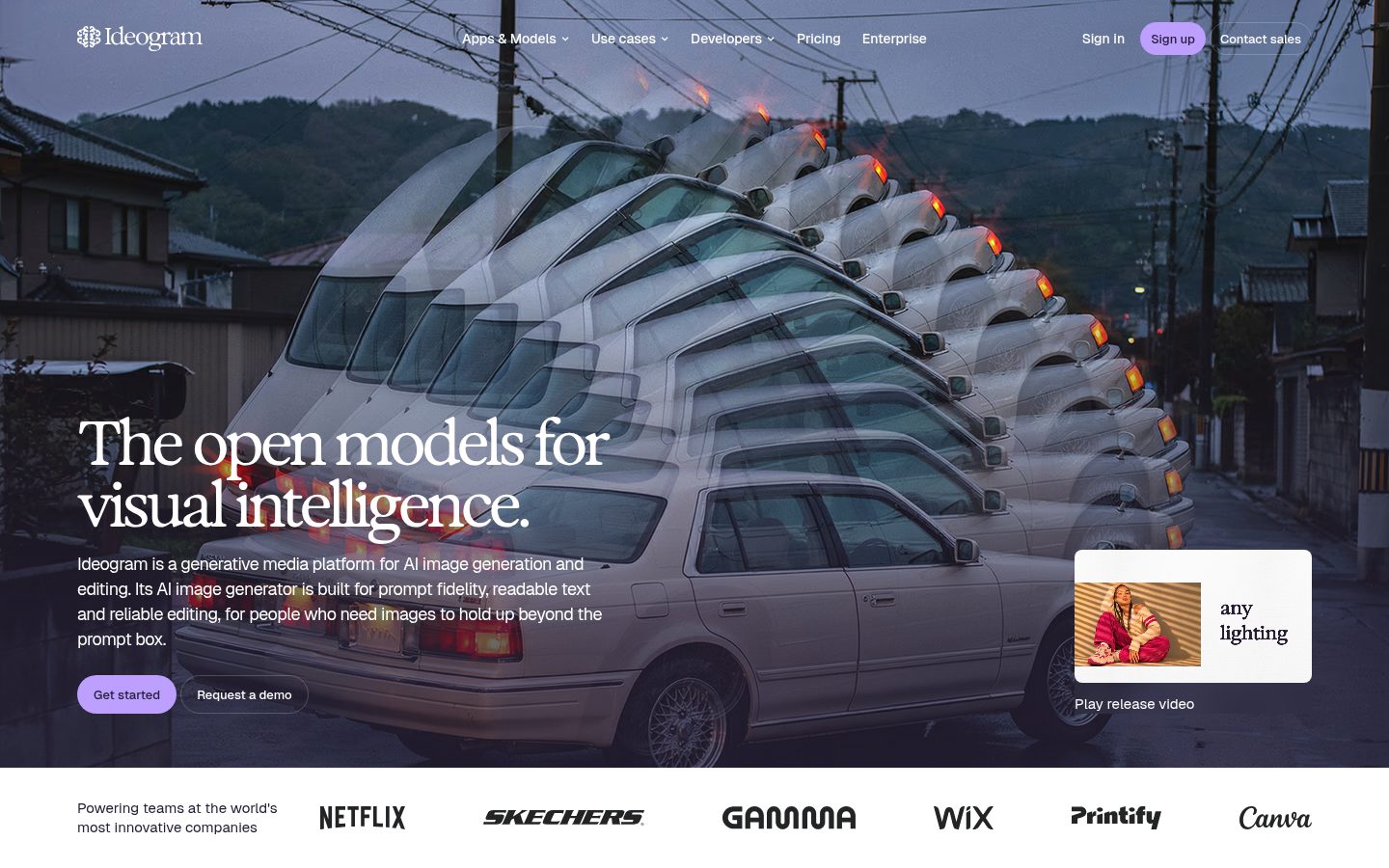
Ideogram's homepage
Ideogram is built for readable text inside images, which is still where posters, logos and ads go wrong on many models.
Its homepage now describes a platform for both generation and editing. The apps include Precise Edit, which changes a selected area from a text prompt and keeps the image at its own size, plus a background remover that gives you a transparent PNG, an object remover, an upscaler for 2x, 4x or 8x, an ad resizer and Colorways for changing a product's color. Ideogram Vector can turn a prompt or an image into an editable SVG.
The newest model, Ideogram 4.6, is aimed at precise edits, and Ideogram says you can create and refine images at up to 4K.
Best for designers and marketers who make posters, ads, logos and product images where the text has to be right.
Pricing Plus is $20 a month, or $15 a month billed yearly at $180, and includes all image and video models, private generation and unlimited slow credits. Pro is $60 a month, or $42 a month billed yearly. Team is $30 per user a month, or $20 per user a month billed yearly. I couldn't confirm a free plan from the pricing page, so check site.
Pros
- Strong text rendering
- A set of focused editing apps
- Vector output for logos and icons
Cons
- Plus is $20 a month, the highest entry price I could confirm in US dollars
- Credits decide how much priority work you get
5. Recraft
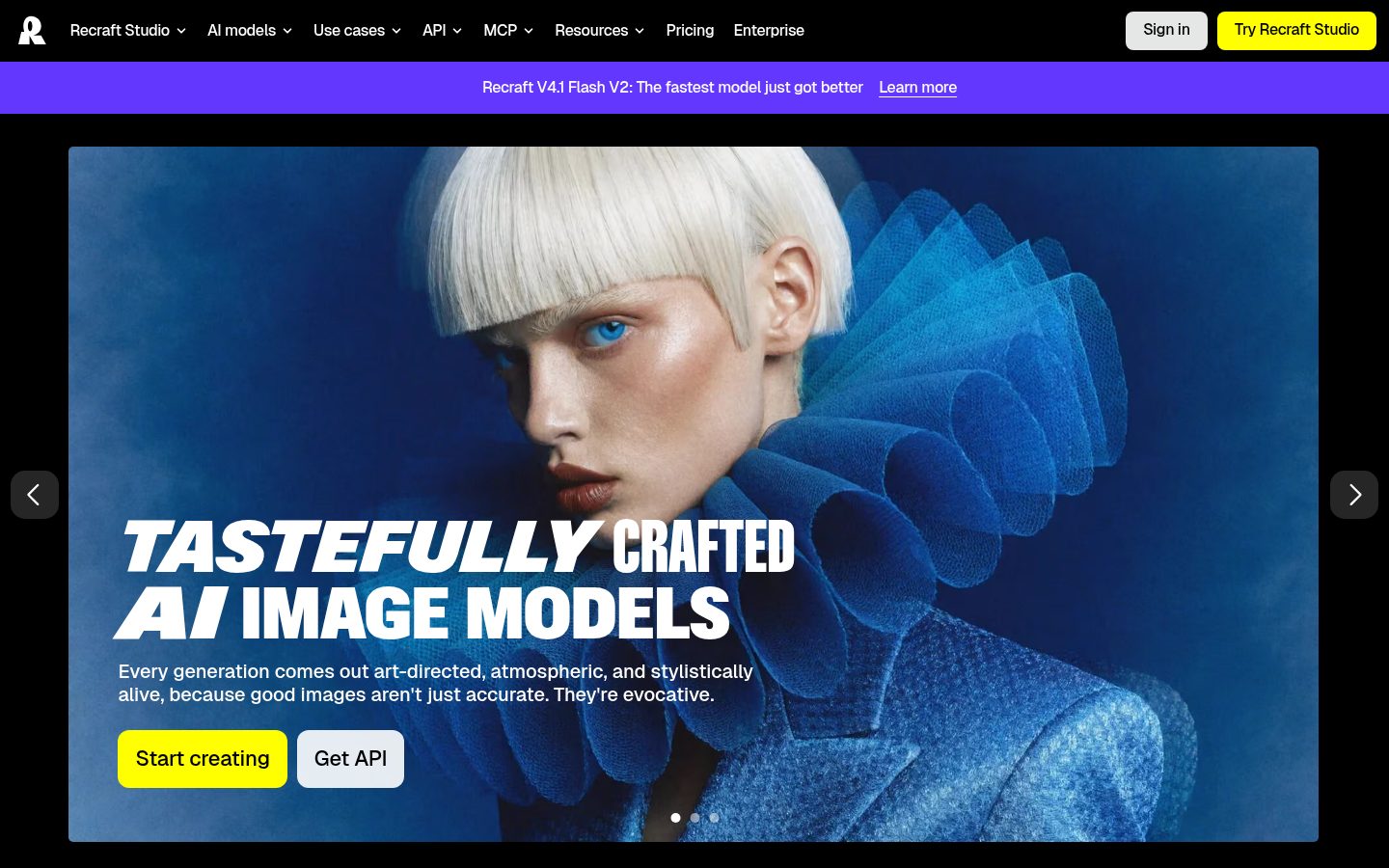
Recraft's homepage
Recraft is built with designers in mind. Recraft Studio generates images, vectors and mockups, and its feature list includes an AI photo editor, an image upscaler, a background remover, an AI eraser and an image vectorizer.
Two things stand out. First, it can generate editable vector graphics directly. Second, you can drop in reference images and turn them into a reusable custom style, so a set of icons or ads keeps the same look.
On paid plans you can also use external models like Nano Banana, Seedream, GPT Image and Flux inside the same workspace.
Best for designers, brand teams and sellers who need vectors, icons, logos or a consistent visual style.
Pricing Free is $0 with limited credits, but images are public, there's no commercial use and you only get Recraft's own models. Basic is $12 billed monthly, or $10 a month billed yearly at $120, with 1,000 credits a month, commercial rights and private generations. Pro adds video and starts at $16 a month billed yearly. Prices exclude VAT.
Pros
- Real vector generation
- Custom styles from your own images
- Free plan to try the interface
Cons
- Free images are public and not for commercial use
- Credits go faster on some models than others
6. Leonardo AI
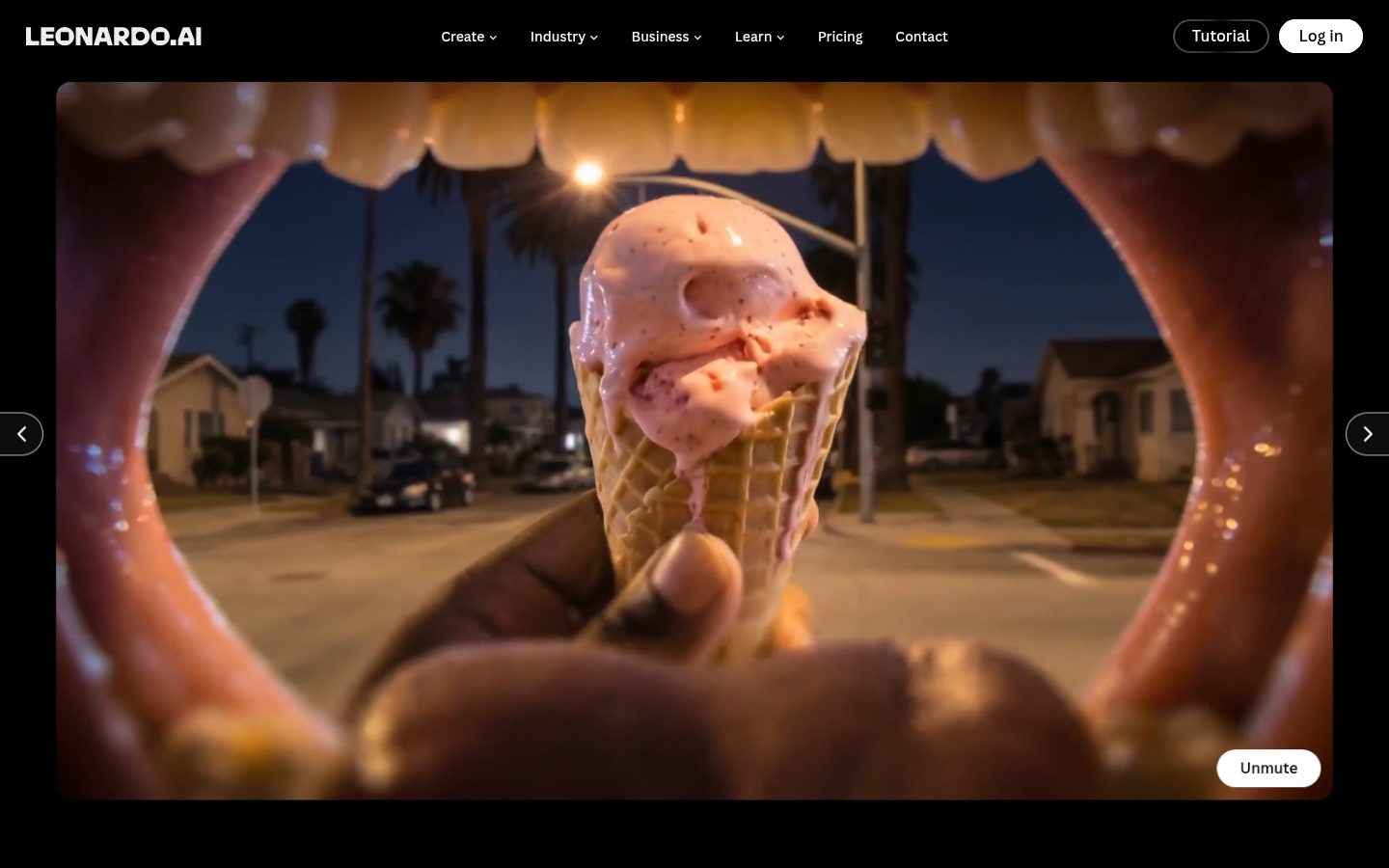
Leonardo AI's homepage
Leonardo is a platform for images, video, editing and upscaling.
Its homepage groups the work into creating images, bringing visuals into motion, editing with precision and raising quality at any size. Paid plans include 80+ models and personal AI models (Essential includes 10), which helps when you need the same character or product across a whole campaign.
Best for creators who like to tweak settings, use personal AI models and keep a character or product consistent.
Pricing Free gives 150 fast tokens a day, and free creations are public. Essential is $12 a month with 8,500 fast tokens, 80+ models and private creations. Premium is $30 a month and Ultimate is $60 a month. Prices exclude tax.
Pros
- Free plan to start
- Lots of models and controls
- Personal AI models for consistency
Cons
- Free creations are public
- More settings than a beginner needs
7. Midjourney
Midjourney's homepage
Midjourney is still the name most people think of first, and its images have a look. Rich light, deep color, real texture.
I'm including it because so many people search for it, but I'll be straight. It's the most generator-first tool here. I couldn't confirm editing tools like background removal on its plan page, so if your main need is the "editor" half, look at the tools above.
You work on the Midjourney website or in Discord. Draft Mode, shown in the video, lets you iterate fast before you render a final version.
Best for artists and brands who want striking, moody, gallery-style images.
Pricing Basic is $10 a month, or $96 a year ($8 a month), with 3.3 hours of fast GPU time. Standard is $30 a month and adds unlimited relaxed image generation. Pro is $60 and Mega is $120. Midjourney says companies making more than $1,000,000 a year in gross revenue need Pro or Mega.
Pros
- Gorgeous light and texture
- Fast iteration with Draft Mode
- Huge community to learn from
Cons
- No free plan
- Stealth mode only on Pro and Mega
- Not an all-in-one editor
Which one should you pick
Here's how I'd choose.
- You want the most models and editing tools for the least money. Pixci.
- You live in Adobe apps. Firefly.
- You make social posts and slides. Canva.
- You need text that reads correctly. Ideogram.
- You need vectors or a repeatable style. Recraft.
- You want to tweak every setting. Leonardo.
- You want a dramatic artistic look. Midjourney.
A few common questions
What is the best online AI image generator?
It depends on the job. For one plan that covers many top models plus editing, I'd start with Pixci. For text inside images I'd look at Ideogram, and for vectors, Recraft.
What is the best online AI photo editor?
For editing an image you already have, look for inpainting, an object remover, a background remover and an upscaler. Pixci lists all four. Ideogram has Precise Edit and its own remover and upscale apps, and Adobe Firefly offers expand, remove object and upscale.
Is AI image editing easy for beginners?
Yes, for the basic jobs. Removing a background or enlarging a photo is usually one click. Describing an edit in words takes a little practice, so start with small changes and keep your original file.
What are inpainting and outpainting?
Inpainting replaces only a selected area of an image and leaves the rest alone. Outpainting extends the picture beyond its original edges. Pixci has Inpaint and an option to widen the frame, and Firefly has an expand tool.
Can I edit a photo without changing the person's face?
Pick a tool that edits a selected area, like Inpaint in Pixci or Precise Edit in Ideogram, and leave the face outside your selection. No tool can promise a perfect result every time, so check the output and keep the original.
Are there free online AI image generators?
Yes. Adobe Firefly has free daily generations, Leonardo gives 150 free tokens a day, Canva Free has limited AI access and Recraft has a free plan. Free tiers are limited, and on Leonardo and Recraft free images are public. Recraft's free plan also doesn't allow commercial use. Pixci has no free plan, but it comes with a 30-day money-back guarantee.
Can I use AI generated images commercially?
Usually yes on a paid plan, but read each tool's terms. Pixci's yearly plan includes a business use license, while the monthly plan is for personal use. Midjourney asks companies with more than $1,000,000 in yearly revenue to use Pro or Mega.
Is there a team plan?
Ideogram has a Team plan at $30 per user a month, or $20 per user a month billed yearly. Recraft, Leonardo and Canva also sell team plans, so check site. Pixci's yearly plan has a business use license, and I didn't see a multi-seat plan on its pricing page.
My pick
If you're deep in the Adobe world, Firefly makes sense. If text in images is your daily problem, Ideogram is excellent. Recraft, Leonardo, Canva and Midjourney each have real strengths too.
But if you want one online AI image generator and editor that covers top models, inpainting, background removal and upscaling without a stack of subscriptions, I'd start with Pixci. You get 41 models, Magic Prompt Technology and built-in photo tools for $6.99 a month or $67 a year, with a 30-day money-back guarantee.
Get Pixci for $6.99 a month or $67 a year and make and fix your next image in the same tab.