Cartoons get noticed.
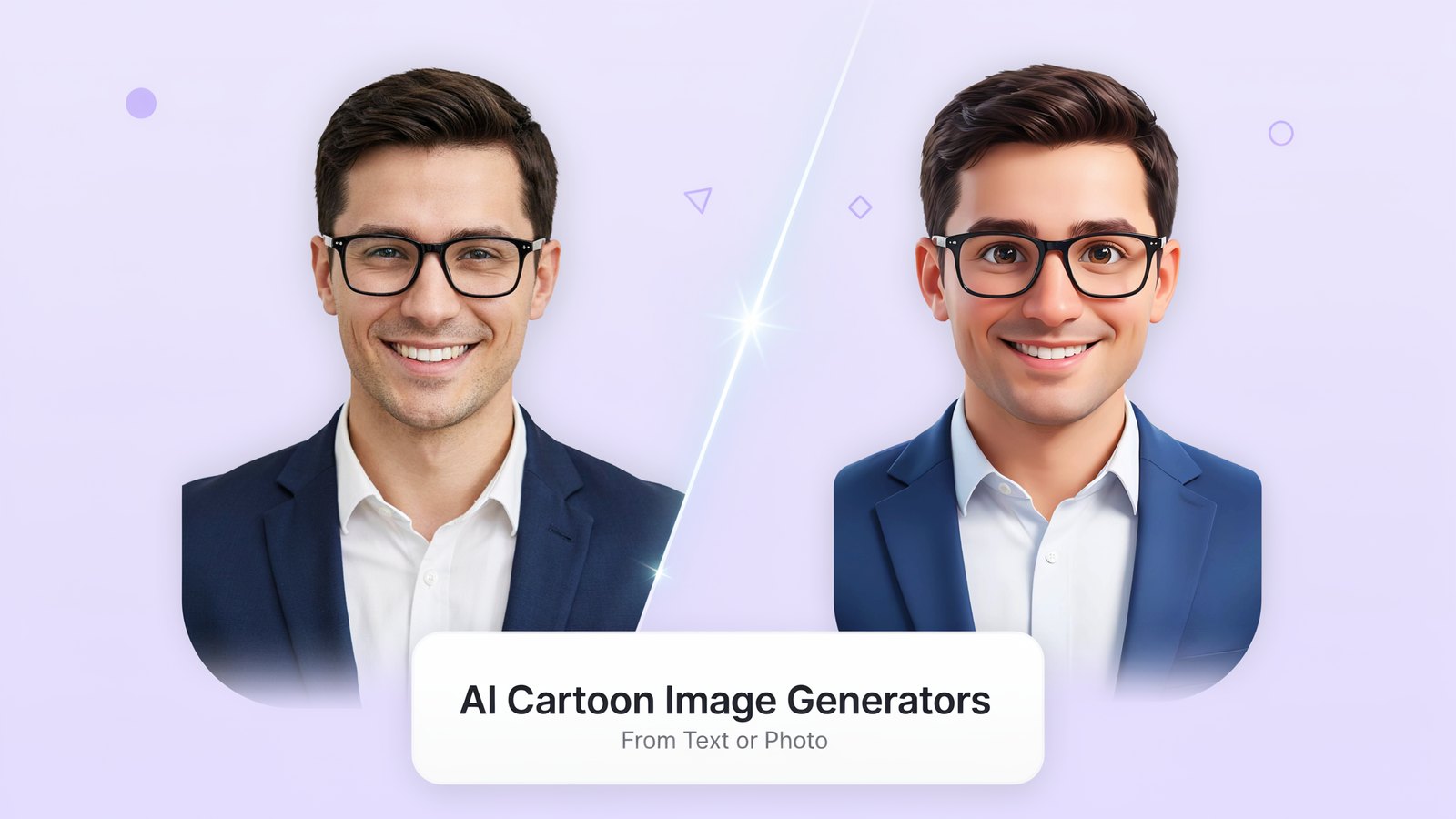
A cartoon version of your face makes a profile picture people remember. A cartoon mascot makes a brand feel friendly. A cartoon scene explains an idea faster than a paragraph.
And you don't need to draw anymore. AI cartoon generators can turn a photo or a simple sentence into a cartoon in seconds.
Here are the 10 best AI cartoon image generators in 2026, with real prices, demo videos and an honest look at what each one does best.
What Is an AI Cartoon Image Generator?
It's a tool that makes cartoon-style images with AI. They work in two ways.
Text to cartoon. You describe what you want. "A cheerful cartoon chef holding a pizza, bright colors." The AI draws it.
Photo to cartoon. You upload a photo. The AI turns it into a cartoon version, keeping the face, pose and details that make it yours.
The best tools in 2026 do both. And they can keep the same character looking the same across many images, which is a big deal for brands and storytellers.
What People Use Cartoon Images For
- Profile pictures and avatars that stand out on social media
- Brand mascots for websites, packaging and ads
- Social media posts that stop the scroll
- YouTube thumbnails with fun, bold characters
- Kids' books, comics and stories
- Teaching materials that make lessons easier to follow
- Gifts, like a cartoon portrait of a couple, a family or a pet
Popular Cartoon Styles to Try
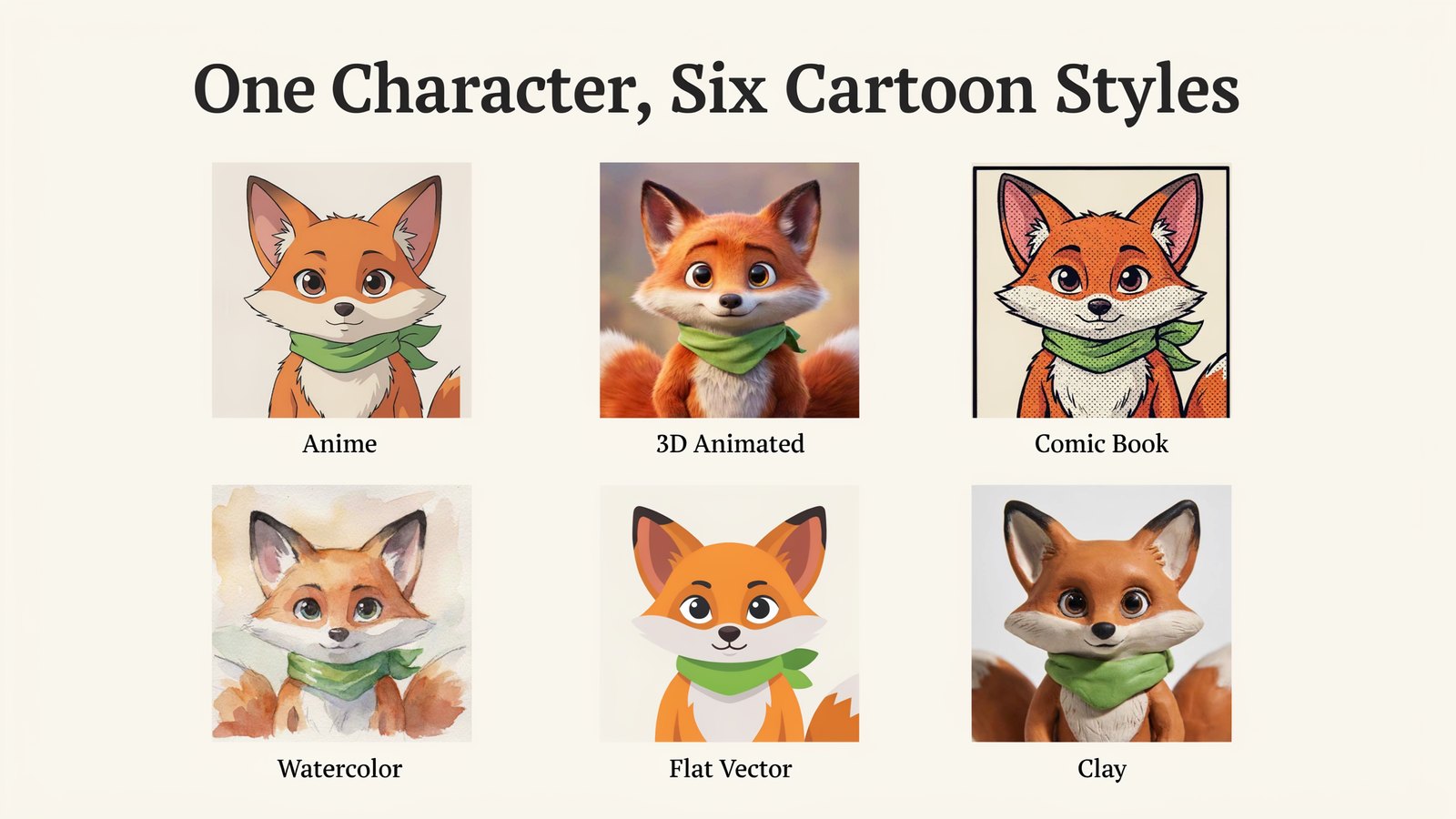
"Cartoon" can mean a lot of things. Naming the style is the easiest way to get what you want.
3D animated looks like a family movie, with big eyes and soft lighting. Anime has clean lines and bold expressions. Comic book uses thick outlines and halftone dots. Watercolor feels soft and hand-painted. Flat vector is simple and modern, great for brands. Clay looks like a stop-motion figure.
Try the same idea in three styles. You'll often be surprised which one works best.
What to Look For
- Text and photo input. The best tools let you do both.
- Style range. More styles means more ways to match your brand.
- Likeness. For photo to cartoon, the result should still look like the person.
- Character consistency. Can you make the same character again in a new scene?
- Commercial use. Check the terms if you plan to use images in ads or products.
- Price and limits. Credits run out fast on some plans.
Quick Comparison
| Tool | Best For | Free Option | Starting Price |
|---|---|---|---|
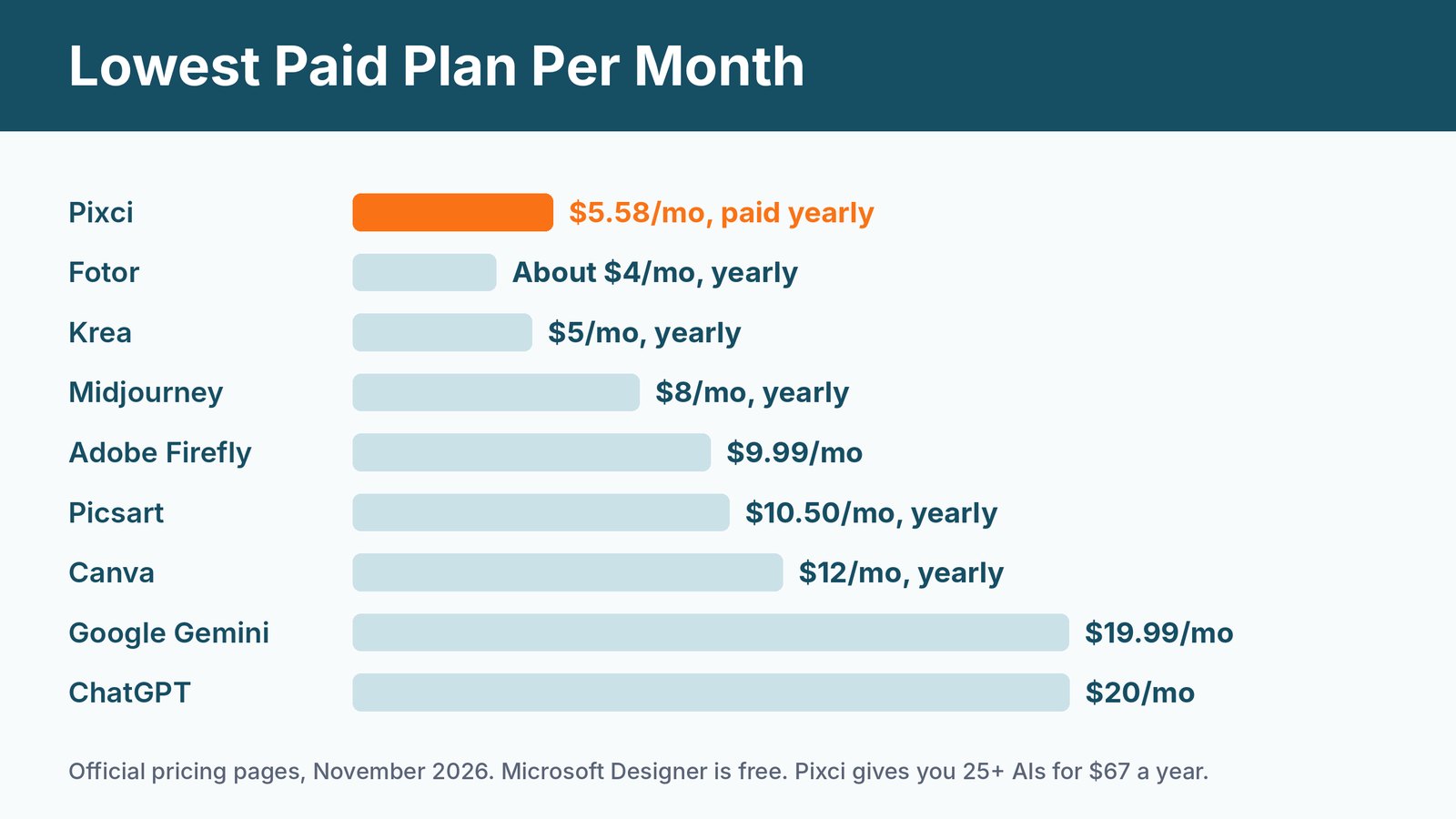
| Pixci | 25+ AIs and one-click cartoon workflows | 30 day refund | $5.58/mo paid yearly |
| ChatGPT | Chatting your way to the right cartoon | Free plan | $20/mo for Plus |
| Google Gemini | Editing photos into cartoons | Free plan | $19.99/mo for AI Pro |
| Canva | Cartoons inside ready designs | Free plan | $12/mo paid yearly |
| Adobe Firefly | Safe commercial use | Free credits | $9.99/mo |
| Midjourney | Artistic, high-end looks | No | $8/mo paid yearly |
| Fotor | Quick photo to cartoon effects | Free plan | About $4/mo paid yearly |
| Picsart | Social media creators | Free plan | $10.50/mo paid yearly |
| Microsoft Designer | Free, simple cartoons | Free | Free with a Microsoft account |
| Krea | Fast, real-time creation | Free plan | $5/mo paid yearly |
1. Pixci
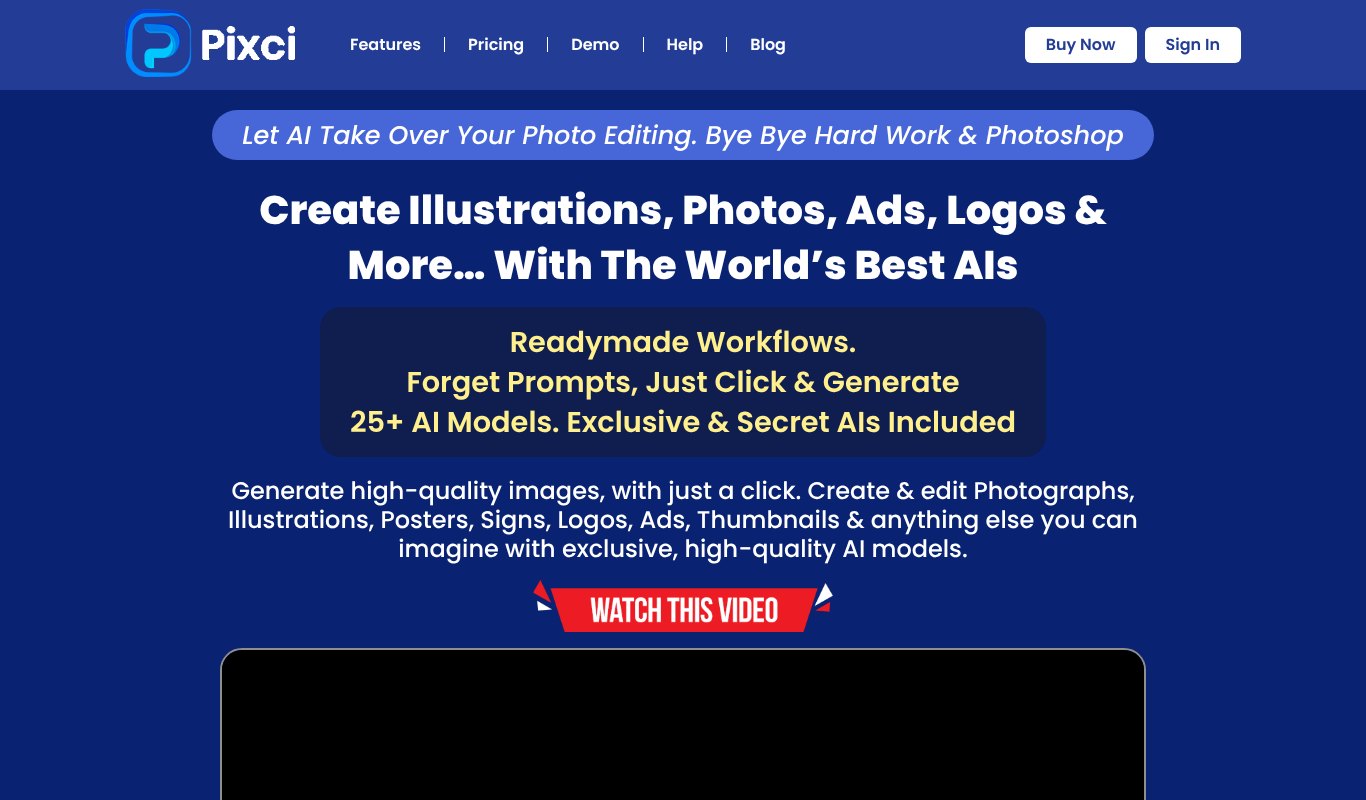
Full disclosure, Pixci is our own AI image app, made by Teknikforce.
Most cartoon tools give you one AI. Pixci gives you 25+ of the best image AIs in one place, including exclusive models you won't find elsewhere. That matters for cartoons, because every AI draws differently. One nails anime. Another is better at 3D characters. With Pixci you can try the same idea on several AIs and keep your favorite.
You don't need prompt skills either. Pixci has ready-made workflows. Click one, upload a photo or type a few words and get the result.
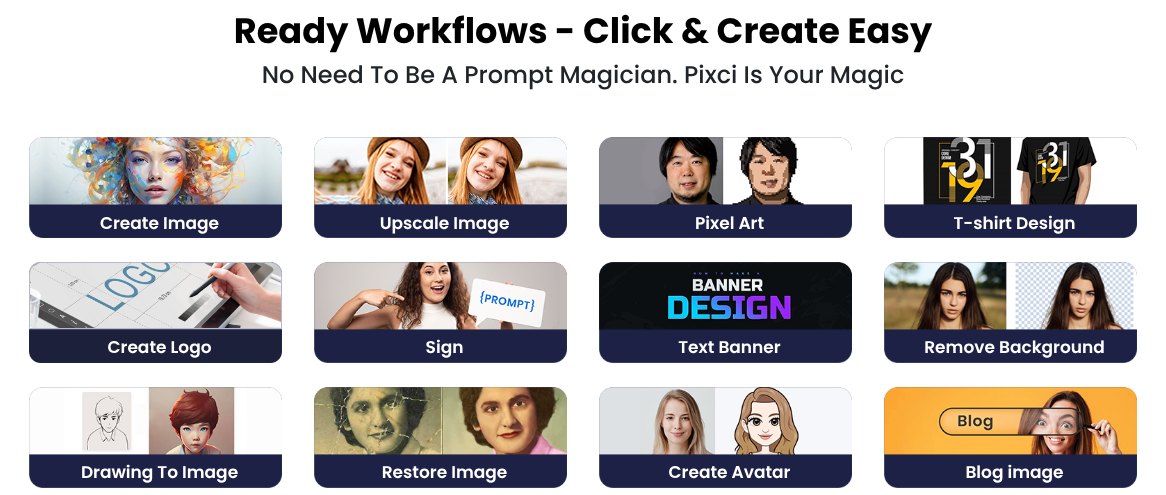
- Text to cartoon and photo to cartoon in many styles
- Magic Prompt Enhancer turns a few words into a detailed prompt
- Upscaling for crisp prints and big banners
- Background removal for stickers and mascots
- Ads, logos, thumbnails and banners from the same app
- A searchable library of everything you create
Pros
- 25+ top image AIs in one app
- One-click workflows, no prompt skills needed
- Cartoons plus every other kind of business image
- Low yearly price
Cons
- No free plan, though the refund guarantee lets you try it safely
- So many options that it takes a few minutes to explore
Pricing
$5.58 a month, paid yearly ($67 a year), or $6.99 month to month. There's a 30 day money-back guarantee.
2. ChatGPT
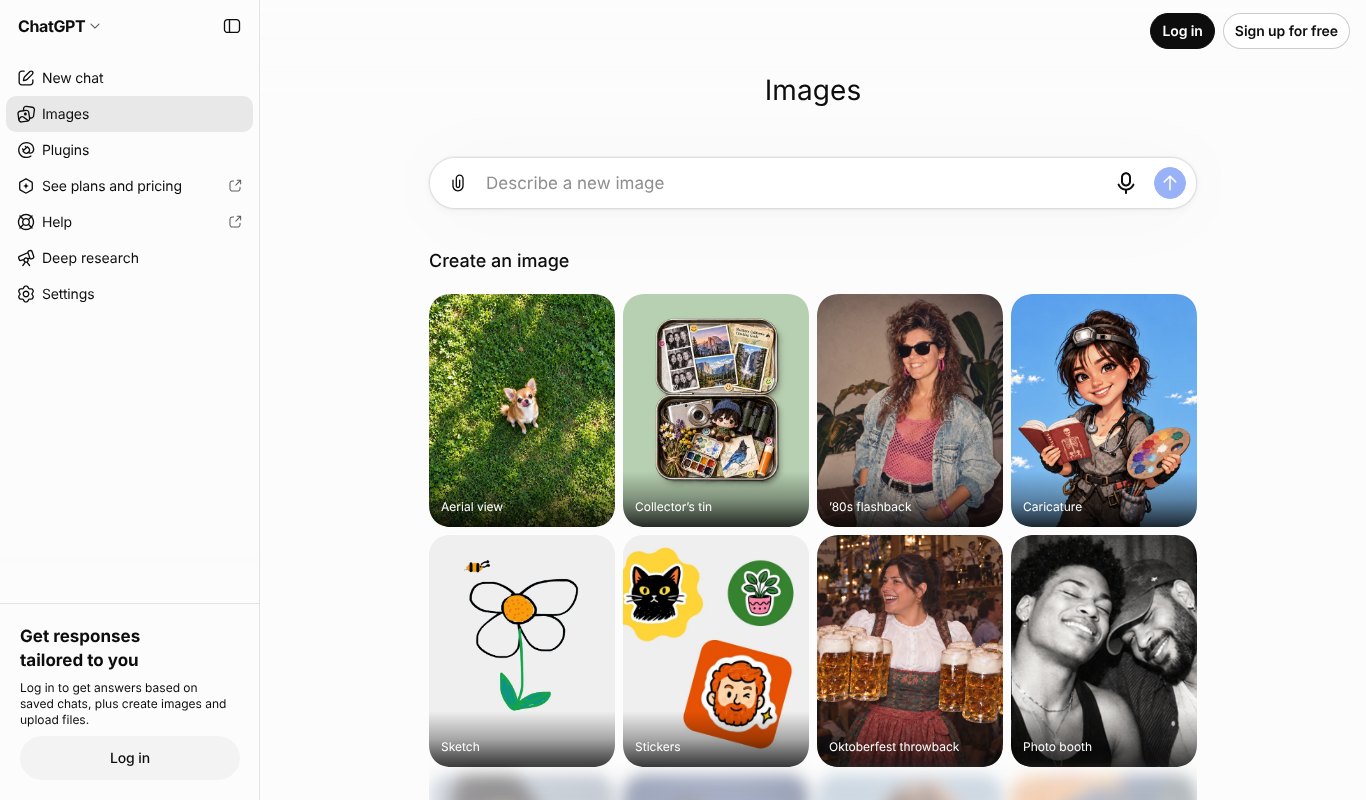
ChatGPT's image tool made cartoon portraits go viral, and it's still one of the easiest ways to make them.
Upload a photo and ask for "a cartoon version of this photo in a soft 3D animated style." Don't like something? Just say so. "Make the background a beach. Give him a red cap." It understands normal sentences, which makes it great for beginners.
It's also good at putting readable text in images, handy for posters and comic panels.
Pros
- Edit by simply chatting
- Strong at keeping a person's likeness
- Good text in images
Cons
- Free plan has tight daily limits
- Can be slow at busy times
Pricing
Free plan with limits. ChatGPT Plus is $20 a month.
3. Google Gemini
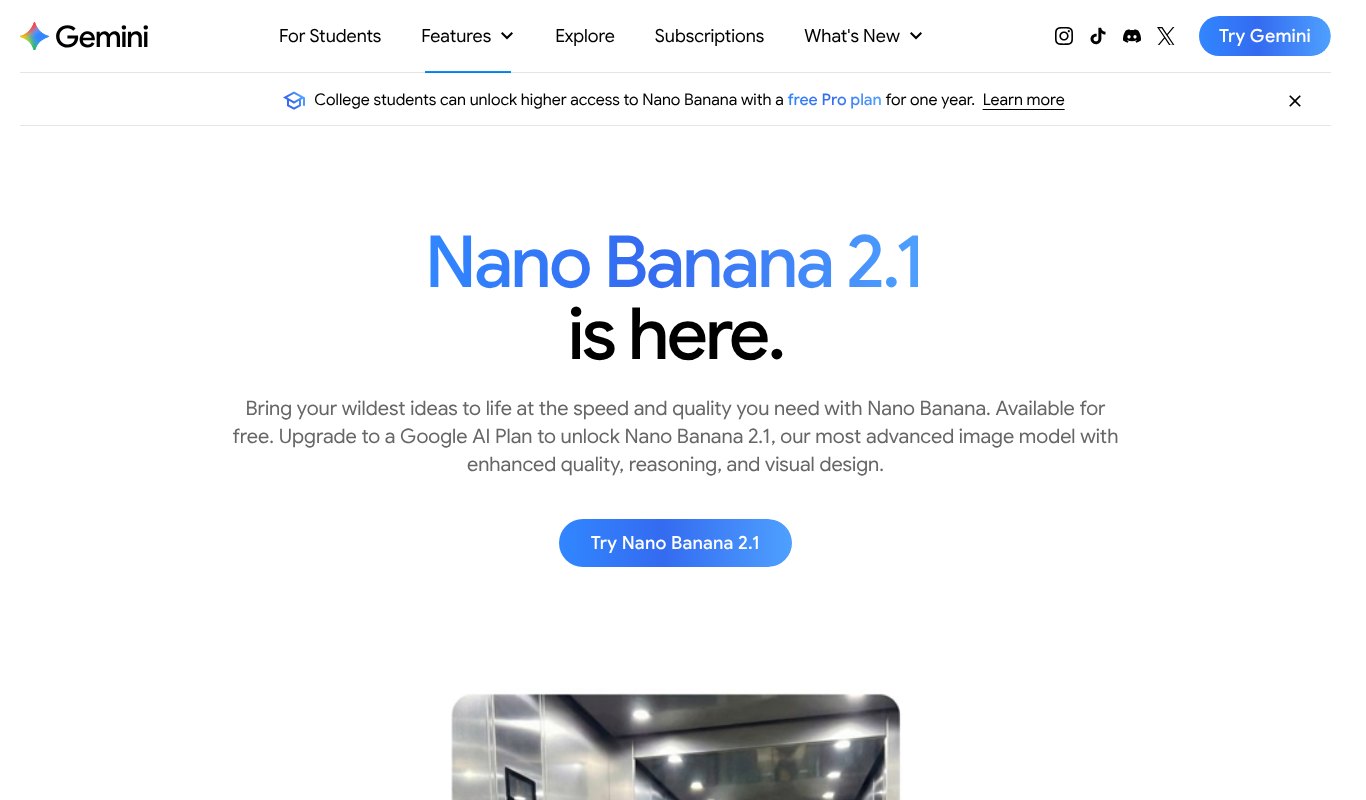
Google's image model, nicknamed Nano Banana, lives inside the Gemini app. It's excellent at editing photos while keeping faces consistent.
That makes it great for photo to cartoon. Upload a picture, ask for a comic book version, then ask for the same character in a new scene. The face stays the same.
Pros
- Very good character consistency
- Fast edits
- Generous free use
Cons
- Fewer style controls than design tools
- Best features need a paid plan
Pricing
Free to use with limits. Google AI Pro is $19.99 a month.
4. Canva
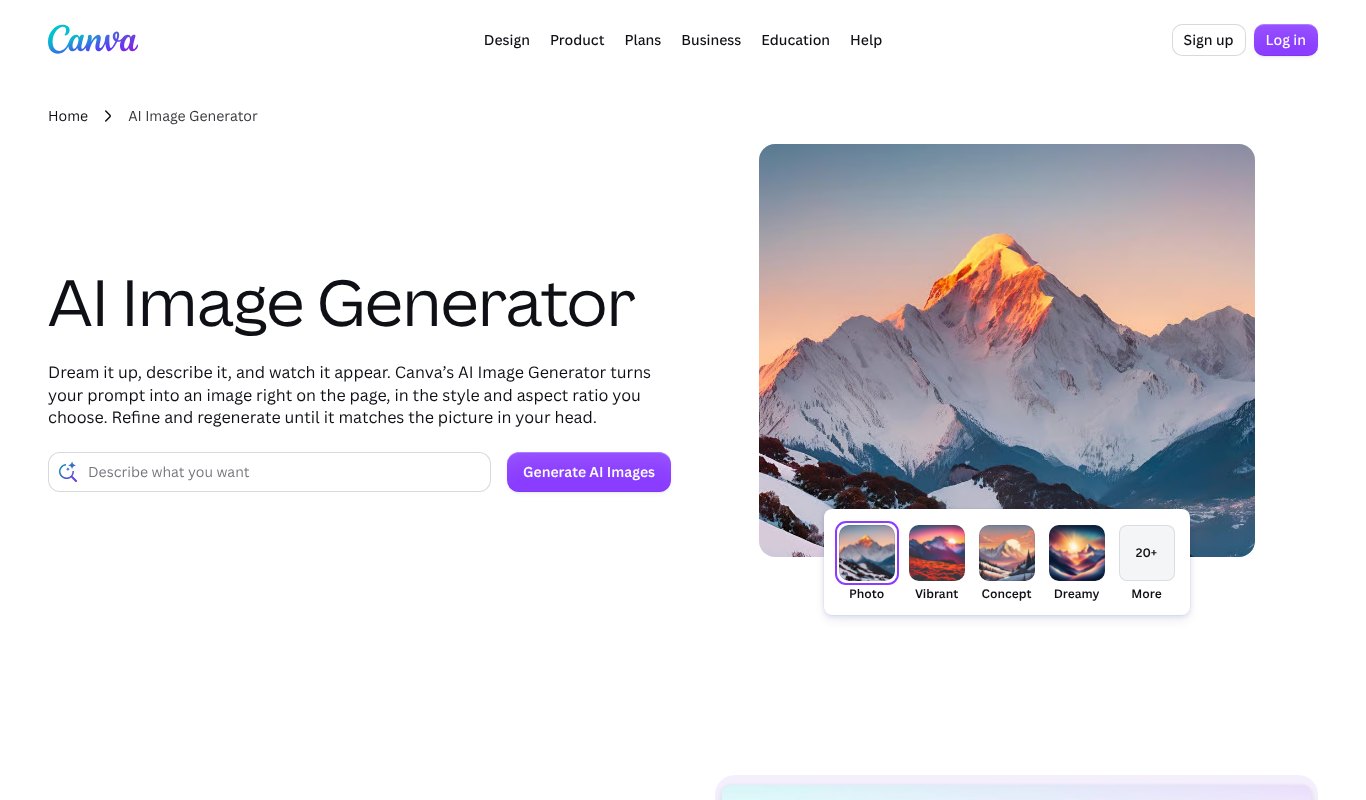
Canva's AI image generator is built into the design tool millions already use.
Make a cartoon, then drop it straight into a social post, flyer or presentation template. For small businesses that need a finished design, not just an image, that saves a lot of time.
Pros
- Cartoons go straight into ready templates
- Very easy to use
- Free plan to start
Cons
- Image quality is good, not the best
- AI usage limits even on Pro
Pricing
Free plan available. Canva Pro is $144 a year for one person, about $12 a month.
5. Adobe Firefly
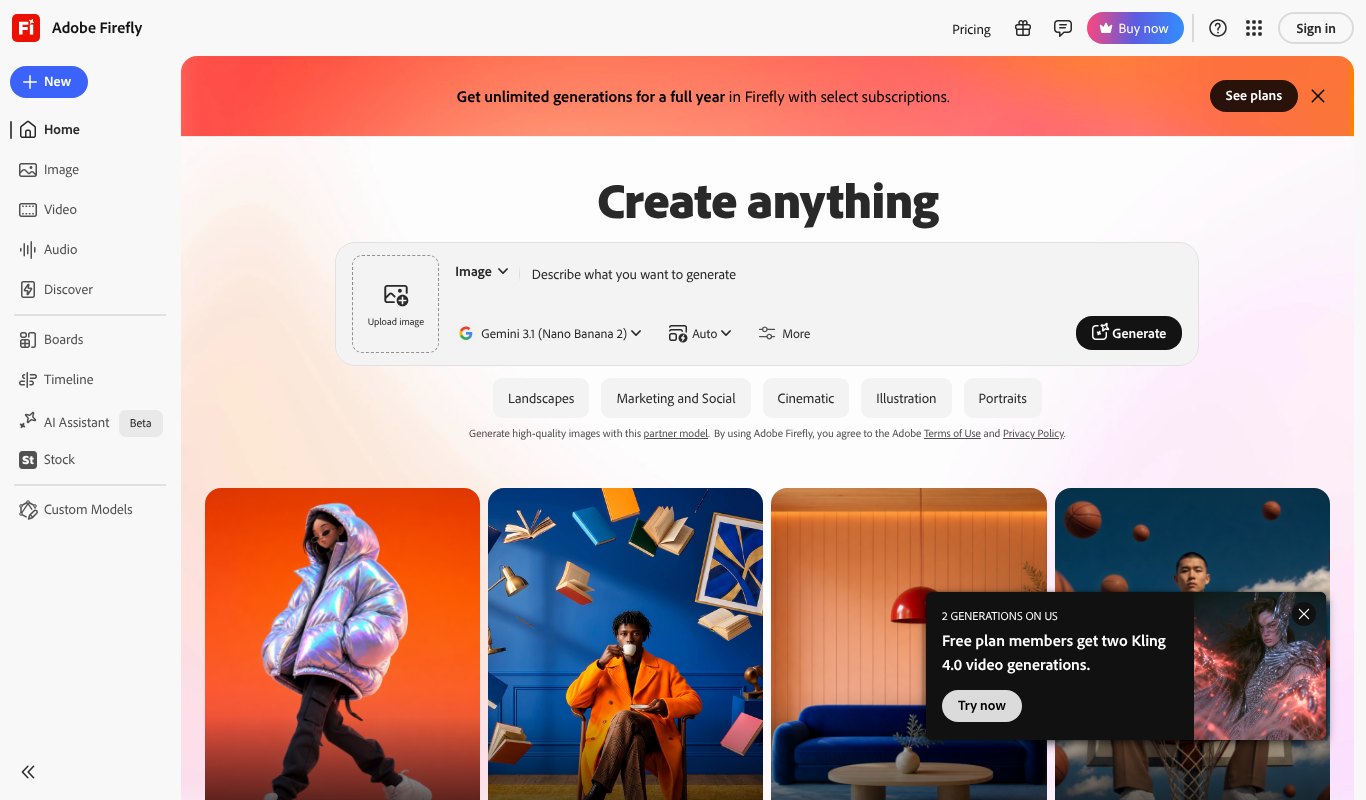
Firefly is Adobe's AI image tool, and it's a safe pick for business use.
Adobe trained its own Firefly models on content it has the rights to, so many companies feel comfortable using the results in ads. You can pick a style like illustration or 3D, and it also gives you access to partner models like Google's.
Pros
- Built for commercial use
- Works with Photoshop and Express
- Several AI models in one place
Cons
- Cartoon results can look a bit stock-like
- Credit system takes some learning
Pricing
Free credits to try it. Firefly Standard is $9.99 a month.
6. Midjourney
Midjourney makes some of the most beautiful AI images out there.
For artistic cartoons, painterly storybook scenes or stylish characters, it's hard to beat. You can also give it a reference image to keep a character or a style the same.
It takes a little practice to get exactly what you want, though.
Pros
- Stunning artistic quality
- Style and character references
- Huge community for ideas
Cons
- No free plan
- Less precise for photo to cartoon likeness
Pricing
Basic is $10 a month, or $8 a month paid yearly.
7. Fotor
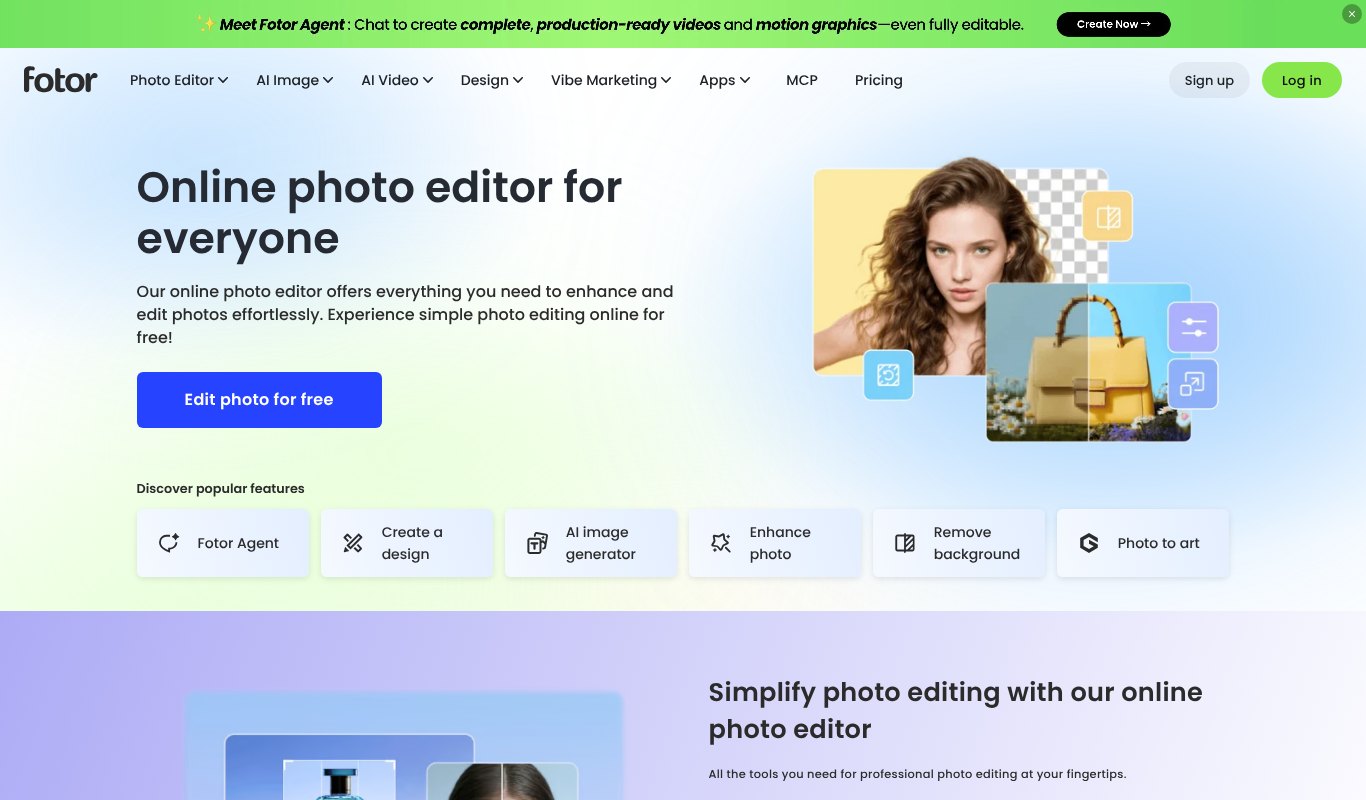
Fotor is an online photo editor with one-click photo to art effects.
Upload a photo, pick a cartoon effect and download. It's quick and simple, which is perfect for a fun profile picture or a one-off social post.
Pros
- Very easy photo to cartoon
- Full photo editor included
- Low yearly price
Cons
- Fewer advanced controls
- Credits on paid plans are limited
Pricing
Free plan available. Pro is $47.99 a year, about $4 a month.
8. Picsart
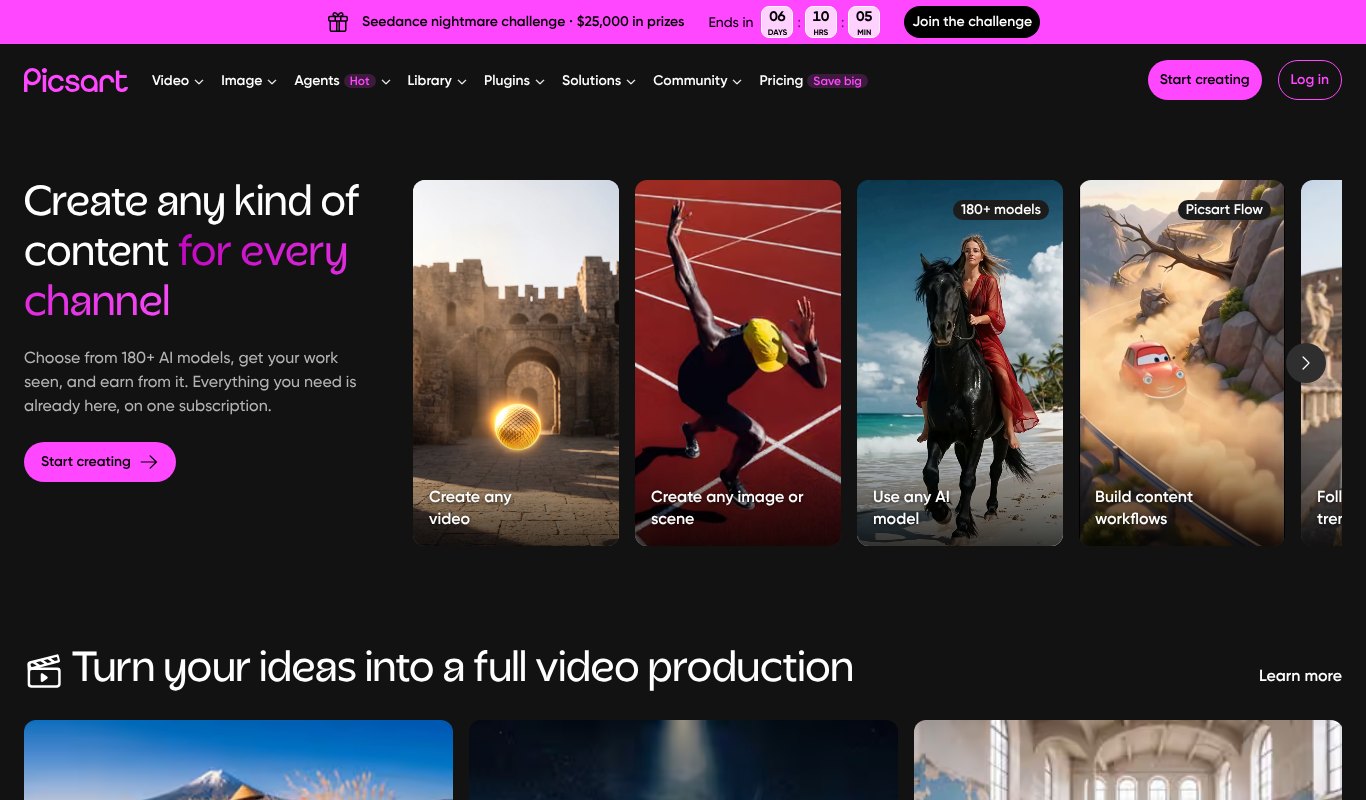
Picsart is a creative app loved by social media creators.
It has AI avatar and comic tools, plus access to many AI models. You can turn yourself into a superhero comic, then edit and post it without leaving the app.
Pros
- Fun comic and avatar tools
- Strong mobile app
- Lots of editing features
Cons
- Many upsells in the app
- Credits limit heavy use
Pricing
Free plan available. Pro is $15 a month, or $10.50 a month paid yearly.
9. Microsoft Designer
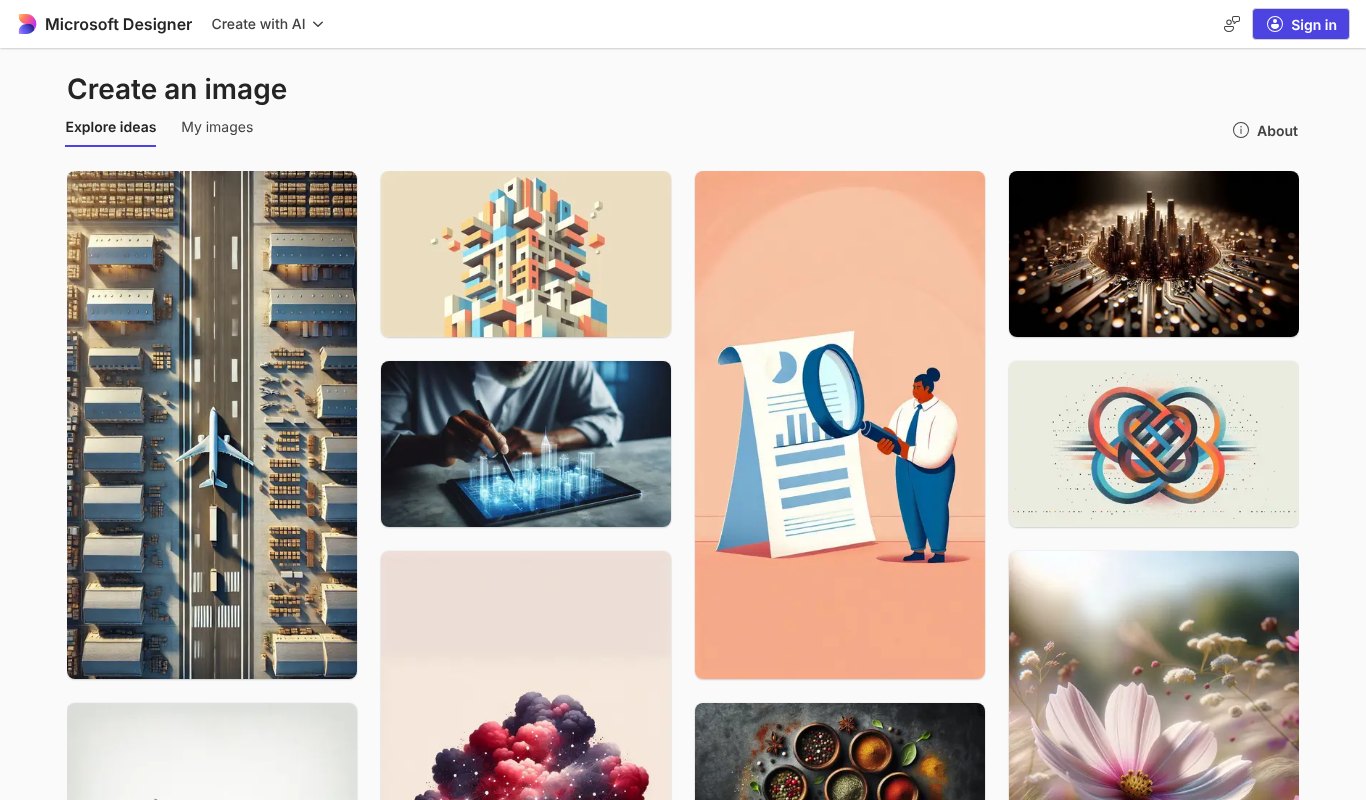
Microsoft Designer is the best free option on this list.
Sign in with a Microsoft account, describe your cartoon and get a few options in seconds. It's basic compared with the paid tools, but for the occasional cartoon, it's hard to argue with free.
Pros
- Free
- Very simple
- Works with other Microsoft apps
Cons
- Fewer styles and controls
- Limited photo to cartoon options
Pricing
Free with a Microsoft account. Microsoft 365 plans add more AI use.
10. Krea
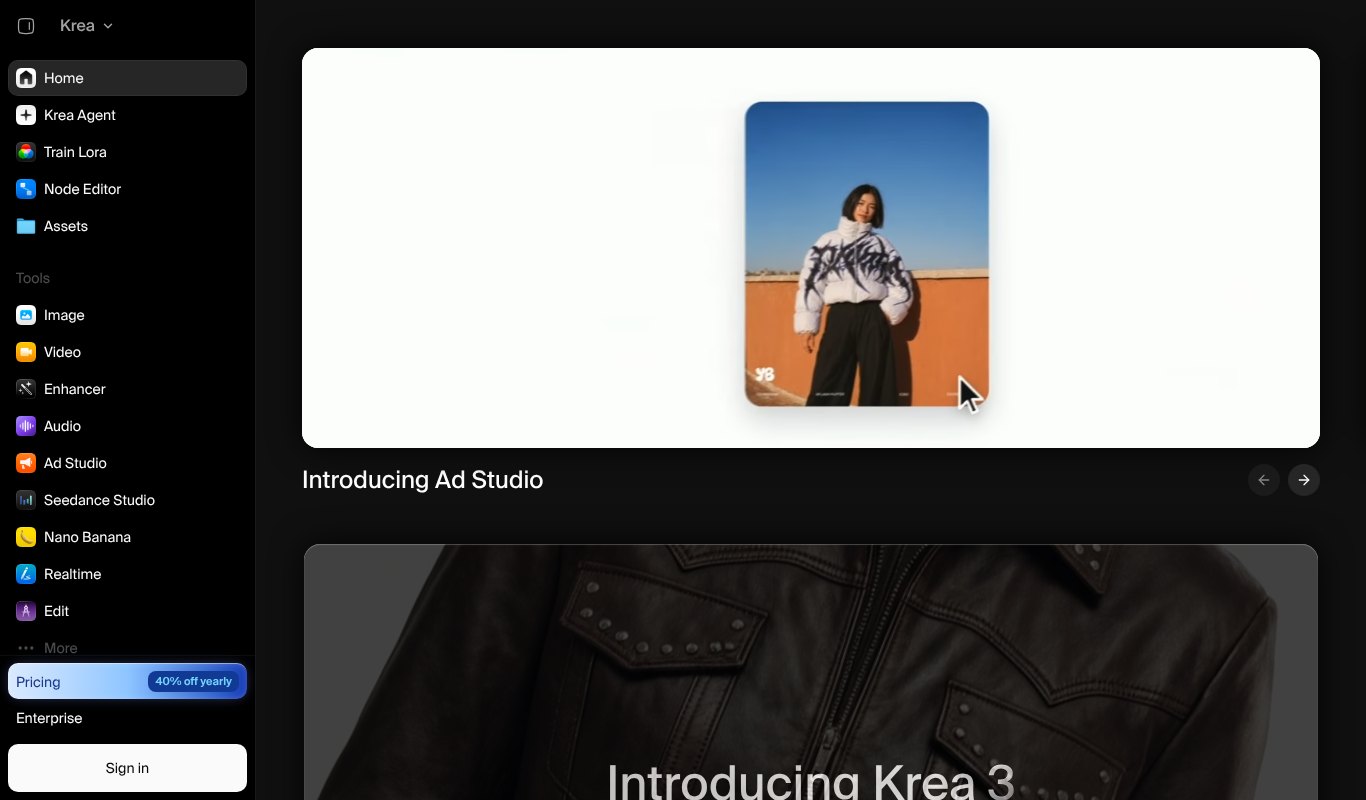
Krea is built for speed. Its real-time mode updates the image as you type or sketch.
That makes it fun for exploring cartoon ideas. Draw a rough shape, describe it, and watch the cartoon appear. It also gives you access to popular models like Nano Banana.
Pros
- Real-time creation
- Many models in one place
- Free plan
Cons
- Interface can feel busy for beginners
- Best models use credits fast
Pricing
Free plan available. Basic is $9 a month, or $5 a month paid yearly.
Why Pixci Is the Best Value
Every cartoon tool on this list is built around one AI, or a handful.
Pixci gives you more than 25, and they draw in different ways. So when one AI's cartoon doesn't look right, you try another in a click instead of signing up for another app.
Add the one-click workflows, background removal, upscaling and every other business image you need, and Pixci replaces several subscriptions. ChatGPT Plus and Google AI Pro cost about $20 a month each. Pixci is $67 for the whole year.
How to Write a Great Cartoon Prompt
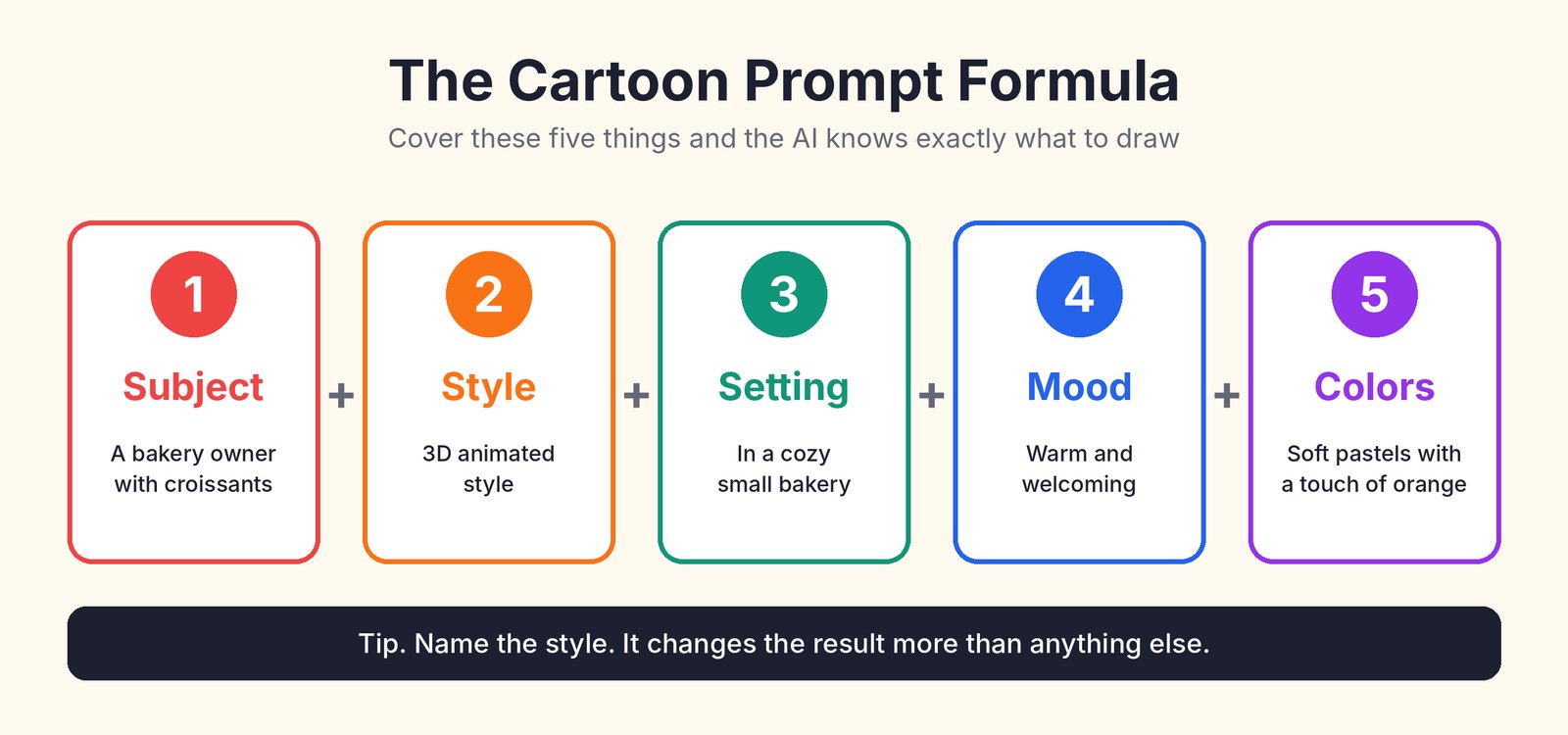
You don't need fancy words. Just cover five things.
- Subject. Who or what is in the picture. "A friendly bakery owner holding a tray of croissants."
- Style. Name it. "3D animated style" or "flat vector illustration."
- Setting. Where it happens. "In a cozy small bakery."
- Mood. How it should feel. "Warm and welcoming."
- Colors. Your brand colors or a palette. "Soft pastels with a touch of orange."
Put together, it reads like this. "A friendly bakery owner holding a tray of croissants, 3D animated style, in a cozy small bakery, warm and welcoming, soft pastels with a touch of orange."
For photo to cartoon, keep it even simpler. "Turn this photo into a 3D animated cartoon. Keep the face, hair and glasses the same."
Tips for Better Cartoon Images
Use a clear, well-lit photo. Faces turn out best when they're sharp and facing the camera.
Ask for what to keep. Tell the AI to keep glasses, hairstyle or a logo on a shirt.
Make a character sheet. For a mascot, create front, side and back views first. Then reuse them as references.
Upscale before printing. A quick upscale makes stickers, mugs and posters look crisp.
Respect people's images. Only cartoon photos of people who are happy for you to do it, and don't copy famous characters for commercial use.
Frequently Asked Questions
What is the best free AI cartoon generator?
Microsoft Designer is fully free. ChatGPT, Gemini, Canva, Fotor, Picsart and Krea also have free plans with limits.
Can AI turn my photo into a cartoon?
Yes. Upload a photo to a tool like Pixci, ChatGPT or Gemini and ask for the cartoon style you want. The best tools keep your face recognizable.
Can I use AI cartoons for my business?
Usually yes, on paid plans, but check each tool's terms. Avoid copying well-known characters or brands.
How do I keep the same cartoon character in every image?
Use a tool with character references, like Gemini, Midjourney or the models inside Pixci. Save your best image and reuse it as a reference each time.
Final Thoughts
Making cartoons used to take an artist and a week. Now it takes a good idea and a few seconds.
If you want one simple tool, start with a free option and see what you like. If you want the best result every time, compare a few AIs side by side.
That's exactly what Pixci is built for. 25+ of the best image AIs and one-click workflows, for just $5.58 a month, paid yearly.